

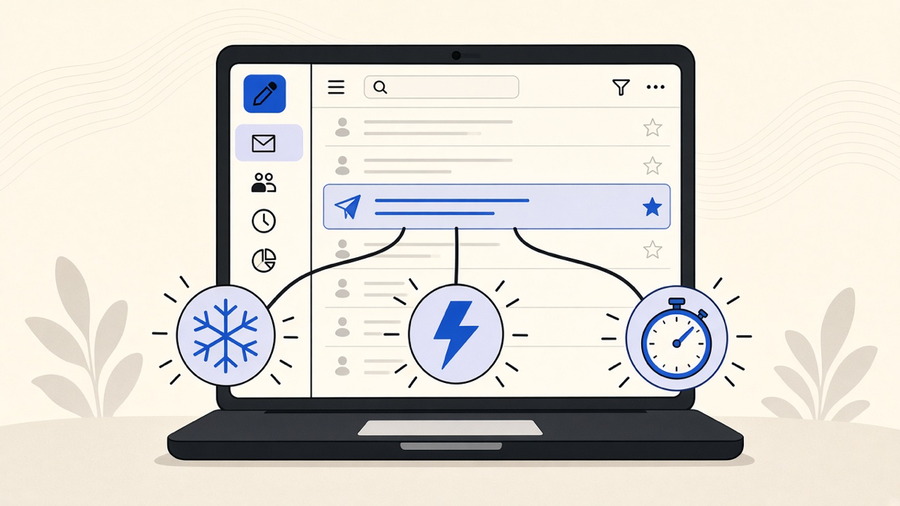
Sales email automation works when a message goes out because a prospect did something, not because a calendar told a tool to fire. Most teams set up “automation” that is really just scheduled sending, then wonder why reply rates never move. The fix is knowing which of three different things you actually need: cold email automation to start conversations, triggered emails to react to behavior, or a sales cadence to keep a rep’s follow-ups from dying in a drafts folder.
Cold email automation is not the same job as triggered emails
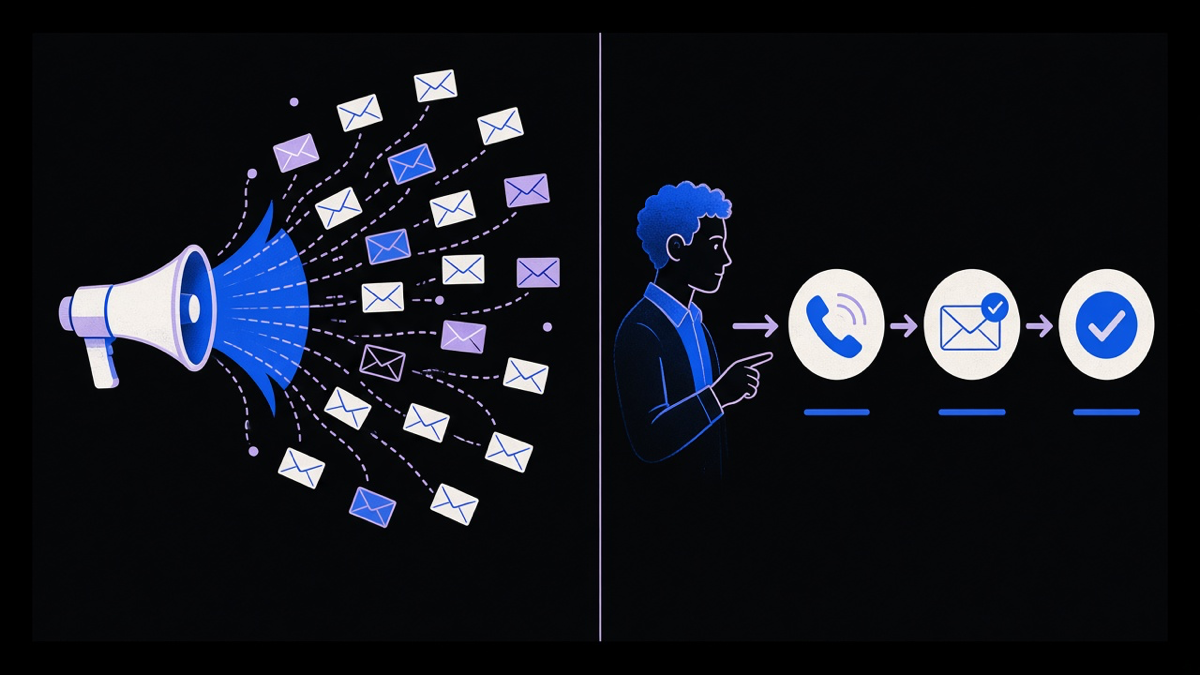
Cold email automation exists to start a conversation with someone who has never heard of you. It needs a list, a sequence of messages, and a way to stop sending the moment someone replies. Triggered emails do the opposite job: they react to something a person you already know did, or stopped doing. Braze’s rundown of email automation puts it plainly, the emails that convert “feel like they arrived just in time,” and that timing comes from behavioral signals, not a batch send at 9am on a Tuesday.
Mailchimp’s glossary entry lists the classic triggered examples: a welcome email when someone joins a list, a product recommendation after a purchase, a cart abandonment nudge when checkout stalls. None of those are cold outreach. They fire off an action a known contact already took. Cold email automation, by contrast, is guessing at a first move with someone who owes you nothing yet, which is why the rules for it are stricter: smaller batches, more personalization per send, and a hard stop the second a reply lands. Treat the two as one settings panel in the same tool and you get cart-abandonment cadence logic applied to strangers, which reads as spam because it is.
The useful split here is not “manual versus automated.” It is “reactive versus initiating.” A sequence that waits for a signal is doing a different job than one that starts cold, and conflating them is how a cold email automation setup ends up sending the wrong tone to the wrong audience.
Email automation tools versus sales engagement platforms
This is where most buying decisions go sideways. Marketing automation platforms like Mailchimp are built for broadcast lists and behavioral triggers at volume. Sales engagement tools like Salesforce’s Sales Engagement product are built around a single rep’s queue: one prospect, one thread, one next action, with email, calls, and tasks unified into a to-do list instead of a campaign calendar. A Grubhub operations manager quoted on Salesforce’s own product page put it well: having one platform beats “having 87 open” tabs.
Salesforce calls its version of a sequence a “cadence,” step by step instructions that guide a rep through prospecting touches across email, phone, and social, with automation handling the reminders and AI suggesting the next move. Close, a CRM built specifically around cold outreach, packages the same idea as “Workflows,” smart-view segments that trigger a mix of emails, calls, and tasks. Different vendor, same underlying job: a sales sequence that a human rep still drives, versus a marketing automation flow that runs without one.
Here is the opinion part. Most teams only need 10 to 20 percent of what a full sales engagement platform does, and they end up paying full platform price for a feature set they use a sliver of. A five person sales team chasing forty leads a month does not need Salesforce’s call transcription and buyer-intent scoring. It needs a reliable sequence tool bolted to whatever CRM it already pays for. Buy the slice you need, not the platform that happens to include it, and revisit the bigger tool once the team outgrows the slice. That is a real tradeoff. You give up some future-proofing and a vendor’s roadmap of new AI features you were never going to configure anyway.
We have built this custom for clients before rather than defaulting to another subscription. One HR startup needed every inbound and outbound touch, across email and a few third-party systems, tied into a single set of triggers and responses. Off-the-shelf sales engagement tools did not model their intake process, so we built the trigger logic directly against their own data instead of forcing their workflow into someone else’s cadence builder.
Automating recurring sends in Gmail and Outlook without a platform
Not every team needs a platform at all. If the job is a recurring internal update or a scheduled check-in, both Gmail and Outlook can automate a send without a third-party tool. In Gmail, you write the draft, use Schedule Send for a one-off, or pair a Google Apps Script with a time-driven trigger for anything that needs to repeat on a fixed interval. Outlook’s version is a Quick Step combined with a rule, or, for anything more structured, a Power Automate flow triggered on a calendar schedule or an inbox event like a specific sender landing a message.
These built-in tools are fine for automated emails that follow a fixed calendar: a weekly status note, a monthly invoice reminder, a report that always goes out the first Monday of the month. They fall apart the moment the send needs to depend on what a prospect actually did. Gmail and Outlook do not know if someone opened your last email, clicked a link, or went quiet for two weeks. A native mail client rule fires on the calendar and the calendar only. Automated emails and triggered emails sound like synonyms until you need one to look inside customer behavior and the other one can’t.
That gap is exactly where dedicated automation tools earn their subscription fee. The moment you need “send this only if they did not reply” logic, you have left native mail rules behind and entered email automation tools territory, whether that is a marketing platform, a CRM sequence, or a bit of custom scripting against an email API.
Building a sales follow-up email sequence that people answer
Pipedrive’s research on this points at a real cost most teams ignore: reps lose a reported 40 percent of their selling time to manual data entry and tab switching, which is exactly the overhead a follow-up sequence should be removing, not adding to. A follow-up email is not a cold email restated with more urgency. It comes after real contact, a demo, a call, a meeting, and its job is to recap what was said and name the next concrete step, not to re-pitch the product from scratch.
The follow-up sends that actually get replies share a pattern: they reference something specific from the prior conversation, they ask one question instead of three, and they stop after a defined number of touches instead of running forever on autopilot. AI can draft a competent first pass at that recap email once it has the call notes, but it still needs a human to check the ask before it goes out. Large language models are useful for filling in a known pattern at volume. They are a long way from running an entire outbound motion unsupervised, and treating a sales sequence as something you can fully hand off is how a sequence quietly drifts into six generic touches nobody wanted to open.
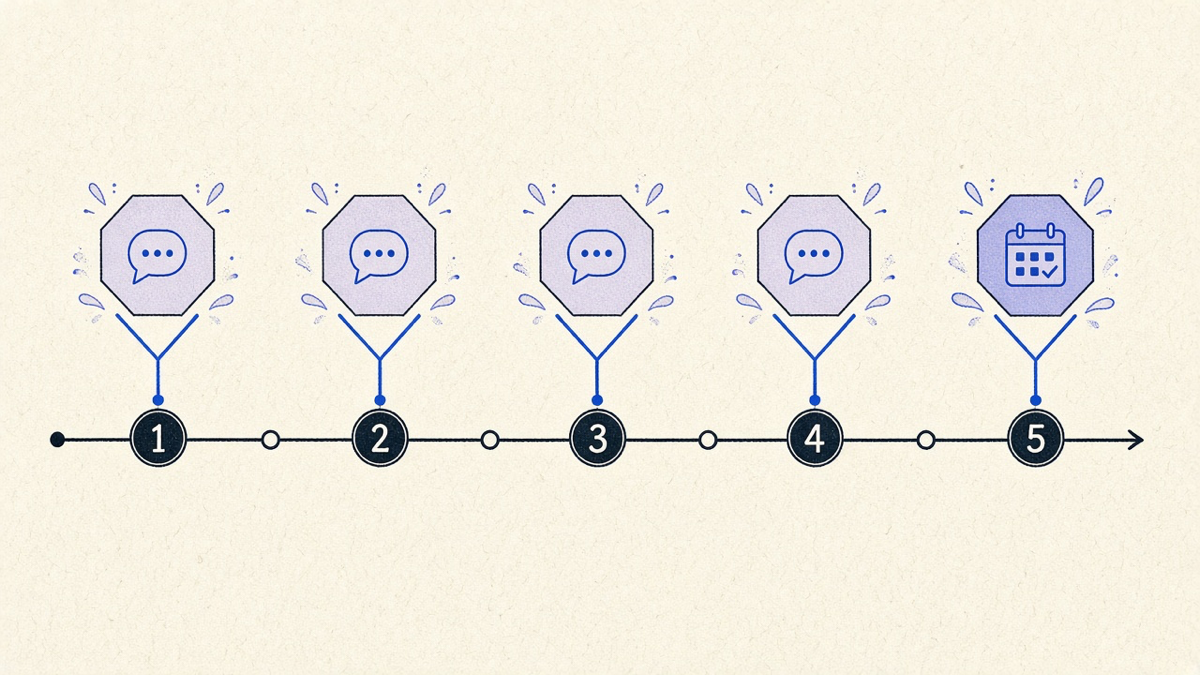
Build the sequence around a stop condition first: reply, meeting booked, or explicit no. Everything else is a scheduled nudge, and a good sales follow-up email sequence knows the difference between persistence and noise. Three to five touches spaced a few business days apart, each one shorter than the last, beats an eight-email drip that a prospect mutes by touch three.
Get the split right between cold outreach, triggered response, and rep-driven cadence, and the automated emails you send stop competing with each other for the same inbox slot. That is the actual return on sales email automation: fewer sends that matter more, not more sends that arrive on schedule regardless of whether anyone asked for them.