

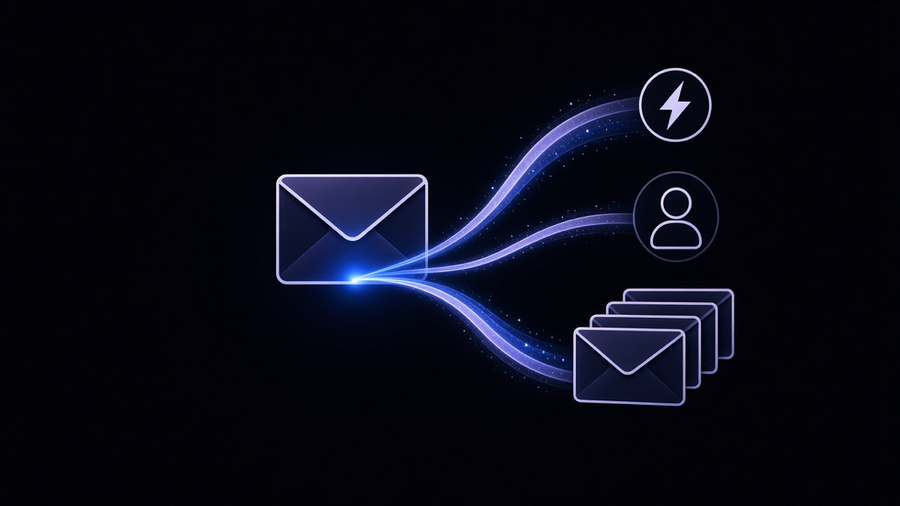
Automated emails are messages a system sends without a person clicking send, and the term covers three genuinely different jobs that get lumped together constantly: triggered emails that respond to something a customer did, inbox rules that answer mail while you’re away, and mass sends to a whole list at once. Twilio’s own definition draws the important line: an automated email is “any message automatically sent from your email service provider in direct response to an individual user’s specific actions made, or not made.” That’s a behavior-driven send, not a broadcast, and confusing the two is the single most common reason an automated email program underperforms before anyone even checks the copy.
Triggered Emails vs Scheduled Sends vs Mass Email
Triggered emails fire off a specific action: someone signs up, abandons a cart, or goes quiet after being active. Braze frames the difference cleanly: automated programs are “behavior-driven vs schedule-driven,” “continuous vs episodic,” and built around “individual vs segment.” A traditional campaign runs on a calendar and hits everyone at once. A triggered email runs on a timeline that belongs to the customer, not the brand.
Mass email is neither of those. It’s one message to a whole list on a schedule, and that’s fine when the goal is a launch announcement or a newsletter, not fine when it’s dressed up as personalization. Mailchimp’s glossary defines email marketing automation as “the use of predefined rules to trigger email messages and personalize your messages based on specific actions customers take, or don’t take.” The rule matters more than the software. A mass send with someone’s first name merged in is still a mass send. Rightmove, the UK property platform, pushes between two and six million emails a day and had to rebuild its sending infrastructure around IP warming and audience segmentation just to keep a 99%+ delivery rate, according to Braze’s case study on the migration. That’s the mass-email problem at real scale: deliverability is an engineering project, not a checkbox.
My take on the tension every vendor guide dances around: businesses reach for automation platforms to sound sophisticated when the actual gap is a badly maintained list and no segmentation logic. A triggered welcome sequence on a clean list of 500 people beats a marketing automation platform pointed at a scraped list of 50,000. The tool never fixes what the list strategy broke.
Automated Emails in Outlook: Rules, Auto-Replies, and What They Can’t Do
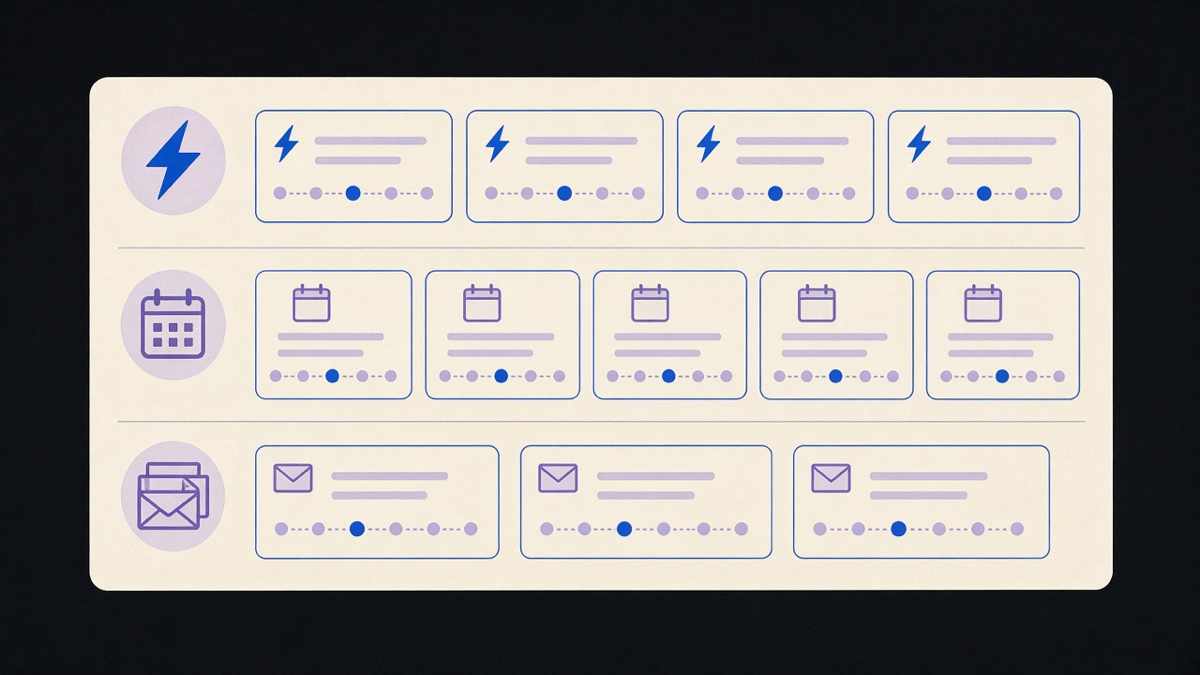
Outlook handles automated email response two ways, and neither one is marketing automation, no matter what a vendor’s landing page implies. Rules run inside your own inbox: if a message matches a sender, subject, or keyword, Outlook moves it, forwards it, or replies with a template automatically. Automatic Replies, the feature most people call “out of office,” sends one canned response per sender for a set window and stops there. It’s a stopgap, not a sequence: it can’t wait three days and follow up, and it can’t tell a lead from a newsletter.
Where Outlook automation earns its keep is routing, not persuasion. A rule that flags anything from a specific client domain, or auto-forwards invoices to accounting, removes a manual sorting step every single day without anyone touching a marketing tool. The Zapier team put it plainly: automation “eliminates many of these repetitive decisions” inside a single inbox, tagging, filing, or escalating a message based on logic instead of memory. That’s the honest scope of what Outlook alone does. If a business needs a sequence, a delay, or behavioral branching, a marketing platform or a connector like Zapier has to sit on top of it, which is exactly the setup covered in how to automate emails in Outlook and Gmail.
Automated Emails in Gmail: Filters, Canned Responses, and the Vacation Responder Trap
Gmail’s version of the same toolkit is filters plus canned responses plus the vacation responder, and it has the identical ceiling as Outlook’s rules. Filters route mail on arrival, canned responses (built into Gmail Labs) fire a saved reply when a filter matches, and the vacation responder answers once per sender for a window, then goes quiet. None of these three track whether someone opened the first message, none of them branch based on a click, and none of them stop when a human takes over the thread, a gap that causes the well-known embarrassment of an auto-reply firing after someone already answered in person.
The dry truth here: Gmail’s automation was built to protect your time, not to run a campaign, and treating it as a marketing tool because it’s free is how a well-meaning founder ends up mass-emailing a client list through a personal Gmail account and getting rate-limited by Google mid-send. That’s not a hypothetical, it’s the standard failure mode for anyone trying to skip a real sending platform. An automated email response inside Gmail is a triage tool. A behavior-driven sequence is a different product, and no amount of filter-stacking turns one into the other.
How to Send Mass Emails Without Getting Flagged as Spam
Sending mass email correctly starts with the legal line Twilio draws between message types: transactional emails (receipts, password resets) can’t carry much promotional content under CAN-SPAM and CASL, while marketing email can, but only to people who opted in. Mixing the two, a receipt with a coupon bolted on, is a common way small businesses trip compliance rules they didn’t know applied to them.
Past the legal line, deliverability is the real mechanic. A sender reputation builds slowly: new domains and IPs need to ramp volume gradually, not blast a full list on day one. Braze’s Rightmove case shows the other end of that spectrum, procuring 11 new IP addresses and segmenting by engagement level before sending at full volume, and cutting bounce rates in half in the process. Most small businesses don’t need 11 IPs. They need to stop sending their entire list every time and start sending to people who’ve actually opened something in the last 90 days. A sales email automation sequence aimed at warm leads will outperform a cold mass blast to the same list every time, because the trigger, someone engaging, already did half the targeting work.
Automated Follow-Up Emails and When a Platform Beats Inbox Rules
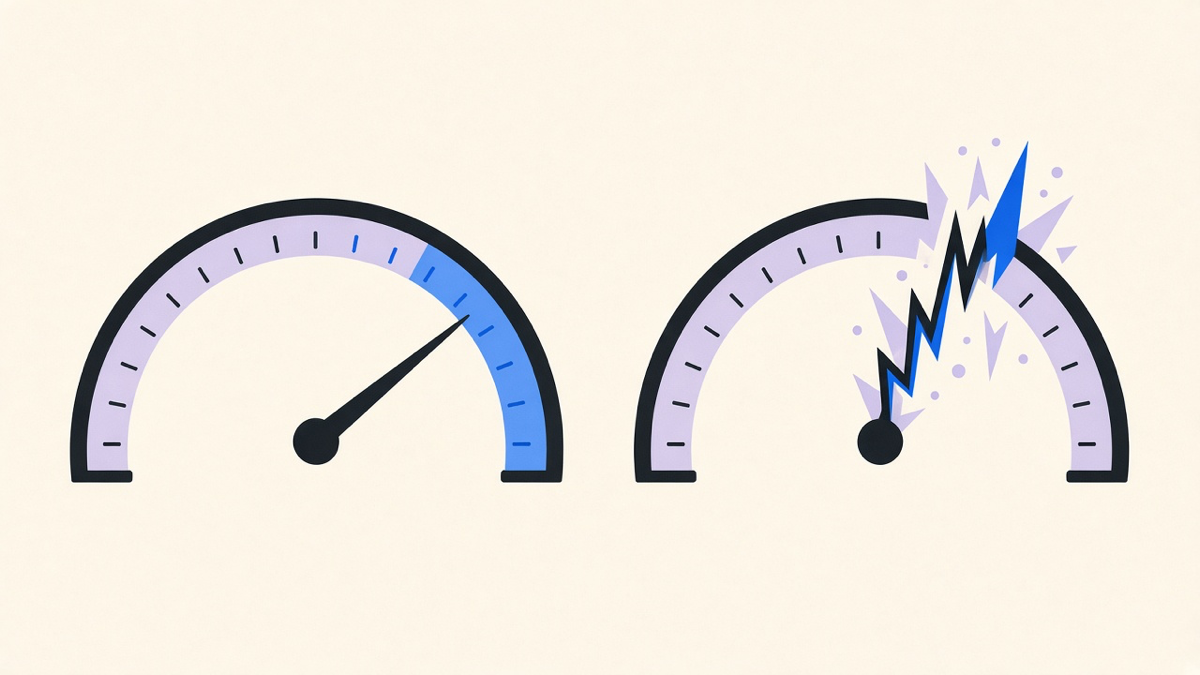
The honest answer to “which tool should I use” depends on whether the automation needs to remember state. Inbox rules and Gmail filters are stateless: they react to one message at a time and forget it happened. A real follow-up sequence needs to know whether someone replied, whether they clicked, and whether to wait two days or five before the next nudge. That’s the job automated follow-up emails exist to do, and it’s also where a dedicated platform, not an inbox rule, becomes worth the setup time.
Zapier’s framing of the difference is useful here: personal inbox automation “can include tagging messages, saving attachments, or sending auto-replies,” while marketing automation is “focused on scaling one-to-many communication with leads, customers, or subscribers” through drip sequences and behavior triggers. Picking the wrong one for the job is the actual failure mode, not picking a bad brand. A three-person team chasing 40 leads a month doesn’t need a full marketing suite; an inbox rule and a shared spreadsheet covers it. A team running triggered onboarding across 10,000 signups needs the platform, the segmentation, and someone watching deliverability, the way Stash saw a 72% jump in email open rate and a 20.34% deposit-conversion rate after rebuilding a single onboarding sequence around individual drop-off points instead of one generic schedule, per Braze’s case data.
That’s the concession worth naming: a proper platform costs setup time and a monthly fee inbox rules don’t. Pick it anyway once volume or personalization outgrows what a filter can track, and evaluate the options the same way you’d evaluate any other vendor, which is what email automation tools actually walks through feature by feature. Ecommerce brands layering automated emails onto triggered marketing emails inside their store platform get the same behavior-driven logic without standing up a separate system, which is usually the fastest path for a store that already has the trigger data sitting in its own checkout flow.