

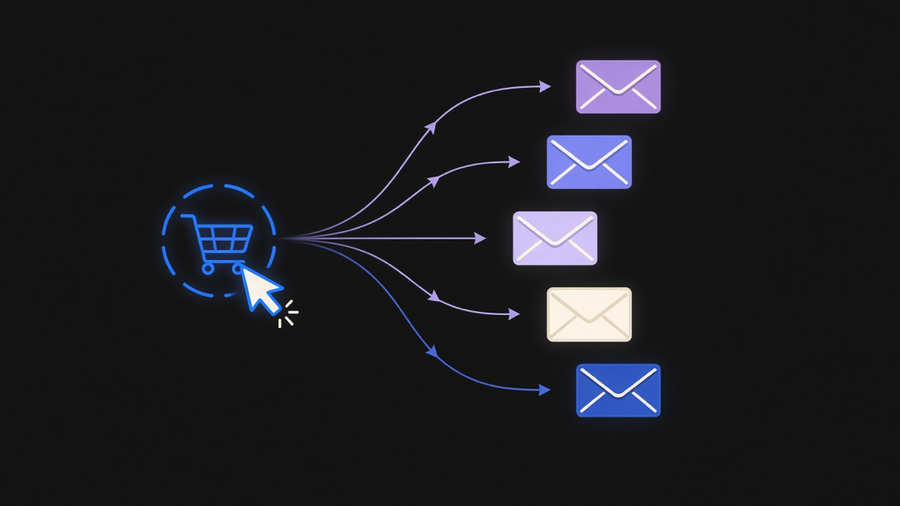
Email automation is a system that sends a message automatically when a customer does something, a signup, a purchase, an abandoned cart, instead of a person writing and hitting send. The tool is the software that watches for the trigger and fires the message: Mailchimp, Klaviyo, ActiveCampaign, Twilio SendGrid, and a dozen others compete on the same basic loop of trigger, condition, action. If you are shopping for one, the categories matter more than the feature list, because most of these platforms do the same three things with different labels stuck on top.
What Email Automation Actually Means
Mailchimp’s own glossary defines it as “predefined rules to trigger email messages and personalize your messages based on specific actions customers take, or don’t take.” That’s the whole mechanism. A trigger fires (a form submit, a cart sitting untouched for twenty minutes, a product page viewed three times), a condition checks whether the contact qualifies, and an action sends the message. Nothing about that loop requires machine learning or a chatbot bolted on top, despite what a lot of vendor pages imply. It is closer to a light rules engine than to anything resembling autonomous marketing.
This is worth being precise about because “automated emails” gets used loosely to mean anything from a scheduled newsletter to a full lifecycle program. A scheduled send is not automation, it still requires someone to decide when to send it. Automation means the software decides based on behavior, without a person touching the send button that day. If you want the fuller breakdown of that distinction, including where a plain autoresponder ends and true behavioral automation starts, that’s covered in what automated emails are.
The mechanism runs on data plumbing most buyers never see. Website analytics has to hand off events to the email platform, usually through a webhook or a pixel, before any trigger can fire. A tool with a beautiful visual workflow builder is worthless if the event data feeding it is stale or missing fields, which is the actual cause of most “our automation isn’t working” support tickets, not a broken workflow.
Email Marketing Automation Examples That Move Revenue
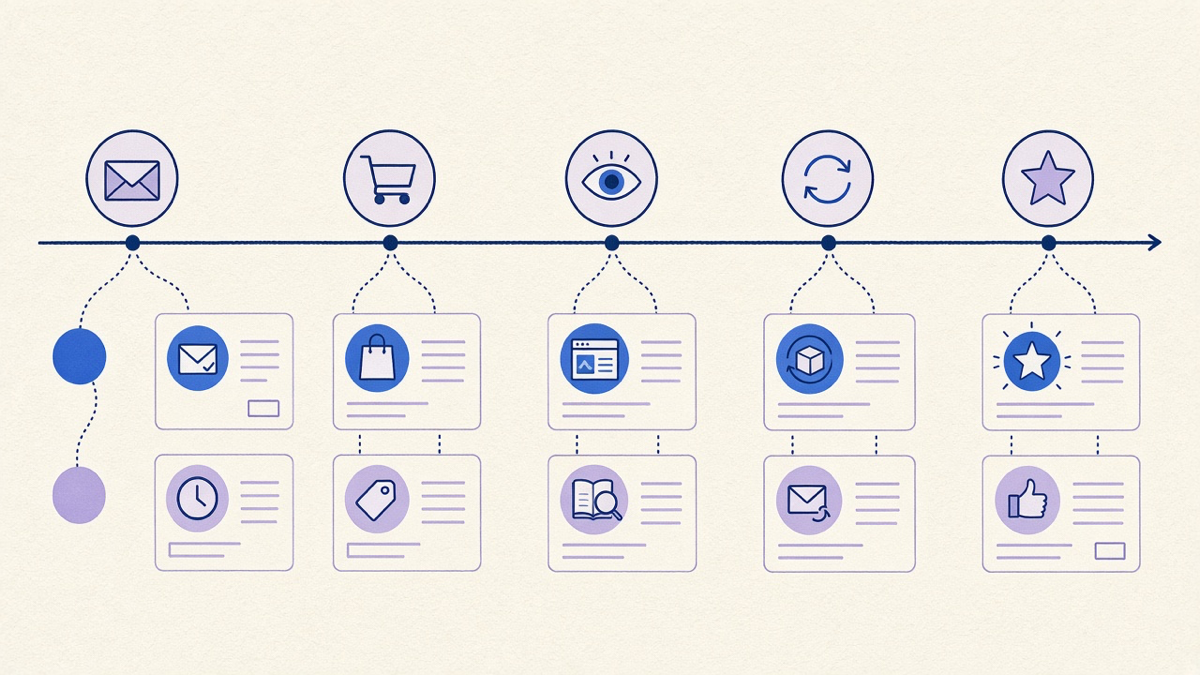
The examples that show up across every vendor’s case studies are the same five, because they are the five with the clearest trigger and the most reliable payoff.
Welcome series. Fires the moment someone joins a list. Mailchimp’s own data puts welcome emails at four times the reads and five times the clicks of a standard promotional send, and credits them with generating up to 320% more revenue per email than a regular campaign. That gap exists because the recipient just made a decision to hear from you, which is the single best moment you get all year to say something worth reading.
Abandoned cart recovery. Roughly 70% of e-commerce shoppers leave a cart without finishing checkout, per the same source, for reasons ranging from shipping sticker shock to a login wall nobody wants to deal with. The recovery email works because it targets a person who already decided to buy, not someone you’re persuading from zero.
Browsing and lead nurture. Triggered by repeated visits to a category or product page rather than a single event. The flow sends more detail on the thing the visitor keeps looking at, which reads as helpful rather than as a pitch, assuming the segmentation is tight enough to avoid sending someone three emails about a product they already bought.
Win-back. Targets contacts who have gone quiet for 60 to 90 days, with an offer built off past purchase history rather than a generic discount blast.
Post-purchase and review requests. Fires after delivery confirmation, asking for a review or suggesting a complementary product. This is also where personalized product recommendations pay off best: Mailchimp cites a 150% average lift in sales per email opening when the recommendations are personalized instead of generic.
Shopify stores lean on a version of all five natively through Shopify Email and its marketing flows, which cover welcome, abandonment, and win-back out of the box without a separate platform. Whether that native layer is enough or you need a heavier tool depends more on catalog size and segmentation needs than on brand loyalty to Shopify, a point worth reading in full if you’re running Shopify Email and marketing flows already and wondering when to graduate off them.
The Three Tool Categories Doing the Work
Every “email automation tool” on the market falls into one of three buckets, and vendors blur the line between them on purpose because the pricing tiers get better the higher up you go.
ESP automation (Mailchimp, Constant Contact, Klaviyo) handles the five flows above and lives inside the same tool you use for newsletters and campaigns. This covers most small and mid-size stores completely.
Journey or CDP platforms (Twilio’s Segment and Engage stack, Braze, Iterable) add cross-channel orchestration, so a single journey can hop from email to SMS to push based on which channel the contact actually responds to, backed by a real customer data layer rather than a list. This tier earns its cost when you have multiple channels and enough volume that a unified customer record actually changes outcomes, not because the dashboard looks sharper.
Transactional email (SendGrid, Postmark, SES) is a different job entirely: password resets, order confirmations, shipping notices. These are one-to-one, not one-to-many, and they get sent at open rates and speeds that a marketing-focused ESP isn’t built to guarantee. Mixing transactional volume into a marketing sending pool is a fast way to get your welcome series flagged as spam.
Most vendor comparison posts flatten these into one buying decision, which is exactly backward. You are usually choosing one tool per category, not one tool total.
What to Actually Check Before You Buy One
Here’s an opinion worth stating plainly: most teams buying an email automation platform will use 10 to 20% of what they’re paying for. The visual journey builder, the AI subject line generator, the predictive send-time feature, most of that sits unused after month two while the account still gets billed at the tier that unlocked it. Pick the tool that does your actual five flows well, cheaply, and skip paying for a journey orchestration layer you don’t have the traffic to justify.
Check three things before signing a contract. First, whether the platform’s trigger list actually covers your events (cart abandonment triggers are standard, but “viewed product three times” is not always included at the base tier). Second, whether deliverability is separated from your transactional sending, so a marketing blast can’t tank your password reset emails. Third, whether the reporting shows revenue per flow, not just opens and clicks, since open rate alone tells you nothing about whether the win-back flow paid for the tool.
If your actual need is two or three flows and not a platform, you can build those directly with a lighter setup and skip the seat-based pricing tier entirely, which is worth reading in automate without a full platform before you commit to an annual contract. We built exactly this kind of trigger-and-response system for an HR startup client that needed both inbound and outbound automation across email and a few third-party tools, without adopting a heavyweight platform they’d only use a fraction of.
Where Email Automation Stops and Sales Automation Starts
Email automation tools are built for one-to-many behavioral triggers. The moment you need a rep-facing sequence, a follow-up cadence tied to a deal stage, or reply detection that pulls a lead out of a sequence automatically, you’ve crossed into sales email automation territory, which runs on a different data model built around a CRM record, not a subscriber list. Trying to force that workflow into a marketing ESP usually means duct-taping custom fields onto contacts that were never meant to carry deal stage data.
For teams running full outbound motions, sales engagement platforms exist specifically to handle that rep-facing layer, with call logging and multi-channel sequencing marketing tools don’t attempt. Marketing sends to a list. Sales automates a conversation with a named person who might reply at any point and change the whole plan. Confusing the two is why so many “email automation” evaluations stall out comparing tools that were never solving the same problem in the first place.