

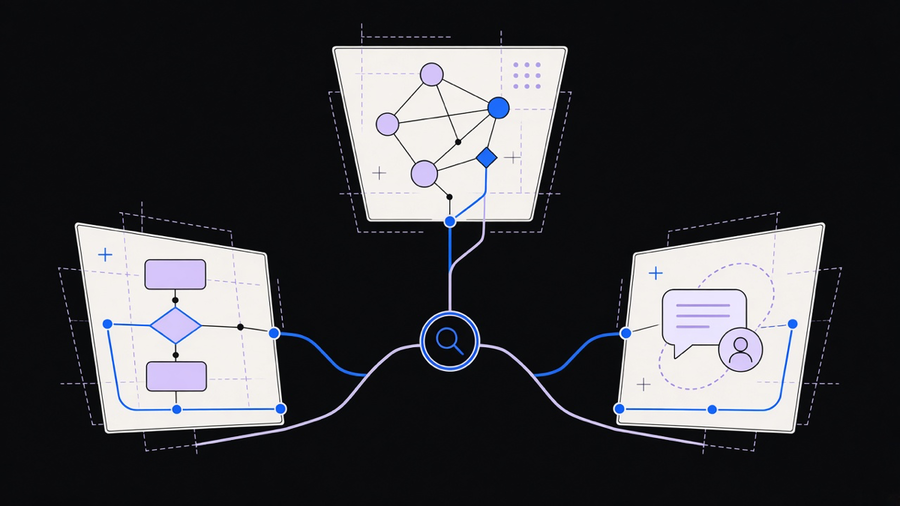
An AI workflow builder is a tool that turns a plain-language instruction into a running multi-step process, handling the triggers, logic, and data movement so you describe the outcome instead of wiring every step by hand. That is the one-sentence version every vendor agrees on. What they do not agree on is what the tool actually is once you open it. Zite generates an app plus a database plus a workflow from a sentence. n8n gives you a canvas of nodes you connect yourself, with an AI assistant that can build the chain for you if you ask. SketricGen’s whole pitch is that neither of those counts unless the tool can classify, decide, and route without a human picking the branch. Same search term, three different products, and picking wrong is how a five-person team ends up paying enterprise prices for an app generator when a canvas would have done the job. If you are still comparing this whole category at the top level, our broader rundown of AI automation tools is the place to start before narrowing to a builder specifically.
What An AI Workflow Builder Actually Does, Versus A Chatbot Or A Zap
The clean way to separate a workflow builder from the trigger-action tools it gets lumped in with: a Zap fires a fixed rule, “when X happens, do Y,” every time, the same way, forever. A chatbot answers one question in one session and forgets you the moment the tab closes. A workflow builder sits in between and above both. SketricGen’s four-layer model is a useful way to see the difference: trigger, context, AI logic, action. Trigger and action are the parts a rule engine has always done. Context and AI logic, the layer that classifies an input, generates a draft, or routes a case based on what it actually says rather than a keyword match, is the part that makes it an AI workflow builder and not a fancier if-then chain.
The chatbot confusion is worth naming directly because so much of the market sells one as the other. A support chatbot handles a single conversation with one person and hands off when it runs out of script. A workflow builder is meant to touch five or fifteen systems in one run without a person in the loop for every step. If your actual need is a smarter FAQ box on your site, you want AI productivity tools, not a no-code AI workflow builder, and buying the workflow platform for that job means paying for orchestration you will never use. This is also where AI workflow automation is the better search term if what you are after is the agent making the decision, not the builder that assembles it.
AI Workflow Automation Tools Versus The iPaaS Tools They Get Compared To
Every roundup we checked puts Zapier, Make, and n8n in the same table as tools that market themselves as AI-native, and that comparison is doing real work whether the vendors admit it or not. The honest distinction: iPaaS tools connect SaaS apps through APIs and route data on fixed conditions. AI workflow automation tools add a semantic decision as a first-class step, summarizing, classifying, or generating content as part of the chain, not as a connector bolted on after the fact. Zapier’s AI Copilot can now draft the Zap itself, and Make ships native AI modules for the same job. That is a real upgrade to an iPaaS tool. It is still an iPaaS tool with an AI feature, not the agent-first category SketricGen and Vellum are selling.
The stakes are not academic. One vendor cites an Atlassian survey where 46% of product teams name poor integration with existing tools as their biggest blocker to shipping AI features faster, which tracks with what actually breaks these builds in practice: the AI step works fine in isolation and then falls over the moment it has to write back into a CRM with a schema nobody documented. A separate report the same vendor cites puts the number of enterprise AI pilots that reach production at 5%, and the stated reason is not that the model failed, it is that nobody built the observability and versioning layer around it. A workflow that summarizes an email correctly in a demo and then silently drifts three months later because nobody is watching its outputs is not a smaller version of that same problem. It is that problem.
Here is the part worth being blunt about: AI is not close to an autopilot you point at a business process and walk away from. The best results out of any of these tools still take someone who understands the process well enough to write the prompt, define the guardrail, and catch the case where the model is confidently wrong. A workflow automation tool with an AI step bolted on is not a replacement for that person. It is a faster set of hands for them.
What The Best AI Workflow Tools Actually Cost, And What You Get For It
Pricing across this category is a mess of different units, which makes side-by-side comparison harder than it should be. Zapier charges per task, where every step in a Zap counts as one, so a five-step approval chain burns five tasks per run against a 750-task plan that starts around $19.99 a month. Make charges per operation instead, with a paid plan starting near $9 a month for 10,000 credits, which is the cheaper unit if your workflows are step-heavy. n8n’s cloud plan starts around $20 a month but counts a whole workflow execution as one unit regardless of how many steps it has, so a fifteen-step chain that would burn fifteen Zapier tasks costs the same as a one-step n8n run. That single fact changes which tool is actually cheaper long before you compare feature lists. n8n’s community edition is also free to self-host with no execution cap, which is the option nobody in the sales calls brings up first.
Zite and Stack AI sit further up the stack, closer to a generated application than a workflow canvas, with Zite starting around $15 a month for its no-code app-and-workflow generator and Stack AI pricing custom for SOC 2 and HIPAA-grade enterprise agent deployments. If you are shortlisting, the honest comparison is not a single winner, it is n8n vs Zapier vs Make for the accessible middle of the market, plus a fourth column for whichever agent-native platform actually matches your compliance and scale requirements. Most teams never touch the top end of any of these plans. That is worth saying out loud, because most customers only end up using 10 to 20 percent of what a platform actually offers, and the remaining 80 percent is what the invoice is quietly charging you for anyway.
What “No-Code” Actually Means Once You Are Inside The Builder
No-code does not mean zero learning curve. It means no syntax. You still have to think in triggers, conditions, data mapping, and loops, the same logic a developer writes in code, just expressed through a visual canvas or a sentence instead of a script. SketricGen’s honest framing of the two failure modes here is worth repeating because both show up constantly: trying to automate everything on day one instead of starting with the single process you run twenty or more times a week, and reaching for a heavyweight tool like a self-hosted n8n instance when a five-person team just needs Zapier’s free tier and a Tuesday afternoon.
The app-count heuristic from the research is a decent gut check before you commit budget: two to five standard SaaS tools point you toward Zapier, six to fifteen apps with real branching logic point toward Make or n8n, and internal tools plus custom APIs plus multiple models point toward a purpose-built agent platform. n8n is the most flexible option on that list and also the least approachable one without someone technical driving it, which is a tradeoff every vendor page glosses over with a screenshot of a clean canvas and none of the JavaScript you eventually write once a node cannot do what you need. A no-code AI workflow builder still needs someone who understands the business process well enough to know when the model got the classification wrong, and that person’s judgment is the actual product you are buying, not the drag-and-drop interface around it.