


The right AI productivity tool depends on which job you’re buying for, not which chatbot has the best demo. Orchestration tools connect the apps you already run. Point tools do one job well and stop. Suite copilots (Copilot, Gemini) ride inside software you’re already paying for. Confuse those three categories and you end up with five subscriptions doing the same thing badly instead of one doing it well.
Pick an orchestration layer before you pick a chatbot
Zapier’s own pitch for AI productivity tools starts with a problem most buyers skip past: more than four in ten enterprises are already running multiple AI vendors at once, and close to eight in ten say they’re struggling to integrate AI with their existing tech stack. That’s the argument for treating orchestration as the first decision, not the last one. Zapier’s answer is Copilot for building Zaps in plain language, AI by Zapier for using a model inside a workflow without an API key, and Zapier MCP so a tool like ChatGPT or Claude can trigger actions across roughly nine thousand connected apps.
Gumloop takes a narrower, more honest angle on the same problem: judge a tool by whether you can swap the underlying model (Claude, ChatGPT, Gemini) without losing your workflow, whether it pays off in the first ten minutes, and whether the pricing is transparent instead of enterprise-gated. That’s a lower bar than “orchestrates everything,” and it’s the bar most teams should actually be shopping against. If you’re weighing the heavier automation platforms in this category, the differences between workflow automation tools like Zapier, Make, and n8n matter more than any single AI feature bolted on top, and the Zapier alternatives worth trying usually come down to two real contenders, not a dozen.
Naturally, the vendor with nine thousand integrations also sells you the fix for the integration problem it just described. That’s not a knock, it’s just worth noticing before you sign an annual plan.
Best AI tools for business map to five different jobs, not one list
Ask ten people what “the best AI tools for business” means and you get ten different departments answering. Slack curated fifteen business categories with three tools apiece, filtered to a minimum 4-out-of-5 rating on G2, Capterra, or Gartner: Intercom, Ada, and Zendesk AI for support chatbots, HubSpot, Marketo, and Mailchimp for marketing automation, Power BI, Zoho Analytics, and Tableau for reporting. None of those tools compete with each other. They’re not even shopping in the same aisle.
Coursera’s list for the same keyword goes a different direction entirely: Notion AI, Microsoft Copilot across Word, Excel, and PowerPoint, Gemini in Workspace, and Claude for its longer context window, all filed under “train it on your company’s own data.” That’s a governance decision with a data-residency question attached, and it’s a different purchase than picking a support chatbot. A business that buys a copilot and calls it a strategy has bought a feature, not a plan.
Here’s the actual opinion: most businesses shopping this keyword should stop looking for one winner and instead decide, department by department, whether they need a horizontal copilot sitting inside existing software or a vertical system built for one job. Pick the vertical system for support, sales, and finance every time, because those workflows have compliance and audit requirements a general chatbot was never built to carry. When a general-purpose assistant starts routing customer tickets or approving numbers, you’ve stopped buying a copilot and started running an unmanaged workflow, which is exactly where a proper AI workflow builder earns its keep instead.
Best AI tools for small business cost less than the enterprise roundups suggest
The mega-roundups bury the small-business case under fifty-tool lists built for companies with a dozen departments to automate. Strip that down and the actual small-business stack looks closer to five subscriptions than fifty. Gumloop’s Kick handles bookkeeping for freelancers and small teams: receipt matching, expense categorization, subscription tracking, with a free tier capped at $25,000 in annual expenses and a Basic plan at $35 a month once you outgrow it. Loom’s free tier covers twenty-five async videos before you’d ever need the $18-a-month Business plan. Pomelli, a free Google Labs tool, extracts a “brand DNA” from your existing website and generates on-brand social creative for a solo marketer with no design budget.
Add those up against Gumloop’s own $37 Pro plan and Wispr Flow’s $12 dictation tier, and you get a small-business AI stack for under a hundred dollars a month, not the enterprise-scale integration budget most roundups assume. That gap between “here are fifty tools” and “here’s what a five-person company actually needs” is where most of these lists fail small operators, and it’s the same gap we walk clients through in AI automation for small business: where to actually start.
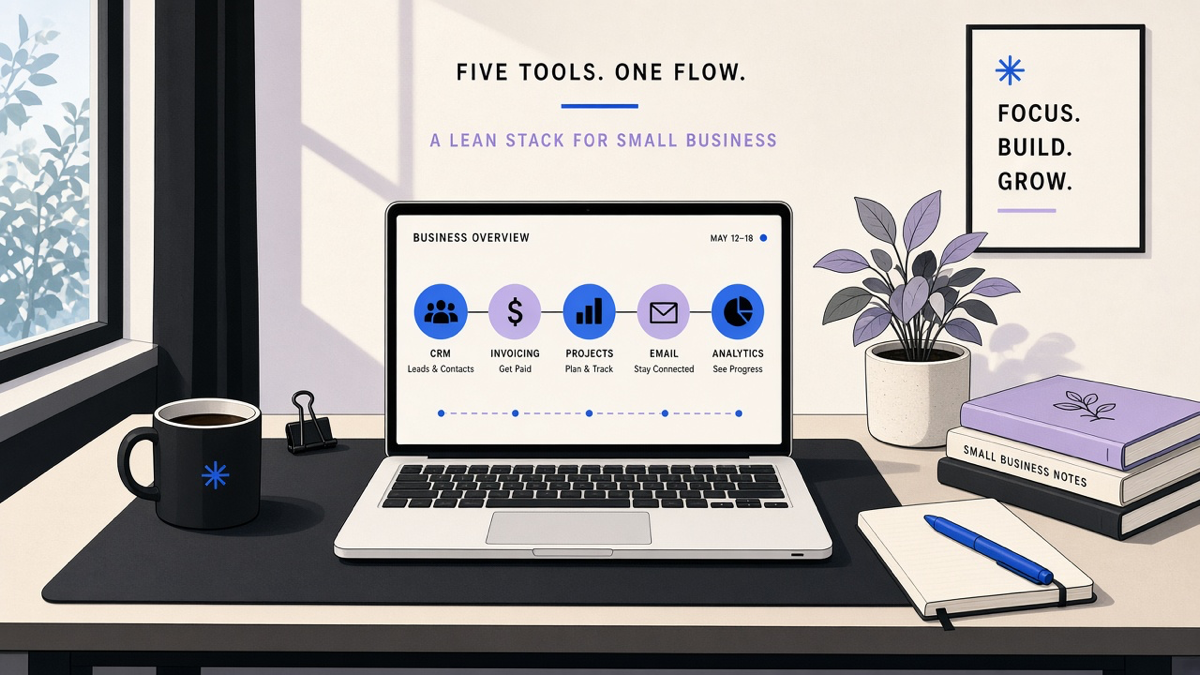
Most customers only ever need ten to twenty percent of what a platform-scale tool sells, and small businesses are the ones stuck paying for the other eighty percent. Buy the slice you’ll use.
AI tools for office work mean the inbox, the calendar, and the meeting, not the chatbot
Office work AI has a branding problem: everyone assumes it means a chat window, and the actual daily grind is email, scheduling, and notes. Zapier notes that people spend roughly a month a year managing work email alone, which is why Shortwave (Gmail-only drafting and summarizing), Microsoft’s Copilot Pro for Outlook, and Gemini in Gmail all exist as the same fix wearing different logos. Clockwise pitches saving an hour a week by rearranging your calendar around focus time; Motion and Reclaim do versions of the same job from different angles.
Meetings are where the tooling gets genuinely useful. Granola records audio locally, without a bot joining the call, and merges your typed notes with the transcript afterward. Companies like Ramp and Linear use it internally, which says more about it than any marketing page could. Wispr Flow does the same trick for dictation, letting you talk instead of type across whatever app you’re in, though it’s noticeably worse for writing you actually need to think through than it is for quick messages.
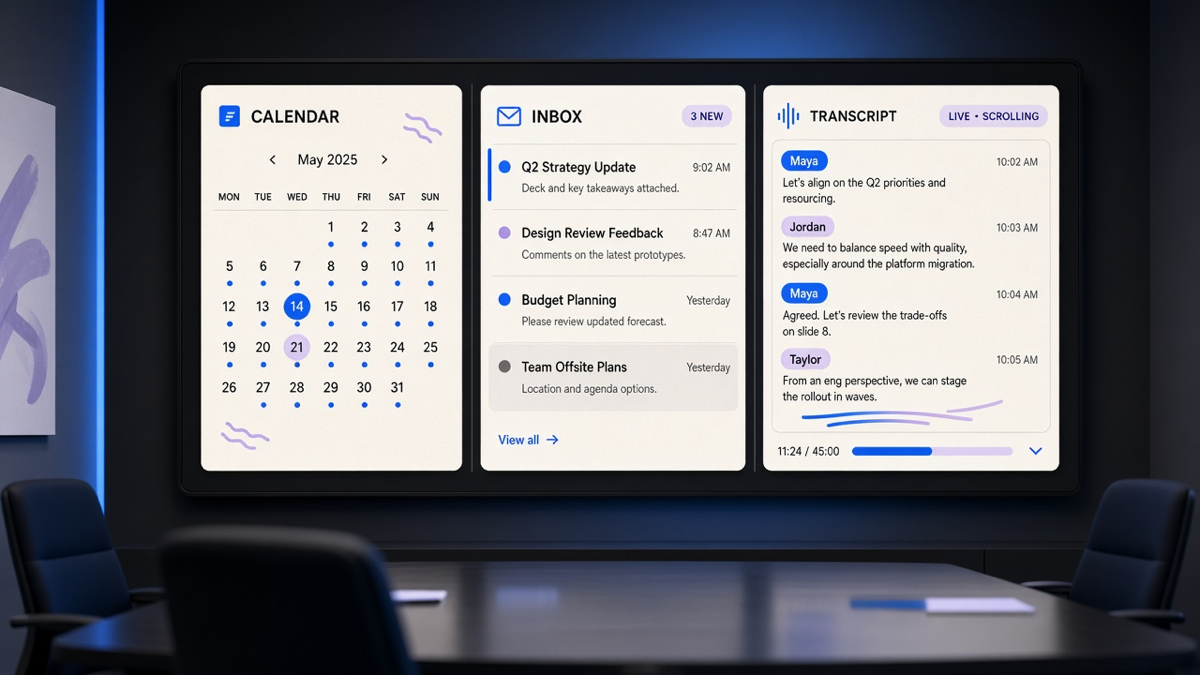
The tension nobody resolves in these office-tool lists: your suite already ships a copilot (Copilot, Gemini, Slackbot), and every specialized tool on top of it is a bet that the bundled version isn’t good enough yet. Sometimes that bet is right. Adding a third meeting bot when your suite copilot already summarizes threads is just clutter with a subscription attached.
What the productivity numbers actually support
The stats behind “AI makes you more productive” don’t say what the marketing pages imply. The 2024 Microsoft and LinkedIn Work Trend Index found 75 percent of knowledge workers already use generative AI at work, mostly to save time and reprioritize, which is an adoption number, not a productivity number. Slack cites a separate Workforce Labs finding that daily AI users report 64 percent higher productivity and 58 percent better focus than non-users, a genuinely different claim resting on different research.
Gumloop’s own framing is closer to right: AI earns its keep on the roughly seventy percent of a job that’s repetitive and data-heavy, and a human still has to own the thirty percent that requires judgment. That matches what we see doing this work directly. AI isn’t autopilot, and the best results still need someone with real subject-matter expertise steering it, which is exactly why the tools worth paying for are the ones built around a specific job rather than a general promise. Pick your stack by the job, not the demo, and skip whatever tool exists mainly to sell you the next one.