


The short answer: n8n and Make are the two Zapier alternatives worth serious evaluation, IFTTT and Pabbly Connect cover narrower use cases, and Zapier’s own free plan is real but caps out at 100 tasks a month with single-step zaps only, according to Zapier’s own pricing breakdown reported by Activepieces. If you searched “is Zapier free” expecting a trial disguised as a plan, it isn’t one. It is a genuinely usable free tier that stops being usable the moment your workflow needs two steps and branching logic, which is most real workflows within a few weeks of setup.
Is Zapier Free, and What Does It Actually Do
Zapier connects two apps through a trigger and an action: a form submission creates a spreadsheet row, a new invoice creates a Slack message, a tagged email creates a CRM contact. The free plan gives you 100 tasks a month and checks triggers every 15 minutes instead of instantly, and it limits you to single-step zaps, no multi-action chains. Paid tiers start around $29.99 a month for the Professional plan and jump to roughly $103.50 a month for Team, per the pricing figures Activepieces cites from Zapier’s own site. That per-task billing model is the single biggest driver of people typing “zapier alternatives free” into a search bar. A workflow that processes 500 records a day chews through the free allotment before lunch on day one.
None of this makes Zapier bad. It makes it a tool sized for simple, low-volume, one-step handoffs run by someone who does not want to think about infrastructure. The problem shows up the moment a business needs conditional routing, a loop, or more than a trickle of monthly volume, and that is exactly the gap the rest of this list fills.
Zapier vs n8n vs Make: The Three-Way Comparison
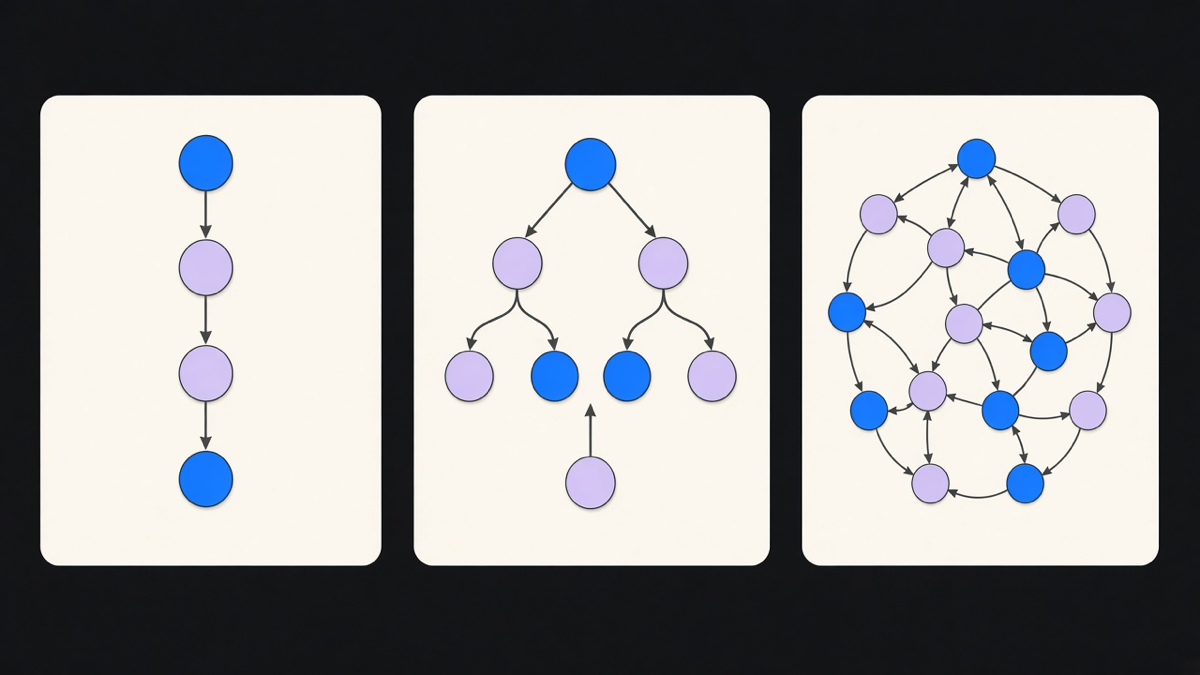
This is the comparison everyone actually wants, so here it is without hedging. Zapier wins on raw app-directory size and on being usable by someone with zero technical background. Make sits in the middle: a visual scenario builder with branching and iterators that costs less per operation than Zapier at similar volume, but with a steeper learning curve than Zapier’s linear zap builder. n8n wins on cost at scale and data control, because it is fair-code and self-hostable, but it assumes someone on your team can read a node graph and fix a failed step.
I would pick n8n for any workflow with real branching logic where a technical person already owns the infrastructure, Make for teams that want branching without managing a server, and Zapier for the one-step, low-volume case where “who fixes this in six months” genuinely is not a question worth asking. The n8n vs Zapier vs Make decision is not about which tool is objectively best. It is about which cost you would rather carry: Zapier’s per-task price, Make’s operations pricing, or n8n’s server maintenance. We wrote up the full breakdown of where each tool fits inside a broader Zapier vs n8n vs Make decision tree, including the desktop-RPA cases none of the three actually solve.
n8n vs Make: The Two Strongest Free and Self-Hosted Options
Narrow the field to the two tools people actually keep after the trial period, and the n8n vs Make comparison gets specific fast. n8n’s cloud free plan gives you 50 executions a month, and its paid Starter tier runs about $24 a month for 2,500 executions, according to n8n’s own pricing page. The number that matters more than either of those is the community edition: fully open source, self-hosted, with no execution cap at all, the closest thing to a genuine n8n free alternative to Zapier that exists without an asterisk. Make’s free tier includes 1,000 operations a month with no self-hosting option, so it never gets that unlimited-if-you-host-it out.
n8n also treats a single “execution” as an entire workflow run regardless of step count, while Zapier and Make bill per operation inside that workflow. That distinction is why a data-heavy pipeline can look ten times cheaper on n8n even before you touch self-hosting. The tradeoff is real: someone has to patch the server, manage the Docker container, and debug a failed node at 11pm instead of opening a support ticket. We build n8n AI workflows for clients specifically because the node-based canvas maps cleanly onto an AI agent calling multiple tools in sequence, something Zapier’s linear zap structure fights against. If your team already runs infrastructure for anything else, n8n is the better default. If it doesn’t, Make’s hosted branching is worth the extra dollar per operation just to avoid hiring for a skill you don’t need anywhere else.
IFTTT and the Rest of the Free Zapier Alternatives List
IFTTT solves a different, smaller problem: consumer-grade, single-trigger automations, mostly around smart home devices, social posting, and personal productivity, not business workflows with volume or compliance requirements. It is worth knowing about because it shows up in every “ifttt alternatives” search, but it was never really competing with Zapier for business automation in the first place. Pabbly Connect is the closer budget alternative, with flat-rate pricing instead of per-task billing and a free plan that includes unlimited workflows, per its own site, though multiple reviewers including Tadabase and Vellum note a steeper learning curve than its “beginner friendly” marketing implies. Activepieces rounds out the shortlist as an open-source, self-hostable option with a growing integration library, closer in spirit to n8n than to Zapier.
None of these free options are a trap exactly. They are all real tools solving real, narrower slices of the same problem. The trap is assuming one of them replaces a proper evaluation of what your workflow actually needs before you commit six months of institutional muscle memory to it.
How to Pick, and When a Custom Build Beats All of Them
Most teams only need 10 to 20 percent of any automation platform’s feature set, and the rest sits there unused while the bill keeps arriving. Pick Zapier when the workflow is genuinely one trigger to one action and stays that way. Pick Make when you need branching without owning a server. Pick n8n when you have someone technical and want the lowest cost per execution at real volume, especially for anything touching AI email automation where a single run needs to read, classify, and route in one pass.
A custom build earns its cost when the workflow’s logic is specific enough that no visual builder maps to it cleanly, when compliance requires data to never leave your own infrastructure, or when the automation is core enough to the business that a third-party platform outage becomes a real outage for you. We’ve built custom workflow automation for clients who tried three no-code tools first and kept hitting the same wall: the platform could do 80 percent of the job, and the remaining 20 percent required workarounds uglier than just writing the logic directly. Working through real n8n workflow examples usually makes this obvious well before the custom build conversation starts. If your team is still stitching together zaps and scenarios to patch that last 20 percent, the platform stopped saving you time months ago. That’s the real signal to switch, not a marketing page telling you Zapier is expensive.