

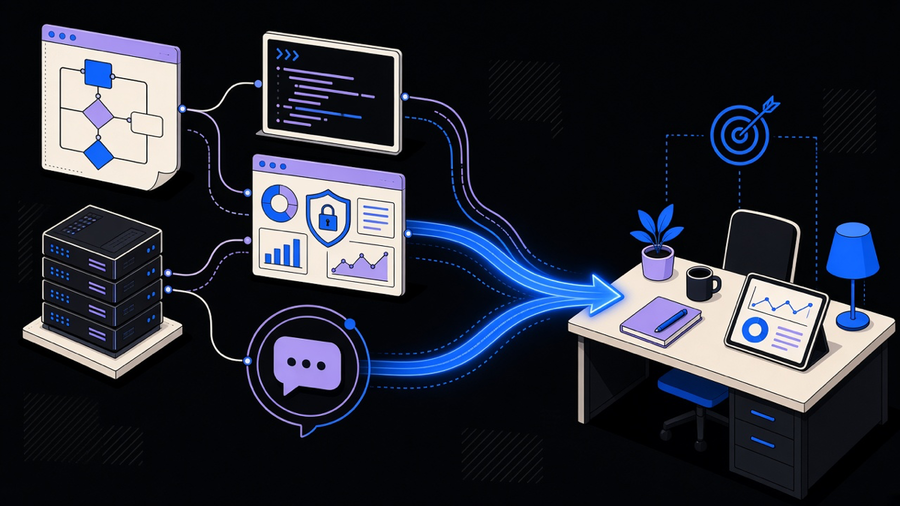
AI automation tools are software that connects your everyday apps to a language model so the workflow can interpret, decide, generate, or adapt instead of only moving data from one place to another. Zapier, n8n, Make, and Gumloop are the visual canvases people mean when they say “ai automation platform.” Wrk, Workato, and UiPath are the enterprise layer built for governance. ChatGPT Agent Builder and Lindy are the newer agent-native surfaces that skip the canvas entirely. Picking the wrong category, not the wrong brand, is why most teams end up paying for a platform they use at 20 percent capacity, whether the search that brought you here was for ai tools for automation or a full ai workflow automation tools comparison.
What AI Automation Tools Actually Do
The distinction that matters is not “AI versus automation,” it is decisioning versus routing. n8n’s own definition draws this line directly: an AI automation tool combines AI with a standardized workflow so the run can interpret, decide, generate, and adapt, not just pass a record along. Gumloop describes the same idea from the other side, connecting Gmail, Slack, Sheets, or Notion to an LLM so the flow can process and judge the data, not only forward it. Their stock example is a social listening flow that scores sentiment and opens a task only when a comment actually needs a human.
Vellum’s FAQ page draws the cleanest technical boundary of the four sources: iPaaS connects SaaS products through APIs, RPA automates a desktop UI, and AI workflow automation adds semantic decisioning, classification, generation, summarization, as a native step rather than a bolt-on. Agents are allowed to deviate from that path. Governed workflows keep a defined handoff for anything that has to survive an audit.
That handoff matters because the vendors do not agree on how much to trust the model alone. If the RPA-versus-generative-versus-agentic split is new territory, what AI automation is covers the background first. Gumloop argues its retrieval setup grounds every answer in real app data, producing little to no hallucination. Slack cites a Salesforce survey putting it at 70 percent of IT security leaders still worried about AI output accuracy. Both claims describe the same category of tool, and neither cancels the other out: grounding helps, it does not make the review step optional. n8n says the same thing more bluntly in its own FAQ, recommending a human check the output before the workflow takes a final action, because “intelligence” is the wrong word if the judgment got fully outsourced.
We built one of these systems for an HR startup that needed triggers and responses covering both inbound and outbound activity, including handoffs to third-party tools the team didn’t fully control. The AI wasn’t running the hiring pipeline unsupervised. It classified inbound messages and drafted first-pass responses, while the rules-based backbone still handled everything with a single correct path. That split is the whole category in miniature.
What “Best AI Automation Software” Lists Are Actually Ranking
Every “best AI automation tools” list you’ll find is shaped by whoever published it. Gumloop’s roundup opens with Gumloop. n8n’s comparison table crowns n8n. Vellum’s number one pick is its own personal assistant product, not a workflow canvas at all, a fact the post more or less admits by page two. Slack’s list leads with Agentforce inside Slack. Read these as category maps with real specs attached, not as neutral rankings, because none of them are.
The criteria underneath the rankings are more useful than the rankings themselves. n8n scores tools on flexibility, extensibility, accessible pricing with a free tier, visual design, and enterprise security controls like SOC 2 and RBAC. Vellum runs a weighted demo scorecard: 15 percent for how fast a non-technical person can ship a first automation, 20 percent for AI-native building blocks, 20 percent for evaluation and versioning, 15 percent for observability, 15 percent for governance, and 15 percent for deployment flexibility. Slack filters its list down to tools rated at least 4 out of 5 on G2 and Capterra before it writes a word about them.
Even the numbers these four blogs quote about the same products don’t match. n8n says Zapier has 8,000-plus built-in integrations. Slack says more than 7,000 apps. Pricing disagrees the same way depending on monthly versus annual billing: verify the exact plan on the vendor’s pricing page before you budget against a number from a blog post, including this one.
The Platform Types Hiding Under One Label
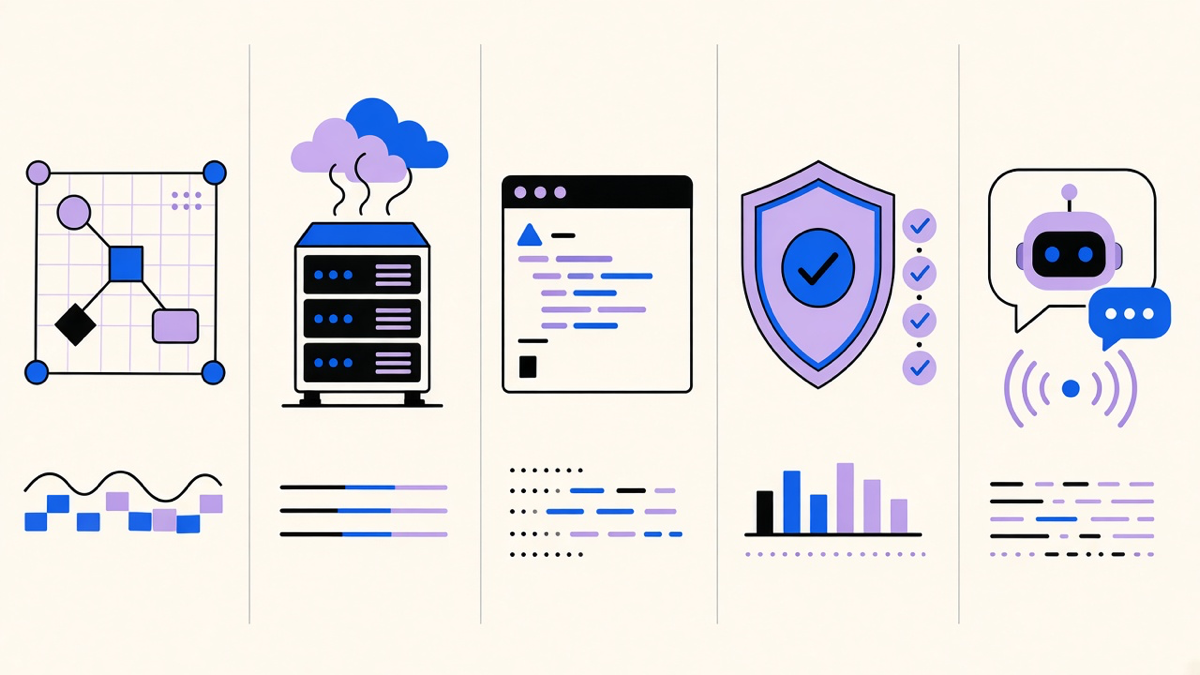
“AI automation platform” and “ai workflow automation tools” get used for at least five genuinely different products, and shopping across them like they’re interchangeable is how procurement drags into month three.
Visual no-code canvases are the category most people picture: Zapier, Make, and Gumloop, built for a builder dragging steps into place rather than writing code. If this is the layer you’re evaluating, an AI workflow builder comparison is a narrower and more useful read than a general tools roundup.
Self-host and fair-code platforms sit one layer down. n8n is source-available and self-hostable on your own infrastructure, with JavaScript and Python fallback for anything the visual canvas can’t express, and a cloud starter plan around 2,500 executions a month. Developer-first platforms like Pipedream skip the canvas almost entirely in favor of code, webhooks, and a direct API surface, which is the right fit for a team that already has engineers and does not want a GUI in the way.
Enterprise iPaaS and RPA, Workato, UiPath, Microsoft Power Automate, is where SOC 2 Type II, role-based access, and SLAs live, usually behind sales-only pricing. This is the layer that overlaps with plain workflow automation tools rather than anything AI-specific, since a lot of what these platforms do is still rules-based routing with an AI step added on top rather than replaced by one.
Agent-native surfaces are the newest lane: Claude Cowork, ChatGPT Agent Builder, and Lindy skip the drag-and-drop canvas and let you describe the task in plain English instead. This is closer to what AI workflow automation actually means when the agent is making a decision at each step instead of following a wiring diagram someone drew in advance. It’s also the least mature lane on this list. ChatGPT Agent Builder shipped without scheduling or triggers in its first iteration, a gap n8n’s writeup flags as a reason to wait before betting a production process on it.
Choosing AI Automation Tools for Business
The research on business adoption is blunter than any vendor page wants to admit. MIT’s NANDA project found only 5 percent of enterprise-grade AI pilots make it to production, and the bottleneck isn’t the model, it’s the unglamorous work of turning a prototype into something maintainable and observable. Atlassian’s 2026 State of Teams report found 46 percent of product teams name lack of integration with existing tools as their biggest blocker to shipping AI features faster. Neither number is about the AI being bad. Both are about the plumbing around it.
That plumbing gap is exactly where I’d push back on most vendor pitches sold as ai tools for business automation: most customers only need 10 to 20 percent of what a full automation platform offers, and they end up paying for the rest anyway because the sales page bundles it. If your actual need is “draft a reply and flag it for review,” you don’t need a platform with environments, RBAC, and a governance dashboard. You need one workflow, tested, with a human checking the output for the first month. Buy the slice you use. Scale the platform later if the slice earns it.
Slack’s own research points at a related split worth naming honestly. A lot of what gets marketed as “AI automation tools for business” is really AI bolted into a suite you already own, Trello’s analyst, HubSpot’s chatbot, Zendesk’s copilot, which is a different purchase decision than standing up a cross-app orchestration layer like n8n or Make from scratch. If your team already lives inside Salesforce or Slack, evaluate the in-app AI first and treat AI productivity tools as the comparison set. If you’re automating across five disconnected apps, the workflow canvas is the right category, and the in-app copilots won’t touch that problem no matter how good they get.
Businesses without engineers on staff have a third option worth naming: managed automation, where a vendor builds and maintains the workflow instead of handing you a canvas and a login. Wrk’s model, a fixed build cost followed by a credit subscription, is built for exactly that buyer. It costs more per workflow than a DIY Zapier account. It also means nobody on your team spends a Tuesday afternoon debugging a broken webhook. Whether that trade is worth it depends entirely on whether you have the 10 hours a month it takes to babysit a self-serve platform, and most operations teams, if they’re honest, do not.