


Workflow automation for small business means picking one repeated, rule-based task that eats real hours every week and building a trigger-action sequence for it, before you touch anything that requires judgment or looks impressive in a demo. That order matters more than the tool you pick. A five-person landscaping company and a fifty-person marketing agency both fail at automation the same way: they buy a platform first, then go looking for something worth automating, and end up wiring together a workflow nobody asked for.
Start with the bottleneck, not the software
Before opening any automation tool, list what your team actually does every day and clock it. Not the whole job, just the repeatable part: the invoice you retype from a PDF into accounting software, the lead you copy from a form into a spreadsheet, the appointment reminder you send by hand at 4pm every day. Write down how long each one takes and how often it happens. The task that shows up daily and takes fifteen minutes beats the task that shows up monthly and takes an hour, because automation pays back on frequency, not on the size of any single instance.
This is duller than it sounds, which is exactly why most small businesses skip it. A vendor demo showing an AI agent draft a contract is more fun to watch than a spreadsheet of your own repetitive chores. Skipping the audit is how a small business ends up automating something nobody was struggling with while the actual bottleneck, usually invoicing or lead intake, keeps eating an employee’s Tuesday.
One automation-focused HR startup we worked with had the opposite problem: every inbound and outbound activity, from application intake to background check status, already lived in separate systems with no shared trigger. Building a single system of triggers and responses across those tools, including third parties, turned a week of manual status-checking into something that ran itself. That is the pattern worth copying: name the exact bottleneck, then build the one automation that removes it. Real workflow automation examples read like that, not like a tour of a vendor’s feature list.

Workflow management software vs. paying someone to build it
Once you know the bottleneck, you have two ways to close it: buy workflow management software and configure it yourself, or hire someone to design and build the automation for you. Small businesses default to the first option because the monthly price looks smaller than a services invoice, and for a genuinely simple trigger, that default is right. A “new form submission creates a CRM record” workflow does not need a consultant.
The math changes once the workflow touches more than two systems, needs conditional logic, or has to survive an API changing without your input. Most small business owners buying a workflow automation platform only end up using a fraction of what they are paying for. Most customers only use ten to twenty percent of what a software platform actually offers, while the subscription bills them for the other eighty. That gap is where workflow automation services earn their fee: someone maps your specific process, builds only the piece you need, and stays responsible when it breaks.
I would tell a business under ten employees to configure the simple stuff themselves and stop there. I would tell the same business to hire out anything that crosses accounting, HR, and a customer-facing tool at once, because a broken automation in that path costs more in cleanup than the services fee would have. That advice costs you something too: hiring out means someone outside your team understands your process better than your own staff does, at least at first. Businesses evaluating business automation services should ask exactly one qualifying question before signing anything: what happens the day this breaks, and who fixes it.
What the time savings actually look like
The numbers people cite for automation ROI are usually invented on the spot, so here are two that are not. Salesforce’s Trends in Workflow Automation report found that nearly 75 percent of technical leaders who had implemented automation saw time savings equivalent to at least four hours in a standard forty-hour week. Separately, Salesforce’s State of the AI Connected Customer research found that 95 percent of IT and engineering leaders say their organizations are prioritizing workflow automation right now, which tells you the audit-first approach above is not a contrarian take, it is table stakes everywhere except the businesses still doing this by hand.
Four hours a week sounds modest until you multiply it by a full year and a wage. It also will not show up if the automation targets a task nobody was actually stuck on. That number is a ceiling for automating the right bottleneck, not a guarantee for automating any bottleneck.
What not to automate first
Small business automation goes wrong most often by aiming at the wrong target: a task that needs a human’s judgment gets handed to a rule engine because the rule engine was already installed. Hiring decisions, an angry customer’s escalated complaint, and anything touching a legal review still need a person reading the actual situation, not a workflow guessing at it from a template.
AI narrows that gap but does not close it. AI is not magic and is nowhere near an autopilot you can point at a judgment call and walk away from. What it handles well is the grunt work sitting just underneath the judgment call: summarizing the complaint before a manager reads it, drafting the first pass of a job posting before a person edits it, sorting a support inbox by urgency before a human decides what to say. That is a real division of labor, and it is why AI automation for small business works better framed as pre-processing for a person than as a replacement for one.
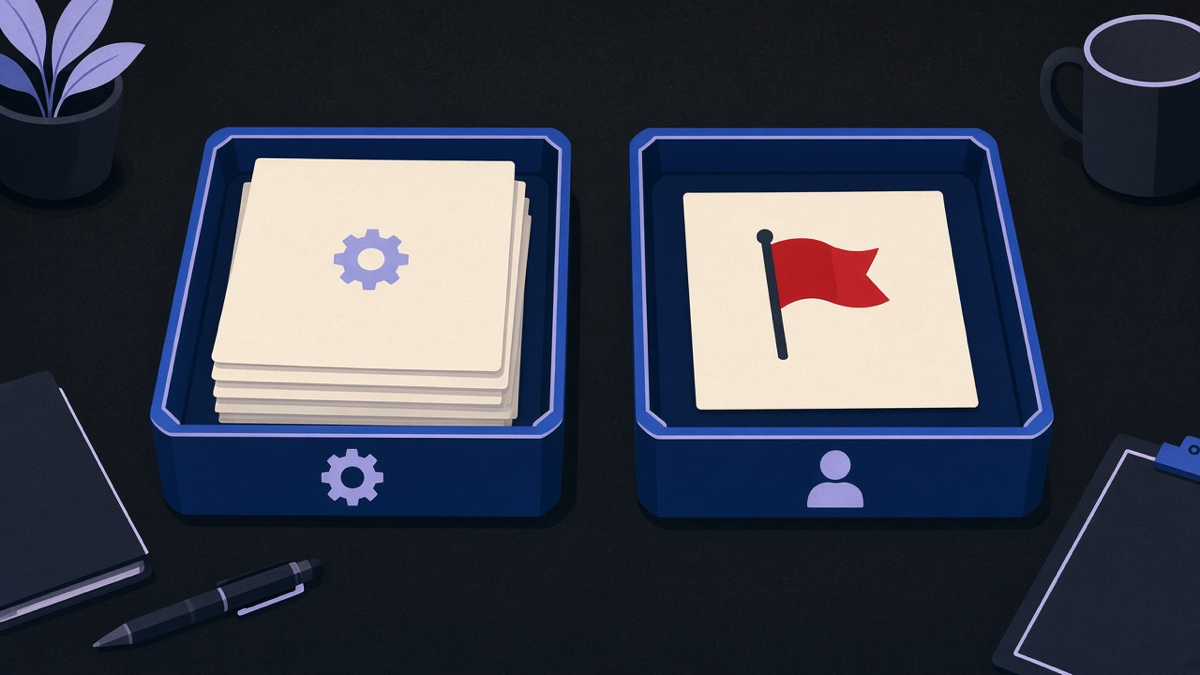
The test is simple and it holds up across every example in this post. If the task follows the same three steps every single time regardless of who or what triggered it, automate it. If two people would reasonably disagree about the right response, keep a person on it and let automation hand them a cleaner starting point instead of a final answer. Small businesses that get this backwards spend a quarter fixing a rule engine’s bad calls on the exact decisions they should have kept for themselves.