

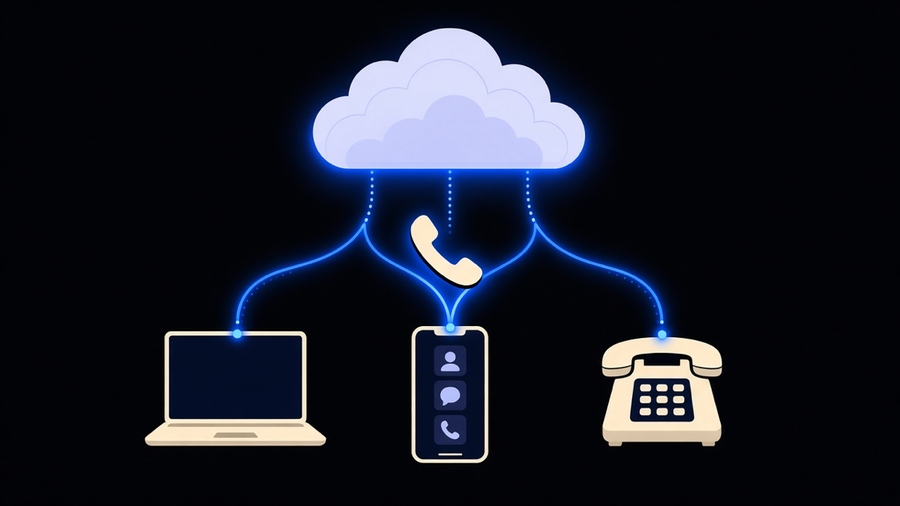
A virtual phone system for business is a phone service that runs over your internet connection instead of copper lines, using VoIP (Voice over IP) to turn your voice into data packets and route calls through software instead of a physical switchboard. That is also the plain answer to what is voip phone: it is the technology that lets a phone number live in an app, a browser tab, or a desk phone instead of a wire running into your building. Vendors sell the same underlying product under three labels, virtual phone system, cloud phone system, and VoIP phone system for business, and a buyer who assumes those are different categories ends up comparing products that are, in practice, the same thing with different marketing decks.
What “Virtual,” “Cloud,” and “VoIP” Actually Mean When You’re Buying
The three terms describe the same architecture from three angles. VoIP is the protocol, the actual method of carrying voice as data. Cloud phone system describes where that software runs, on a vendor’s servers instead of a box in your server closet. Virtual phone system describes the buyer experience, a number and a set of features you access through an app rather than a physical handset wired to a PBX. A hosted PBX, cloud PBX, and business VoIP system are the same three descriptions again, with PBX swapped in for phone system. None of that is a scam. It is how enterprise software gets named by three different marketing teams solving the same naming problem. Ask a vendor which of the three terms they’d use if you took away the word “cloud” from their homepage, and most of them will pause, because the answer is the same product either way.
The one real distinction worth knowing is hosted versus on-premise. An on-premise PBX is hardware you own and maintain, a physical box that routes calls inside your building and usually predates whatever cloud offering the same vendor sells you today. A hosted or cloud system moves that hardware into someone else’s data center and hands you an app. That’s the actual upgrade a virtual phone system for business represents, not new phone numbers or nicer hold music, but moving the switchboard off your closet floor and onto someone else’s infrastructure with someone else’s redundancy plan.
How Calls Actually Move Through the System
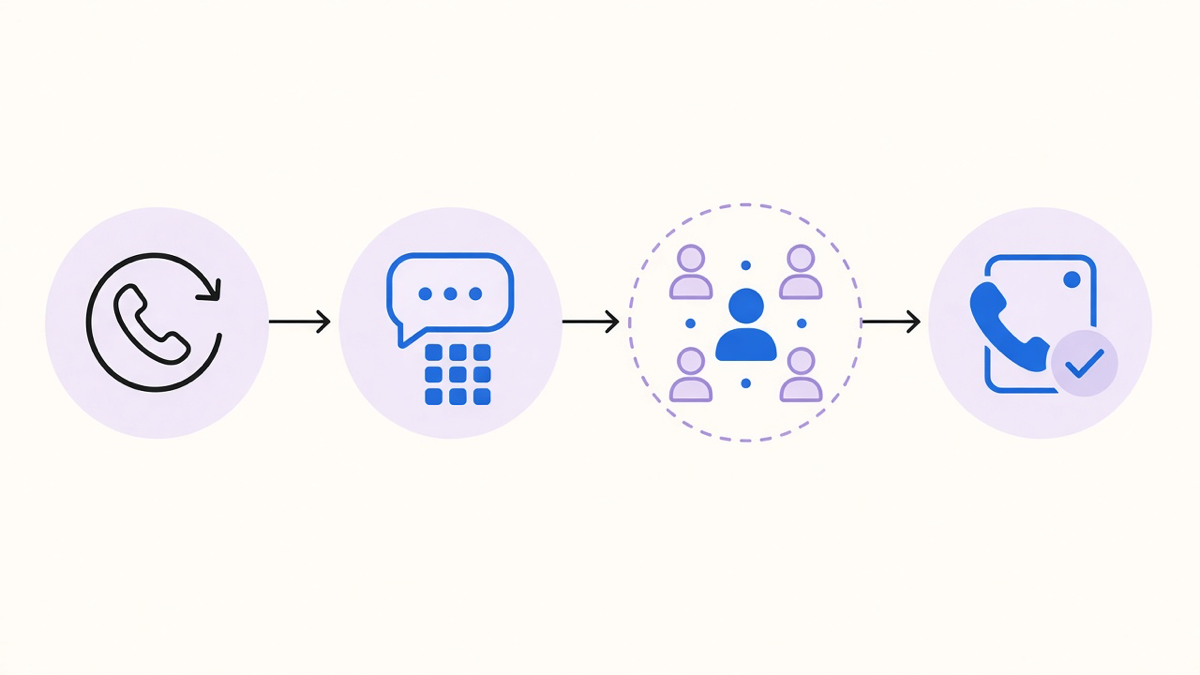
A call comes in on a DID, a direct inbound dialing number assigned to your business, and the system routes it through whatever logic you’ve configured before it reaches a person. That usually means an auto attendant greeting, then an IVR phone system menu layer, press 1 for sales, press 2 for support, which is the oldest and least glamorous part of the whole stack and also the part most buyers underestimate when they’re comparing feature lists. From there the call drops into a ring group or a queue, and it rings a desk phone, a mobile app, or a browser softphone depending on how the user set up their extension.
Numbers themselves come in two flavors that matter for a business buyer: local numbers tied to an area code, and toll-free numbers for a national presence. Most providers support porting an existing number in, which keeps the number your customers already have saved, and this is usually the single biggest source of buyer anxiety in the whole process. It shouldn’t be. Porting a number is closer to changing your mailing address with the post office than it is to a system migration, most of the friction is paperwork and waiting on the losing carrier, not technical risk.
What It Actually Costs, Tier by Tier
Pricing for a business VoIP system almost always runs per user per month, with the base tier covering calling, an app, and basic routing, and each tier above it adding integrations, analytics, or higher call volume caps. CloudTalk’s published tiers run from $19 per user monthly on its entry plan up through $49 for its top standard tier, with AI voice agent features sold separately starting around $350 a month for a block of minutes, not bundled into the base price. Zoom Phone and Nextiva both start around $15 per user monthly for their entry plans, and Aircall’s entry tier runs $30 per user monthly, which tells you the spread between “cheapest virtual phone system” and “cheapest one that does what your team needs” is wide enough to matter.
RingCentral, which says it serves over 600,000 businesses, features a customer quote from a bank CIO citing a 30 percent reduction in overall phone system costs after switching, a number that is plausible mostly because it’s being compared against an on-premise system with hardware maintenance and a carrier contract baked in, not against another cloud competitor. That’s the real cost story with virtual phone systems: the big savings show up once, when you leave hardware behind, and the ongoing savings between cloud vendors are mostly a matter of which features you’re paying for and never opening.
I’d tell most small and mid-size buyers to start on the base tier and add features as line items once a specific call type demands them, not to buy the top bundle because it lists AI, analytics, and international numbers on the same page. Most teams use a fraction of what a mid-tier platform includes, and the fastest way to overspend on a virtual phone system is paying monthly for a feature category nobody on staff has opened since onboarding.
What to Check Before You Sign
Reliability and E911 compliance matter more than any feature comparison chart. A VoIP call depends on your internet connection, so ask what happens during an outage, most providers offer automatic failover to a mobile number or a backup line, and confirm it before you need it rather than during an actual outage. E911 requires the system to transmit your physical address with an emergency call, which sounds automatic and mostly is, except when someone’s using a soft phone from a different location than the number’s registered address, which is exactly the scenario that trips people up.
Migration from an existing PBX is less painful than the incumbent vendor selling you that PBX would like you to believe. The same rep who installed your beige desk phones in 2015 has every incentive to describe a switch as a six-month project. In practice it’s usually a scheduled cutover once numbers are ported and staff have the app installed, closer to an afternoon than a quarter. If a provider’s sales team is quoting weeks of migration for a business under fifty seats, ask what specifically takes that long, and be suspicious of an answer that boils down to “onboarding calls.”
Where AI Actually Fits On Top of a Virtual Phone System
None of what’s above involves AI, and that’s on purpose. A virtual phone system for business is the plumbing, numbers, routing, apps, and voicemail. What most vendors now market as a smart or intelligent phone system is a separate AI layer sitting on top of that plumbing, and it’s worth knowing where each piece of that layer lives before you buy it as one bundle. An AI phone system is the umbrella term for that layer, understanding a caller’s request in natural language instead of routing them through a keypad menu.
Salesforce’s State of Service report found that high-performing service teams are 2.6 times more likely to use AI to automate data capture, which is the practical case for adding that layer once your call volume is high enough to make manual logging a real cost. Gartner projects conversational AI in contact centers will cut agent labor costs by $80 billion, driven by handling volume that would otherwise overwhelm a human team, not by replacing agents outright. If your call volume runs through queues and multiple agents, that AI layer is closer to an AI call center build. If it’s one line handling overflow and after-hours calls, that’s closer to an AI answering service.
We build voice agents on your number that sit on top of the phone system a business already runs, not a replacement for it, because the routing and reliability work is already solved by the cloud PBX underneath. The mistake to avoid is buying a virtual phone system and an AI layer as one decision from one vendor because the sales page bundled them. Pick the plumbing first, based on reliability, porting, and cost per user. Add the AI layer once you know exactly which calls you want it handling.