

There is no agreed number of types of CRM. Salesforce and Zendesk both say four: operational, analytical, collaborative, and strategic. Mailchimp says three, dropping strategic entirely and folding it into how you use the other two. Zendesk’s own guide still has “3-types-crm” sitting in its URL while the page body argues for four, which is a company mid-argument with its own content management system. If you came here for a clean, textbook taxonomy, the textbook does not exist. What does exist is a real difference in what each type automates, and that is worth more than winning the count.
Why the Count Is Actually a Disagreement, Not a Typo
Salesforce’s framing is the most confident: four types, and “the best CRMs do all four” inside one platform, which is also, not coincidentally, a description of the product Salesforce sells. Zendesk lands on the same four but seems to have gotten there mid-rewrite, since a URL frozen at “3 types” is now attached to a page arguing the opposite. Mailchimp keeps it simple: operational, collaborative, analytical, full stop. Strategic, in Mailchimp’s version, is not a system you buy. It is what you get when you already use the other two well, long-term reporting and relationship management as an outcome, not a fourth product tier.
Zapier’s take on CRM examples lands closer to Mailchimp than Salesforce: it clusters CRM work into three jobs, running daily operations, analyzing performance, and keeping teams aligned, without naming a strategic fourth at all. That is two vendors on three, two on four, and one of the four-count vendors visibly disagreeing with its own old headline. My read: strategic CRM is real as a use case and fake as a separate shopping category. Nobody sells you “a strategic CRM” the way they sell you a helpdesk seat or a pipeline board. You get strategic value by running the other three types long enough to have a dataset worth reporting on, which means asking what CRM software is actually used for day to day matters more than memorizing which quadrant a vendor drew you into.
Operational CRM, With the Examples the Vendor Pages Skip
Operational CRM is the type that runs the parts of a business a customer actually touches: lead capture, pipeline stages, quote generation, service tickets. Zendesk describes it as sales automation, lead scoring, opportunity management, automated quotes, paired with contact management, and calls it the right fit for a small or mid-size team that wants daily sales and service work automated before it wants dashboards. Mailchimp’s version breaks it into three automations that show up in almost every real deployment: customer service automation (outreach, chat replies, auto-responses), sales automation (scheduled emails, meeting booking), and marketing automation (campaign sends, contact calling). Salesforce adds an AI layer on top, agents drafting pitches and running after-hours deflection, but the underlying job is the same one Zendesk and Mailchimp describe without the AI branding.
This is also the type most companies actually deploy first, because it is the type with the shortest line to a metric someone in the room already cares about: faster quotes, fewer dropped leads, tickets that route themselves. A pipeline board and a routing rule are not glamorous. They are also the two things that get measured in the first board meeting after a CRM rollout, which is why operational CRM and sales force automation tend to get bought together rather than as separate line items. Zapier’s version of operational CRM answers the two questions a rep actually asks mid-deal: who owns this account, and where is it stuck. If your CRM cannot answer those two on its own, the operational layer was never really installed, whatever the vendor invoice says.
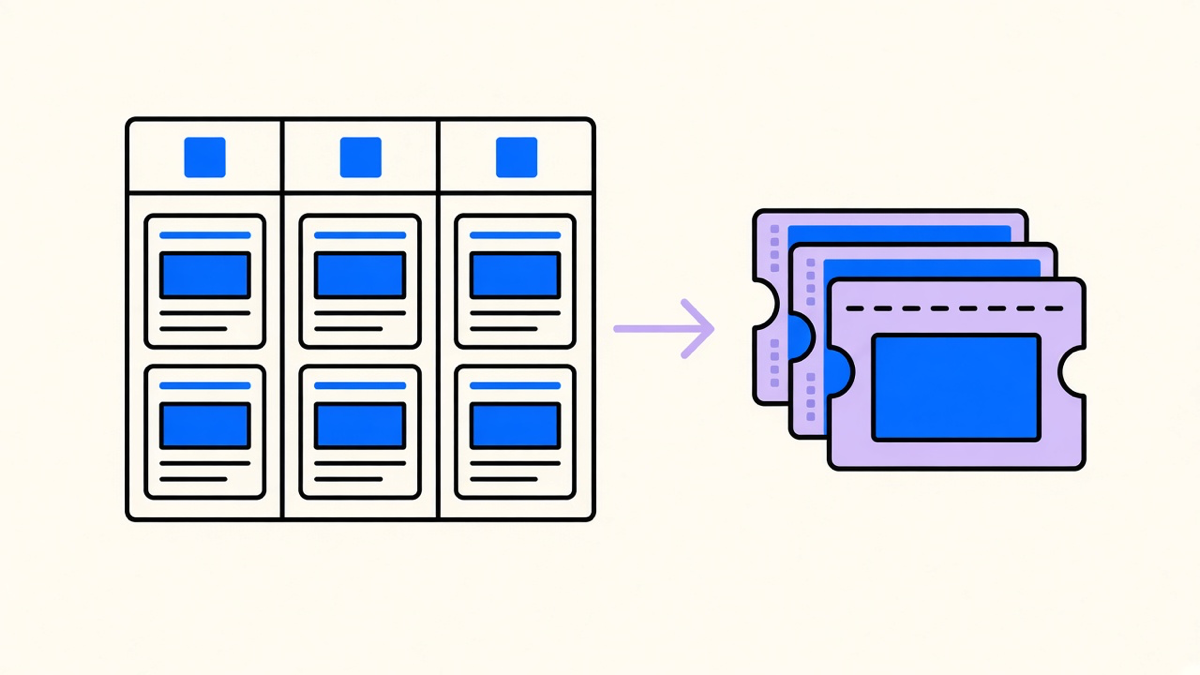
Concrete examples help more here than category names. A sales team using operational CRM sees leads auto-scored and auto-assigned the moment a form submits, no manager manually sorting a spreadsheet at 5pm. A support team sees a ticket auto-tagged by product line and routed to the queue that already has context on that account. Neither example needs the words “analytical” or “strategic” to make sense, which is a decent test for whether a feature belongs in the operational bucket at all. If you want the fuller catalog of what counts as a type of CRM with examples beyond these two, that is where the harder edge cases live: partner portals, loyalty systems, industry-specific builds that borrow from more than one type at once.
Analytical, Collaborative, and the Disputed Strategic Layer
Analytical CRM is the one built for a company already sitting on customer data it has never used. Salesforce frames it as collecting and analyzing interaction data to spot buying patterns, forecast demand, and optimize campaigns; Zendesk is blunter, calling it data mining and data warehousing dressed up as a CRM feature. Both descriptions point at the same use case: a company with years of purchase history and no query built against it. That is a real and common failure state, and analytical CRM exists specifically to fix it, not to add a new dashboard nobody opens.
Collaborative CRM solves a different, more social problem: getting sales, service, and partners to look at the same record instead of three different half-updated versions of a customer. Salesforce describes it as conversation-first sharing, closer to Slack than to a spreadsheet, extended to vendors and distributors as well as internal teams. Mailchimp splits it into interaction management, the full journey view, and channel management, keeping social, email, and phone in one thread. The shared goal across both descriptions is blunt: stop making the customer repeat themselves to the third person they talk to.
Strategic CRM is where the disagreement gets real. Salesforce describes it as advanced reporting so staff see company-level goals instead of just their own queue, and Zendesk’s infographic keeps it as a fourth named type sitting next to the classic three. Mailchimp never gives it a name at all, treating long-term relationship strategy as what happens when the analytical and collaborative types are already working, not a separate purchase. I land with Mailchimp here. If a vendor’s “strategic” feature list is just their analytical dashboard with an extra filter for executives, calling it a fourth type oversells a reporting view as a product category. Buy for the job, not the label on the box.
How the Type You Actually Need Changes What Gets Automated
The type argument matters less than what it implies for automation budget, because each type automates a different job and the money goes to different places depending which one you pick first. Operational automation is lead scoring, quote generation, and service routing, the stuff that touches a customer before a human does. Analytical automation is campaign optimization against a KPI and demand prediction, reporting work that never sends an email to anyone. Collaborative automation is the quieter one: keeping one record in front of three departments so nobody asks a customer the same question twice.
Salesforce says the best CRMs do all four types at once, and Zapier’s framing of most modern CRM systems agrees, most combine the categories rather than shipping as a pure single type. That is true and also a little convenient for anyone selling an all-in-one suite. My actual advice: buy the operational slice first if support tickets or lead follow-up are the visible pain, since that is where CRM automation shows up fastest and cheapest to prove. Add analytical once you have enough operational data worth mining. Collaborative earns its place once two departments are visibly duplicating work on the same account. Skip shopping for “strategic” as a line item entirely, on the Mailchimp read, and instead ask whether your service queue routes tickets the way a real support CRM handles service routing before you pay for a fourth category that might just be a dashboard with a better name.
The type count you settle on says less about CRM theory than about which vendor’s glossary page you read first. Pick the type that maps to the job that is actually costing you time this quarter, buy that slice, and let the fourth type stay a debate for the marketing pages.