

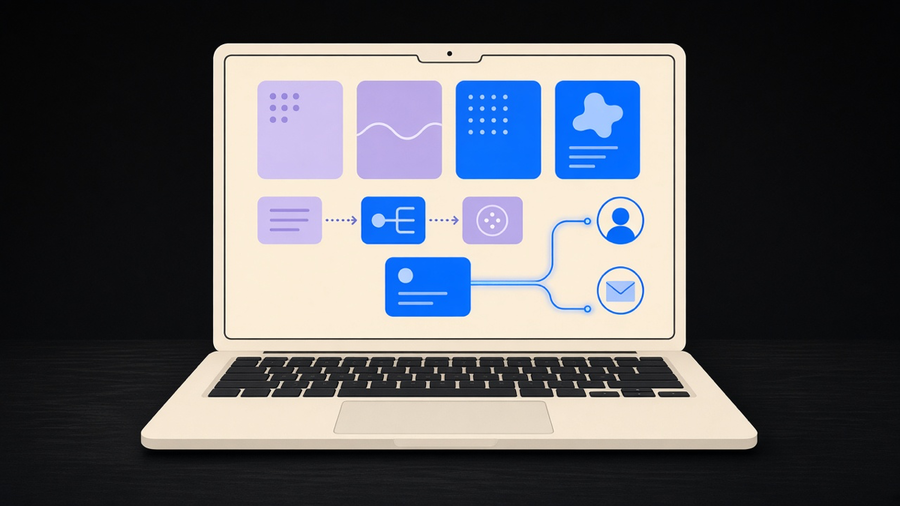
CRM automation means using rules, triggers, and workflows inside a customer relationship management system to handle the repetitive parts of sales, marketing, and support that a person used to do by hand: updating a contact record when a deal moves stages, scoring and routing a new lead, sending a follow-up email, assigning a task when a deal goes quiet. An automated CRM is not a different product from a regular one. It is the same CRM with rules turned on so a human stops retyping the same three fields every time a lead does something.
What “Automated CRM” Covers
Salesforce, IBM, and monday.com each describe the term slightly differently, but the substance overlaps more than the marketing copy suggests. Salesforce frames CRM automation as streamlining the repetitive manual tasks inside marketing, sales, and service: creating contacts, scheduling meetings, sending appointment reminders, generating quotes. IBM describes it as using technology to handle data entry, lead nurturing, and follow-ups so sales and support teams spend less time on manual work. monday.com’s version is the most concrete: automating the logging, the deal-stage updates, the meeting scheduling, and the behavior-based emails so a rep is left with the part of the job that requires a person, which is selling.
Here is where it gets messier, and where most explainers quietly pick a side without saying so. Celigo, an integration vendor rather than a CRM vendor, argues that most articles still define CRM automation as rules and triggers living entirely inside one product like Salesforce or HubSpot, when the real version of the term now spans systems: a closed-won deal in the CRM should create an order in the ERP and get a payment status back, not just update a pipeline stage and stop. That is a genuine split in how the phrase gets used, not a nitpick. A small business running one CRM and a spreadsheet is solving a different problem than a company whose CRM, billing, and ecommerce platform all need to agree with each other.
Automated customer relationship management, as a phrase, usually means the narrower version: the CRM handles its own repetitive tasks without a human pushing every button. That narrower definition is the honest answer to what is crm automation for most small businesses, and it is the crm automation meaning worth anchoring to before a vendor demo widens it into something bigger. This maps onto the same types of CRM distinction worth knowing before picking a platform: operational CRMs are built for exactly this kind of automation, while analytical and collaborative CRMs solve different problems entirely.
CRM Workflow Automation: Native Rules vs. Cross-System Triggers
CRM workflow automation runs on two layers, and most confusion about the term comes from mixing them up. The native layer lives entirely inside the CRM: workflow rules, triggers, task assignment, email sequences, basic lead scoring, pipeline-stage updates, and a chatbot answering routine questions. This is what most SMBs mean when they say they want their CRM automated, and it is also the layer that ships out of the box or close to it in most modern platforms.
The cross-system layer connects the CRM to an ERP, a marketing automation platform, an ecommerce store, or a billing system, so an event in one place updates the others without a person relaying the information manually. That layer is real and it solves real problems, but it is also where projects get expensive and where a small team can build something they can no longer maintain once the person who set it up leaves.
I’d start every CRM automation project on the native layer and add cross-system automation only when a specific handoff is breaking, not because a vendor’s roadmap slide made it look inevitable. The cost of that choice is real: a company that waits will eventually hit a manual reconciliation step that native automation cannot touch, like a deal closing in the CRM while the invoice sits unsent in the billing tool for three days. That is an acceptable tradeoff for most SMBs, because building cross-system automation before there is a proven, recurring handoff to fix is how a business ends up maintaining integration plumbing nobody asked for. Sales teams looking specifically at the sales side of this, quotes, forecasting, pipeline stages, are asking about sales force automation, which is what crm workflow automation narrows down to once it is scoped to one department instead of the whole customer record.
What Gets Automated First, and What It’s Worth
The most common first automations, across every vendor’s own materials, are the ones with the least judgment required: updating a contact as a lead moves through the pipeline, scoring and routing new leads to the right rep, creating and archiving tasks as a deal progresses, routing support tickets, and generating recurring reports nobody wants to build by hand every Monday. None of that requires the CRM to make a decision. It requires the CRM to notice something happened and do the next obvious thing.
The scale argument for automating these is not hypothetical. Salesforce’s own State of Sales research found reps spend only about 30% of an average week selling, with the rest eaten by data entry, lead prioritization, and quote generation, and nearly half of sellers cite longer sales cycles as a top challenge. Two of Salesforce’s customer stories put numbers on the same pattern: Holmes Murphy reports roughly 44,000 hours and $6.9 million saved using automation for personalized campaigns and at-risk renewal flags, and Wiley reports about $230,000 a year saved with AI chatbots handling seasonal service volume. Treat those figures as vendor-reported case studies, not a benchmark every business should expect to hit, but the direction they point in (routine CRM tasks eating the majority of a rep’s week) matches what shows up in every other source on this topic.
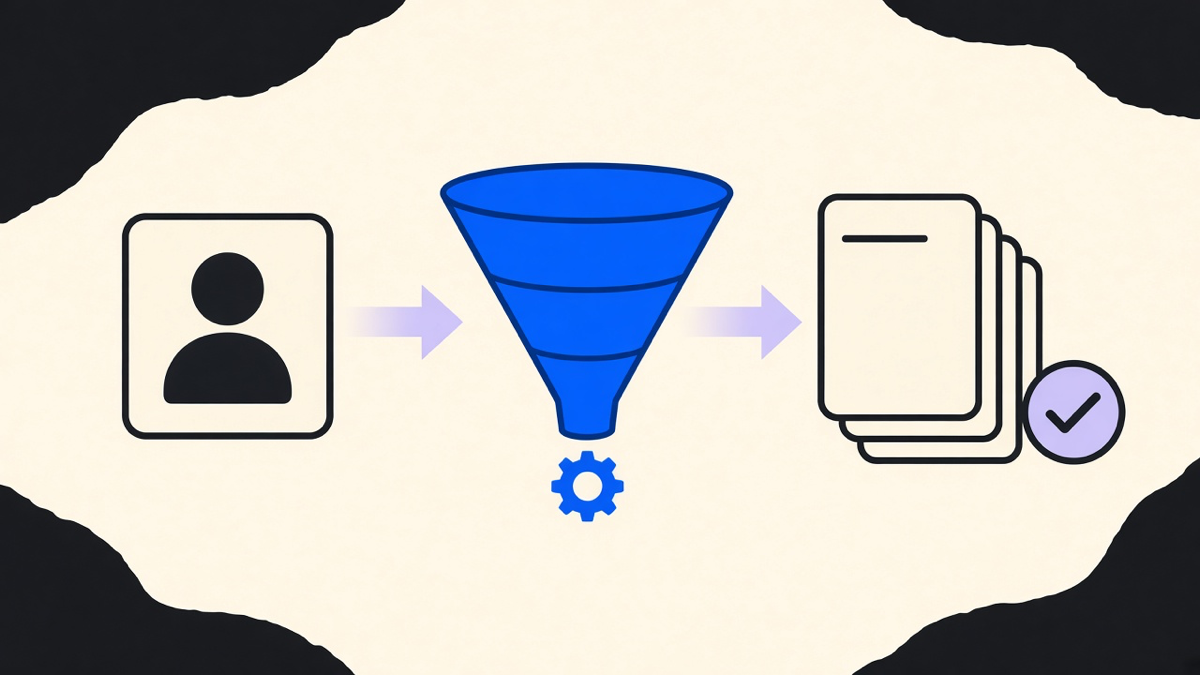
A concrete version of the same idea, outside the CRM world specifically, is the lead-routing example we cover in business process automation examples: a lead comes in, gets scored, and lands with the right rep automatically instead of sitting in a shared inbox until someone notices it. That pattern repeats across CRM automation because lead routing is the single highest-volume, lowest-judgment task most sales teams have.
Where CRM Automation Stops Being CRM Automation
CRM automation and marketing automation get sold as the same thing more often than they should be. IBM’s own feature list treats email marketing automation (welcome sequences, promo emails, post-purchase follow-ups) as a CRM-adjacent capability, while separately listing integration with marketing automation software as its own feature, which is a tell that even IBM does not consider the two identical. A CRM can send a follow-up email. A dedicated marketing automation platform can run a twelve-step nurture sequence branching on behavior across a list of ten thousand contacts. Those are different jobs, and a business that needs the second one should stop trying to force it out of the CRM’s built-in email tool.
Most customers only ever use 10 to 20% of what a full CRM platform can do, and pay for the whole thing anyway. Over-automation is the same problem from the other direction: IBM lists it directly as a real risk, where every interaction gets routed through a rule and a customer notices they are talking to a flowchart instead of a person. Celigo’s warning is the sharper version of that same failure: if a company’s ERP or billing system is not synced to the CRM, lead scoring and other automations run on incomplete data and confidently produce wrong answers, which is worse than not automating at all.
Picking which CRM automation tools fit a business, rather than buying whatever a sales rep pitched hardest, is worth its own research before signing an annual contract. We cover the shortlist and what each one is built for in CRM automation tools. For a team that already owns a CRM and just needs to start using the automation it already pays for, the more useful next step is how to use CRM software well, because most of the value sitting unused in a CRM subscription is a configuration problem, not a missing feature.
The honest scope for most small businesses is narrower than any vendor’s feature list: automate the native CRM tasks that eat the most hours first, add a cross-system connection only when a specific handoff keeps breaking, and leave the parts of a customer relationship that need a human’s judgment to the person who actually has it.