

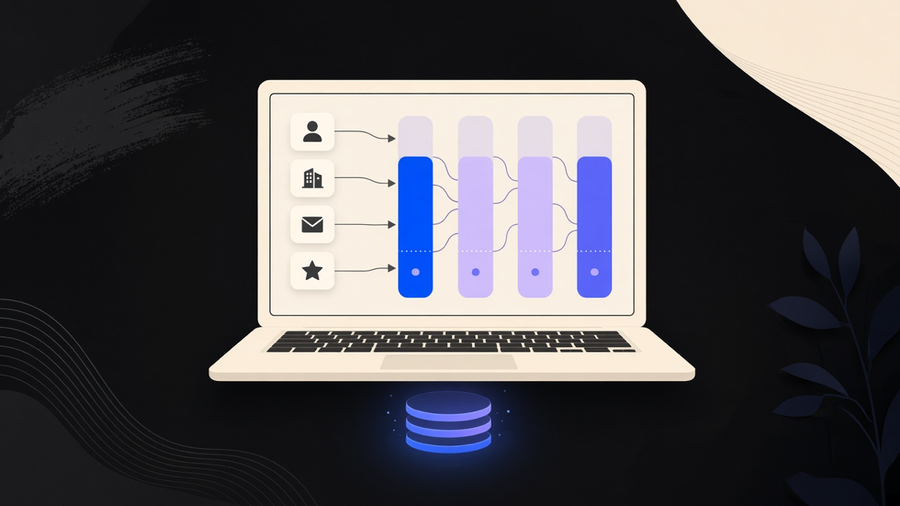
Sales force automation, usually shortened to SFA, is software that takes over the repetitive parts of running a sales process: capturing leads, scoring them, generating quotes, logging calls, and updating the pipeline, so a rep spends less time on data entry and more time talking to buyers. It is a category of software, not a single company. The name collision with Salesforce, the vendor, is the first thing to clear up before anything else about SFA makes sense, because most people searching the term are trying to figure out whether they need a product called Salesforce or a type of tool that a dozen vendors sell.
SFA the Category Versus Salesforce the Company
Salesforce, the company, sells CRM software, and one of the things it sells inside that CRM is sales force automation. But Microsoft’s own SFA page draws the line plainly: a CRM stores account data and transactions across marketing, sales, and service, while SFA is a narrower feature set covering the sales cycle itself, contacts, lead views, pipeline stages, appointments. SFA might be bundled into the CRM you already bought, or it might not be. Zendesk describes it the same way from the other direction: SFA is often a CRM feature, but it can also ship as a separate sales app that plugs into whatever CRM you already run.
That means the honest answer to “what is sales force automation” has two parts. It is a function (automating the mechanical steps of selling) and it is a product category (software that performs that function, sold standalone or bundled). Salesforce the vendor happens to be the biggest name selling into that category, which is exactly why the search term is confusing. Asking “do we need sales force automation” is a different question than “do we need Salesforce,” and conflating them is how procurement conversations stall out over the wrong comparison.
I would not recommend evaluating SFA and CRM as a single purchase decision. Buy the CRM for the data model and reporting you need long term, then check whether its built-in SFA covers your actual workflow before assuming you need a bolt-on. Half the SFA shopping trips I have watched end with a team buying a second tool for something their existing CRM already did, under a different menu label.
What Sales Force Automation Software Actually Automates
Strip out the marketing language and sales force automation software does a short list of concrete things. Salesforce’s own product page names AI-driven prioritization of leads and opportunities, automatic capture of emails and calendar activity into CRM records instead of manual logging, quote and proposal generation with built-in approval routing, and recording sales calls into a searchable library for coaching. Zendesk’s version of the same list adds contact management, lead scoring and nurturing, and automatic assignment of new opportunities based on rep availability.
A concrete example beats the feature list. Zendesk describes a lead coming in through a web form, a newsletter signup or demo request, and the SFA layer building a profile from it, scoring it, and routing only the qualified leads to a rep instead of dumping every form fill into someone’s inbox. That is the actual job: fewer manual touches between “someone showed interest” and “a rep has what they need to call.”
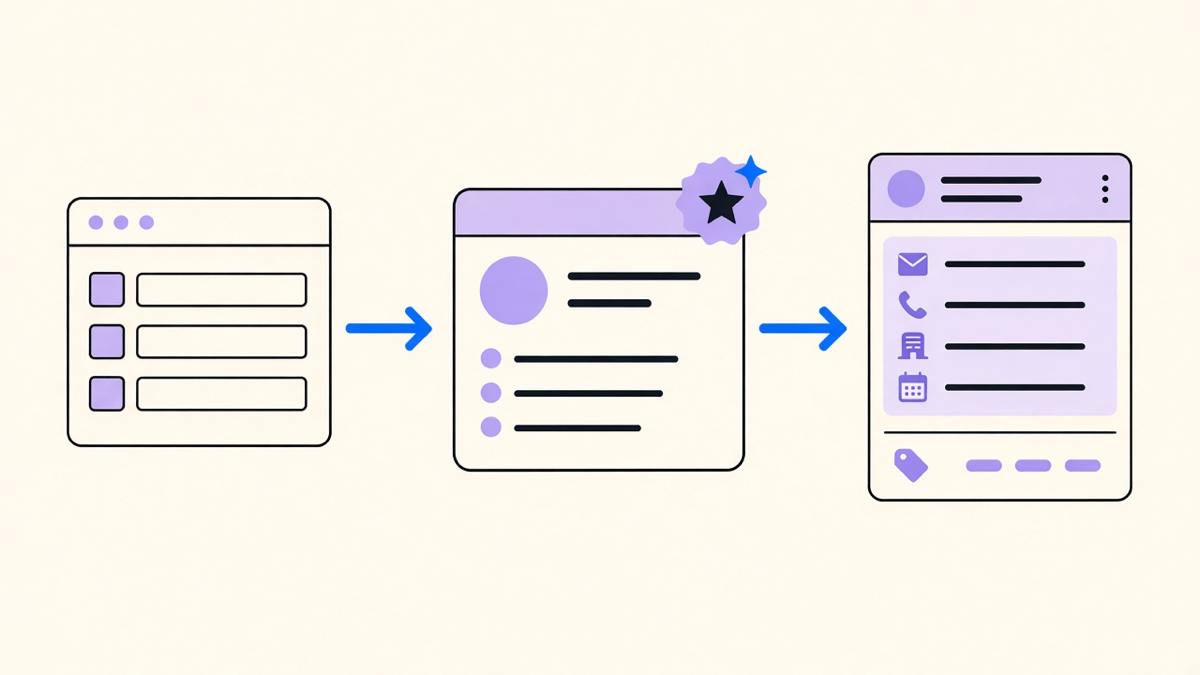
Microsoft’s day-in-the-life description is a useful gut check for whether a tool is real SFA or just a dashboard with a good demo: a rep’s morning starts with an automatically prioritized follow-up list, midday brings a prompted warm introduction through a connected network, and afternoon includes a new contact and account getting set up without the rep typing the same fields twice. If your current setup cannot produce that morning list without someone manually sorting a spreadsheet, you are not running sales force automation, you are running a CRM with automation-shaped intentions.
Some of what shows up on SFA feature lists, cadences, email tracking, an auto-dialer, overlaps heavily with what a dedicated sales engagement tools platform does for multichannel outreach and cadences and CRM sync. The distinction that holds up: SFA owns the CRM object and the workflow around it, quotes, territory, pipeline stage. Sales engagement owns the sequence of outbound touches across channels. A team running both is not being redundant if each is doing its own job well.
What the Numbers Actually Show
Salesforce’s State of Sales research puts the average rep at roughly 30% of a working week spent selling, the rest going to prioritizing leads, entering data, and building quotes. That figure lines up with an older but frequently cited Forbes study from 2018, covering more than 720 sales professionals, which found reps spending about 35.2% of their time selling, the remainder going to email, data entry, scheduling, and internal meetings. Those are two different studies from two different years measuring similar things, not one number restated twice, so treat them as a range rather than an average.
The more useful figure for anyone deciding whether SFA is worth the money is Zendesk’s internal survey data: two out of three sales teams reported seeing return on investment within six months of implementing sales force automation, and more than half of surveyed organizations reported double-digit revenue growth after automating their sales processes. That is a vendor’s own study of its own customers, so read it as directionally encouraging rather than independently audited. Still, a 30 to 35% selling-time baseline across multiple sources tells you where the other two thirds of the week is going, and SFA’s entire pitch is clawing back a slice of that.
Real Examples of Sales Force Automation in Practice
The clearest sales force automation examples map to a specific failure mode SFA is built to remove. Lead capture and routing replaces a rep manually copying a web form submission into a spreadsheet before anyone follows up, often a day or two late. Automated quote generation with approval workflows replaces a rep building a proposal in a document editor and emailing a manager for sign-off outside the CRM entirely. Call recording tied to a CRM record replaces a rep’s memory of what was said on a call three weeks ago as the only source of truth. Territory and incentive compensation tooling replaces a spreadsheet somebody updates once a quarter and everyone quietly distrusts.
None of that requires buying Salesforce specifically. It requires an operational CRM built to run the sales workflow rather than store contact records, which is the distinction covered in what an operational CRM does versus a CRM that is a glorified address book. If your team is evaluating sales force automation software and every vendor demo looks the same, the differentiator worth pressure-testing is whether the automation reaches into your specific quote or approval process, not whether it has a shinier dashboard than the last vendor.
Getting SFA Running Without Breaking Your CRM
The rollout mistake I see most is treating SFA as a separate initiative from the CRM implementation itself, when it should be closer to a configuration decision made inside it. If your team is still figuring out how to use Salesforce CRM day to day, adding automation on top before the base data model is clean just automates bad data faster. Lead scoring on messy contact records scores garbage with more confidence, not less.
Start narrow. Pick the one manual task costing the most rep hours, most often quote generation or lead routing, automate that single workflow, and confirm it reduces hands-on-keyboard time before automating the next one. A team that automates everything on day one usually cannot tell which part of the new system is earning its keep, and untangling that after the fact costs more than building it in order would have.