

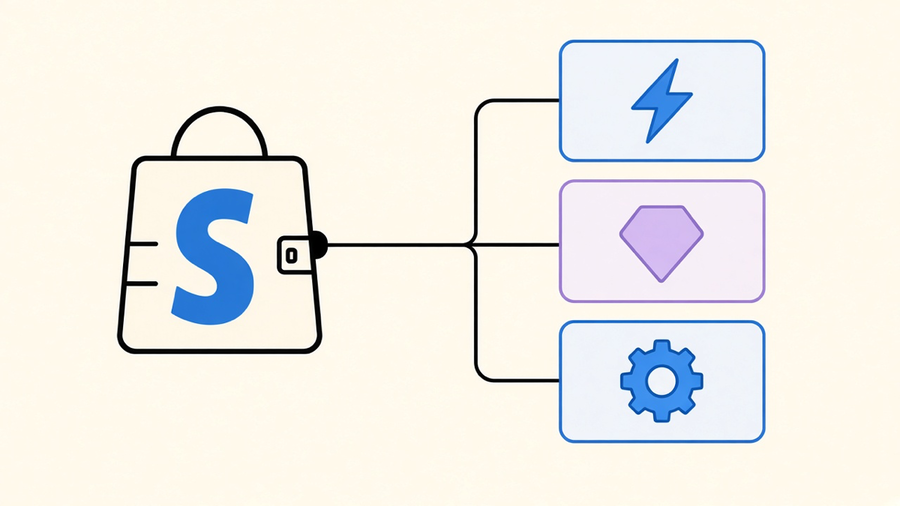
Shopify Flow is Shopify’s native automation app, free on every paid plan, that runs trigger, condition, action workflows against your store’s own events, like tagging a customer after a big order or flagging a risky payment before it ships. It became available to every plan above Starter in 2023, after years of sitting behind the Plus paywall, and that single change turned it from a Plus-only perk into the default automation layer most merchants reach for first. The question worth answering isn’t whether Flow can do something. It’s whether Flow is still the right tool once your workflow gets past the point where a template covers it.
What Shopify Flow Actually Is
Flow runs on a three-part structure: a trigger fires when something happens in your store, an optional condition checks whether the situation qualifies, and an action executes if it does. Shopify’s developer documentation lists the same three task types, plus a fourth: templates, pre-built combinations of trigger, condition, and action that a merchant installs instead of building from scratch. An order gets created, a condition checks if the total clears a threshold, an action tags the customer. That’s the entire mental model, and it covers more ground than it sounds like because Shopify exposes dozens of trigger events across orders, products, customers, inventory, and carts, plus whatever an installed app exposes through its own Flow connector.
The catch is which events Flow does not expose. It has no real-time “Order Updated” trigger, so address corrections or line-item changes after the fact do not fire a workflow, and “Customer Updated” coverage is thin for the same reason. If your automation idea depends on catching a change after the initial event, that gap is exactly where webhooks do the job Flow can’t: a webhook listens for the raw API event regardless of whether Flow has wrapped a trigger around it yet.
Is Shopify Flow Free
Yes, and there is no tiered version of it. Every plan from Shopify Basic ($39/mo) up through Plus includes full Flow access at no additional charge: unlimited workflows, every trigger and action, the complete template library, and custom code actions that run JavaScript. Shopify Starter, the $5/mo social-and-marketplace plan, does not get Flow at all, which tracks since Starter isn’t meant to run a full storefront. Before 2023 this conversation only applied to Plus merchants paying thousands a month; now a $39/mo store gets the identical automation engine a nine-figure brand runs on, one of the rare cases where Shopify leveled the field instead of adding a new paywall.
The free label hides two real costs anyway. Every app you connect through a Flow connector, Klaviyo, Gorgias, Slack, keeps its own subscription price, so “free” automation still runs on top of paid tools. Building anything past a two-step workflow also takes staff time to configure and fix when a run fails silently, which is why a proper test environment was a known gap for years until Shopify shipped workflow preview and run-cancellation in its Winter 2026 update. Before that, testing a workflow meant placing a real order and hoping.
Shopify Flow Templates
Shopify’s template library runs into the hundreds, filterable by category, so merchants do not have to reconstruct the same fifteen common workflows from an empty canvas. A template is a pre-wired trigger, condition, and action bundle, install-and-adjust rather than build-from-zero. Shopify’s developer docs note that any partner app can publish a template to showcase its own custom triggers and actions to merchants who don’t even have that app installed yet, a quietly smart discovery mechanism for app developers.
Practically, templates solve the blank-page problem more than the customization problem. A “tag VIP customers” template gets you 80% of the way there, but the threshold, the tag name, and whatever secondary action you want, a Slack ping, a Google Sheets row, still needs manual setup. Most merchants don’t need a novel workflow, they need the fifteen that every store already runs, built faster than typing them from scratch. Shopify’s 2026 Sidekick AI integration pushes that further, letting a merchant describe a workflow in plain English and have Flow assemble the structure for review, a genuinely useful shortcut for a first-timer, but not a substitute for understanding what the workflow does once it touches real customer orders.
Shopify Flow Examples Merchants Actually Build
The list of things merchants build with Flow is short and repeats across almost every store, which tells you something about what “automation” means to most operators: catching the same handful of situations every day without a human watching for them.
- Auto-tag high-value customers. Order created, total over a threshold, add a VIP tag. Simple, and it feeds every downstream segmentation and support workflow that checks for that tag.
- Low inventory alerts. Inventory quantity changed, available count under a set number, notify a staff inbox. This one alone prevents more lost sales than almost anything else on the list.
- Fraud and risk flagging. Order risk analyzed, risk level high, hold or tag the order for manual review before fulfillment. This overlaps heavily with order management, since the whole point is catching a bad order before it becomes a shipped, unrecoverable loss.
- Customer service routing. A support-app trigger creates a ticket, Flow tags or reassigns it based on order value or product line, so the right team sees it without a manual triage step.
Notice what’s missing: nothing here requires custom code, processes more than a handful of items per run, or needs to happen more than once a day. That’s not an accident, those four examples sit squarely inside Flow’s designed use case. The moment a merchant wants Flow to loop through 150 line items or run every fifteen minutes, they’ve stepped outside it, and I’d rather tell a client that on day one than watch them find it by way of a silently failed workflow.
When Flow’s Limits Force a Real Decision
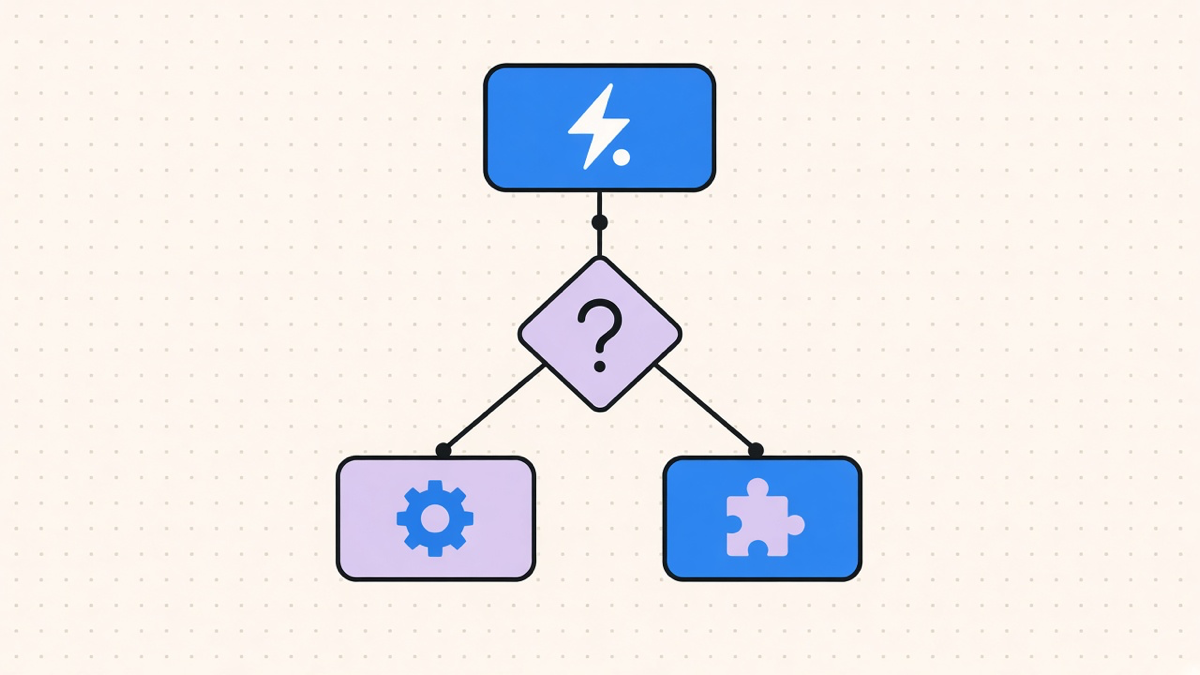
Three limits are the actual reason merchants outgrow Flow, not any vague “it’s not powerful enough” complaint. Loops max out at 100 items per run, so a bulk order or wholesale batch over that count stops partway through with no retry. Scheduled workflows can only run once a day at minimum, ruling out hourly inventory syncs or frequent price checks. Custom code actions run basic JavaScript with a ten-second timeout and no external libraries, so any real data transformation needs to happen elsewhere and get called into Flow, not run inside it.
None of that makes Flow bad. It makes Flow a tool with a designed ceiling, the same way a spreadsheet is a genuinely good tool until row 50,000. Most customers only need 10 to 20% of what a full automation platform offers, and Flow is Shopify quietly admitting the other 80% shouldn’t cost a Plus-tier subscription. Where Flow falls short is connector depth: it typically ships one Google Sheets action against a competing platform’s six, with similar gaps against Klaviyo, Asana, and Gorgias, because Flow only talks to apps that built a connector for it. Without one, an HTTP request action is your workaround, and at that point you’re already halfway to needing a real integration.
That’s usually also the point where checkout and cart logic stop being a Flow problem. Flow triggers on things that already happened; it does not evaluate live cart contents or change what a customer sees at checkout, which is what Shopify Functions exists for. Confusing the two is the most common mistake we see: someone builds discount logic or shipping-rate rules in Flow, hits a wall, and assumes automation on Shopify doesn’t work for their use case, when the real answer is they reached for the workflow tool to do the checkout tool’s job.
Where Flow Fits in a Bigger Automation Plan
Flow earns its place as the first automation layer almost every Shopify merchant should turn on: it’s free, it covers the daily-operations list well, and it needs zero procurement process to try. It is not, and was never meant to be, a general integration platform. Once a store needs hourly syncs, bulk processing past 100 items, or a connector to a tool without a Flow integration, the conversation moves from “which template do I install” to Shopify automation built around the store’s actual stack, not the templates Shopify happened to ship.
We recommend keeping Flow running for what it already handles well and layering workflow automation on top for the parts it can’t reach, rather than ripping it out wholesale. That split costs more up front than pretending one platform covers everything, but it means the tagging, alerting, and risk-flagging workflows that already work keep working, while the actual gap, an hourly sync or a 400-item batch job, gets built by something designed for it instead of squeezed through a tool that caps out at 100.