

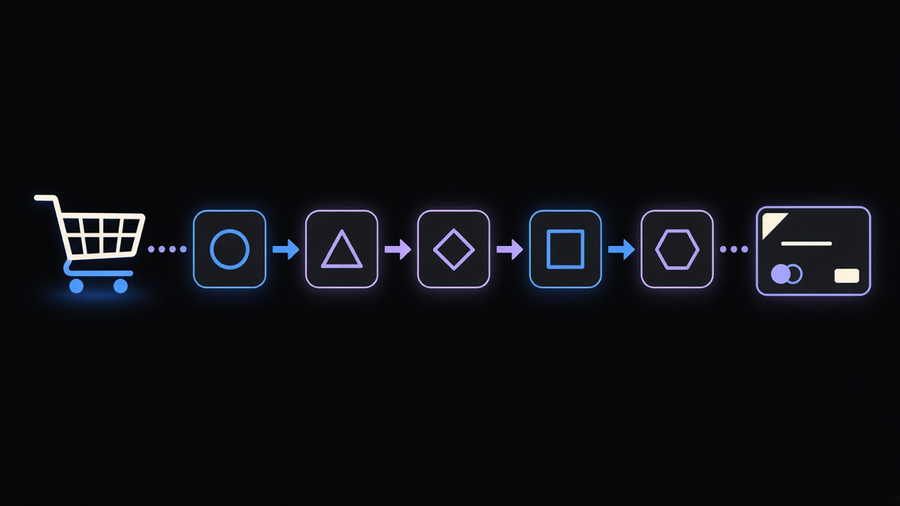
Shopify Functions are pieces of custom code that run inside Shopify’s own checkout and cart backend, not in the storefront, and not as a script pasted into a theme. A developer writes the logic, packages it inside an app, and Shopify calls that code at a specific point in the customer’s cart or checkout, such as calculating a discount or generating a delivery option, then takes the result and keeps moving. Nothing about that call is visible to the shopper. It is server-side computation slotted directly into a purchase flow, according to Shopify’s own documentation.
What Shopify Functions Actually Are
A Function takes a JSON input built from a GraphQL query you define (cart line data, metafields, whatever the function needs), runs logic against it, and returns a JSON output that Shopify’s checkout applies. The logic itself compiles to WebAssembly, and while Shopify supports any language that can target Wasm, it specifically recommends Rust because a slow function can fail outright on a large cart, per the same documentation. JavaScript works too, with official templates for both.
Availability is split by plan and by distribution. Any store, on any plan, can install a public app from the Shopify App Store that happens to contain a Function, the same way you’d install any other app. Building or installing a custom app with Function APIs is restricted to stores on Shopify Plus, and some Function capabilities are Plus-only outright. That is worth sitting with before you scope a project: the interesting custom logic, the kind an agency gets hired to build, mostly lives behind the Plus wall.
Functions are never called directly by URL or triggered by a user clicking something in your storefront. Shopify invokes them as needed, in sequence, as a real customer moves through checkout. The developer builds and deploys the app, the merchant installs and configures it in the admin without touching code, and Shopify does the actual invoking at purchase time. If you have used checkout UI extensions to change what checkout looks like, Functions are the sibling discipline: extensions change what the customer sees, Functions change what gets computed behind it.
The Function Types Doing Distinct Jobs at Checkout
Shopify’s Function APIs are not one generic hook, they are named targets that fire at specific points in a defined order, and that order matters because each one depends on data the previous step produced. Per Shopify’s Function API reference, cart and checkout functions run roughly in this sequence: Cart Transform acts on cart lines first, then Discount functions calculate cart line discounts, then Fulfillment Constraints and Order Routing work on fulfillment groups, then Delivery Customization changes delivery methods (with its own discount pass for delivery-specific pricing), then Payment Customization filters payment methods, and finally Cart and Checkout Validation runs last to block or allow the checkout based on everything computed before it.
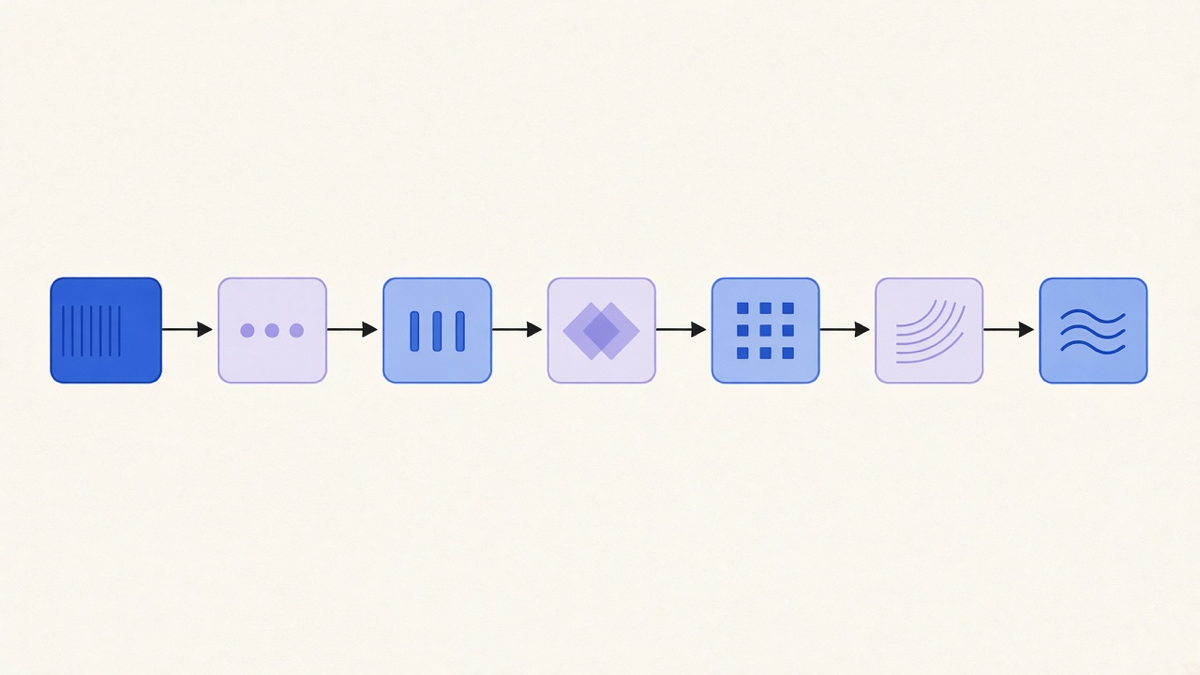
Each of those targets is a different job, not a rename of the same one. A discount function decides how much money comes off. A delivery customization function renames, hides, or reorders shipping options, including generating local pickup or pickup point options. A payment customization function hides a payment method for certain carts, useful for blocking cash on delivery above a dollar threshold. An order routing or location rule function picks which warehouse or location fulfills the order. Building a validation function that blocks checkout on a bad cart line quantity is a different skill from building a discount function, even though both live under the same “Shopify Functions” umbrella term, and vendors selling generic “Shopify Functions development” without naming which target they mean are usually selling one of these, not all of them.
Shopify Functions vs Shopify Flow
The easiest way to mix these up is to assume Flow and Functions compete for the same job. They do not run at the same moment or on the same kind of question. Shopify Flow is event-driven automation: a trigger fires when something happens in the store, like an order landing or a customer hitting their fifth purchase, a condition filters who qualifies, and an action runs afterward, like tagging the order or notifying a team. Flow lives comfortably after the fact. It reacts to things that already happened.
Functions run inside the transaction itself, before it is finished, computing a number or a decision that the checkout needs right now to keep moving, such as what a discount is worth or whether this cart is even allowed to proceed. You cannot build a real-time discount calculation in Flow because Flow was not built to sit in the critical path of checkout math, and you would not build a “notify the warehouse team an hour after purchase” step as a Function because that is not a computation checkout depends on to finish the sale. Most stores that outgrow native automation need both eventually: Flow for the after-the-fact store logic, Functions for the in-checkout calculations neither Flow nor the admin settings panel can express.
Shopify Functions vs the Old Script Editor
Shopify Scripts, the feature Functions replaced, let merchants paste code directly into checkout to adjust pricing and line items. Shopify deprecated Scripts on June 30, 2026, according to its transition guide, and the difference is not cosmetic. Scripts ran as pasted code with no local testing, no unit tests, and no distribution model beyond copying the same snippet into every store that needed it. Functions are built and unit tested in a real development environment, distributed as an app instead of copy-pasted code, and run on WebAssembly instead of an interpreted Ruby runtime, which Shopify states executes in under 5 milliseconds and holds up during flash sales where Scripts previously hit timeout and memory limits.
Merchants who had active Scripts before the deprecation get a Shopify Scripts customizations report in the admin that lists what was running and links to either a Function-based app or documentation for rebuilding it yourself. That is the entire migration path: review what the old script did, then either install an app built on Functions or have a developer rebuild the same logic as a Function. There is no automatic script-to-function converter, and anyone claiming their tool line-for-line translates Ruby Scripts into WebAssembly Functions is not describing something Shopify built.
Here is the opinion worth stating plainly: most merchants should install a Functions-based app for common jobs like tiered discounts or hidden payment methods rather than commissioning a custom one, because Shopify’s own App Store already covers the well-trodden cases, and most stores use a fraction of what a fully custom function could technically do. The cost of that shortcut is real. An off-the-shelf app will not match a genuinely unusual fulfillment rule or a pricing model nobody else has built, and that is exactly when a custom Function, built against the Shopify developer API and deployed through your own app, earns the extra build time. Knowing which side of that line your store is on before you start scoping is worth more than any framework comparison.
If your checkout logic is custom enough that no App Store listing does the job, that is a Shopify Functions build, not a Flow workflow and not a leftover Script waiting to break on the next flash sale.