


If someone asks which Shopify API to build on, the honest answer in 2026 is GraphQL Admin API for anything touching store data, Storefront API for anything customer-facing and headless, and REST only if you are maintaining something that already exists. Shopify has been telling developers this directly since October 2024, when it marked the REST Admin API legacy, and since April 2025 every new public app has had to ship on GraphQL. That single decision reshapes how you should read the rest of the “shopify api documentation” tree, because the surfaces are not equally alive anymore.
Shopify’s own usage docs describe the platform as “a suite of APIs,” not one API, and that phrasing matters more than it sounds. Every one of those APIs carries its own rules for authentication, rate limits, and versioning, and picking the wrong one costs you a rebuild later, not a refactor. Here is how the pieces actually divide up, and where each one earns its place in a real stack.
Shopify GraphQL API is the default for admin-side work now
The GraphQL Admin API reads and writes the same store data REST always did (products, orders, inventory, customers) but through a single endpoint with a query language that lets you request exactly the fields you need in one round trip. Shopify rate-limits it by calculated query cost rather than a flat request count: standard stores get 100 points per second, Advanced Shopify gets 200, Shopify Plus gets 1000, and Commerce Components (enterprise) gets 2000, according to Shopify’s current API limits documentation. That cost model rewards a well-shaped query and punishes a lazy one, which is a design choice REST never had to make because REST just counted requests.
The practical shift: if you are starting a new public app today, Shopify requires GraphQL. If you inherited a REST integration, you are on borrowed time, not because REST stopped working, but because Shopify stopped adding new features to it. Newer platform capabilities show up in GraphQL first and sometimes only, so a team that keeps extending REST is quietly falling behind on what the storefront and admin can even do. I would tell any client starting fresh to skip REST entirely, even though GraphQL has a steeper first afternoon (nested query shapes are not intuitive if you have only ever hit REST endpoints). The productivity you get back on the second and third feature more than pays for that afternoon.

Shopify Storefront API is for anything the customer touches directly
The Storefront API is a separate GraphQL schema built for products, collections, cart, and checkout, meant to be called from a theme, a headless frontend, a native app, or, per Shopify’s own docs, “any platform, including the web, apps, and games.” It is scoped down from the Admin API on purpose: no order management, no staff-level operations, just the commerce primitives a shopper’s screen actually needs.
The detail worth flagging for anyone estimating a build: Shopify’s rate-limits table lists “None” across the board for the Storefront API’s rate-limiting method and standard limit. That does not mean unlimited abuse is fine, it means Shopify is not publishing a fixed points ceiling the way it does for GraphQL Admin, so you plan around caching and CDN behavior rather than a documented cap. If your project is a true headless build (a custom storefront on Hydrogen, a native app, a kiosk), Storefront API is the only correct entry point, and pairing it with custom storefronts work is where most of our client requests in this category actually land. If your project is internal tooling or order operations, Storefront API is the wrong door, full stop.
Shopify Admin API covers everything that is not customer-facing
“Admin API” is often used loosely to mean GraphQL Admin, but it is really the umbrella for both the GraphQL and REST endpoints that read and write merchant-side data: products, inventory, fulfillment, discounts, orders, metafields, and the app configuration surface itself. This is the API layer that powers ERP sync, custom reporting, fulfillment automation, and any app that needs to act on behalf of the merchant rather than the shopper.
Two adjacent surfaces round out the ops side and are easy to miss in a pure GraphQL-vs-REST framing. Webhooks push change events out of Shopify so you are not polling for order or inventory updates, and Shopify versions webhook payloads the same way it versions API responses (worth understanding before you wire up webhooks for anything time-sensitive). Functions let you inject custom logic into checkout, discounts, and shipping without touching the storefront code at all, which is a different job than either Admin or Storefront API and deserves its own evaluation before you assume you need a full app; see how Shopify Functions fit next to the Admin and Storefront surfaces. Most merchant automation projects end up touching three of these four things (Admin API, webhooks, and a UI extension of some kind) rather than living in just one.
Shopify REST API still exists, but only for what already exists
REST is not gone. Existing apps built on it keep running, and Shopify’s own docs are explicit that “the REST Admin API is a legacy API as of October 1, 2024,” with new public apps required to use GraphQL Admin starting April 1, 2025. That is a specific, dated policy, not a vague deprecation warning, and it tells you exactly how to triage a legacy codebase: audit which endpoints you call, check Shopify’s migration guide for the GraphQL equivalent, and prioritize the migration by which REST calls touch data that is changing fastest (inventory and fulfillment move quicker than, say, shop settings).
The tension worth naming here: some agencies still quote REST work because it is faster to scaffold on day one, and then hand the client a rebuild eighteen months later when a feature only ships in GraphQL. Most customers only need a slice of what a platform offers, and that is exactly the trap: a REST integration looks like it covers the 20 percent you need today, until Shopify adds the other 80 percent somewhere REST cannot reach. Build the migration cost in up front or skip REST entirely for new work.
Shopify API versions follow a quarterly clock, and that clock is not optional
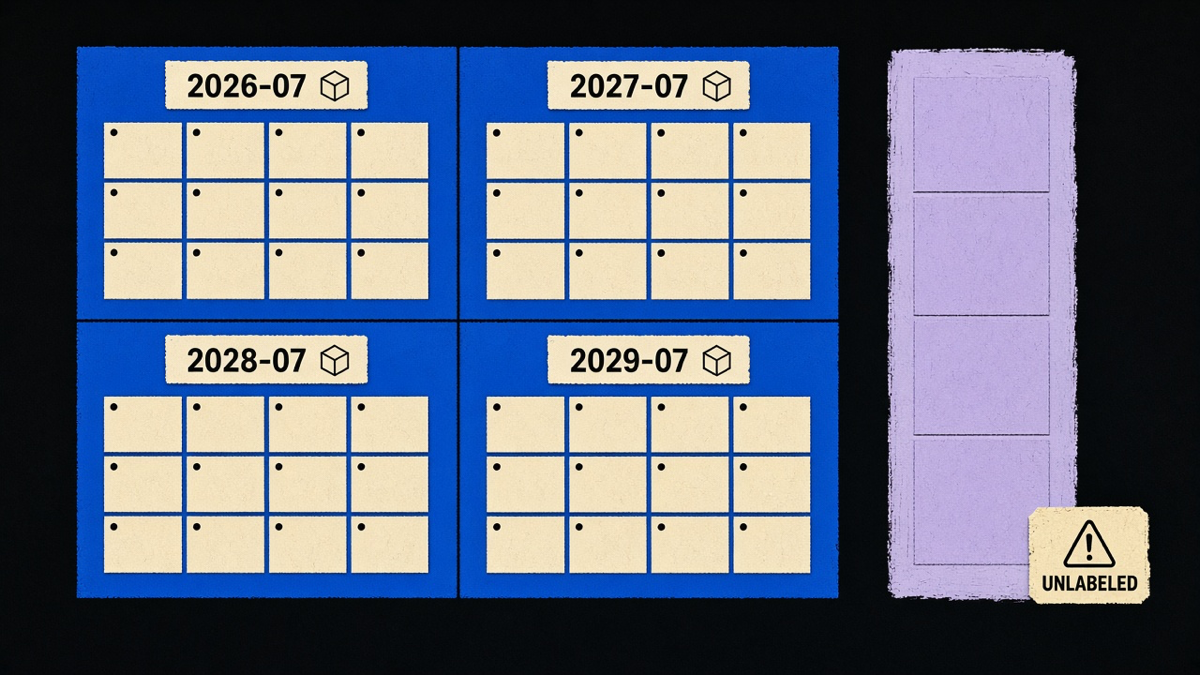
Shopify’s versioned APIs (GraphQL Admin, Storefront, Customer Account, Functions, Events, Webhooks, Partner, Payments Apps, and the various UI extension families) release on a predictable quarterly schedule, so a version string like 2026-07 marks a real, dated release rather than a rolling “latest.” Not every surface is versioned this way: Liquid, the Ajax API, OAuth endpoints, and the Customer Privacy API are called out explicitly in Shopify’s docs as unversioned, meaning they can change without a scheduled release cycle at all.
That distinction changes how you build. Pin a real version string for anything on the quarterly schedule and treat an upgrade as planned work, not a fire drill, by subscribing to Shopify’s developer changelog. For the unversioned surfaces, assume behavior can shift under you and write integration tests that would actually catch it, because there is no version bump to warn you first. Teams that skip this step tend to find out about a breaking change from a support ticket instead of a changelog entry, which is a worse way to spend a Tuesday.
Picking a surface without guessing
If you are deciding today: new merchant-facing app or integration, GraphQL Admin API. Anything the shopper sees directly, especially headless or app-based, Storefront API. Checkout-specific logic, discounts, or shipping rules, Functions and checkout UI extensions before you reach for a full custom app. REST only if you are stuck maintaining it. And whatever you pick, track its place on Shopify’s quarterly version schedule from day one, because the API you shipped against in one release is not a permanent contract, it is a snapshot with a known expiration.