


Shopify checkout UI extensions are app-built pieces of interface, banners, fields, upsell offers, and custom logic, that render inside specific spots in Shopify’s checkout, order status, and thank you pages without touching the underlying checkout code. They run through targets defined in a shopify.extension.toml file, use Shopify’s Polaris-based web components so they inherit the store’s checkout branding automatically, and ship through the same app install flow as any other Shopify app. That is the entire mechanism. The complexity people run into is less about the extension code and more about figuring out which of the three target types to use and whether the feature they want is even available outside Shopify Plus.
What Checkout UI Extensions Are and Where They Run
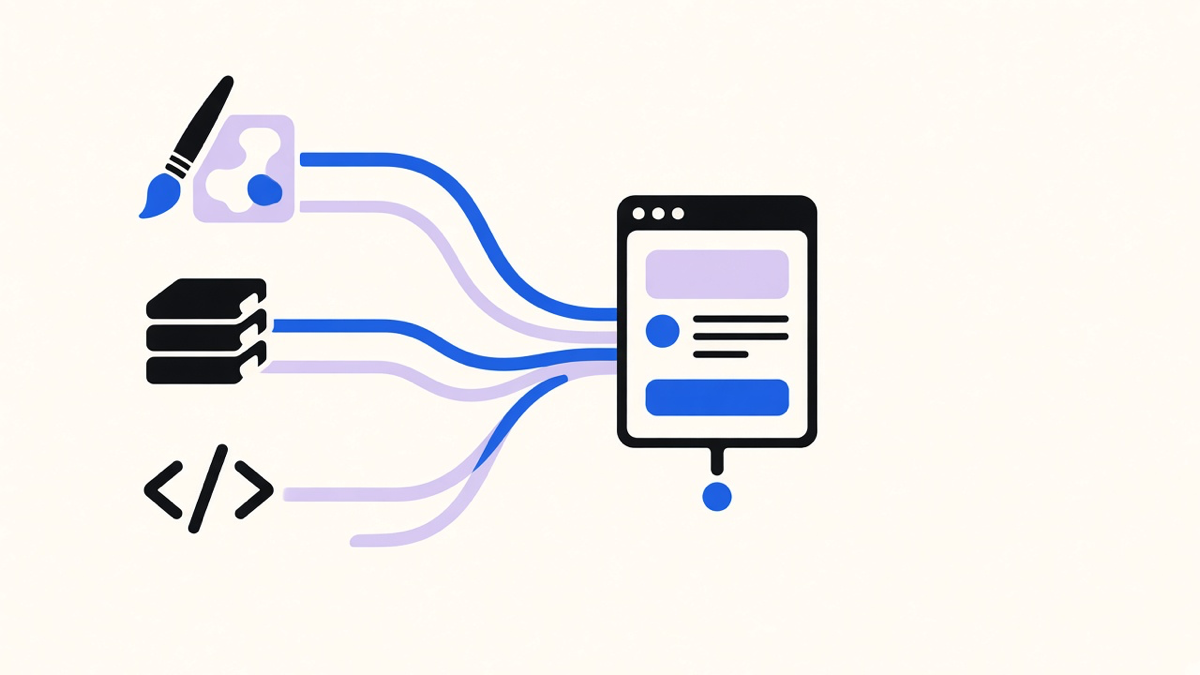
Shopify’s own developer docs break checkout UI extensions into three interconnected parts: targets that determine where your UI shows up, target APIs that expose checkout data and functionality, and web components that render the actual buttons, banners, and fields (Shopify developer docs). An extension for the information, shipping, or payment steps only works on stores with a Shopify Plus plan, a restriction Shopify states directly in the same docs. That single line answers the question a lot of merchants ask after their developer quotes them for a gift-message field: it is not a coding problem, it is a plan problem.
Once the extension is registered, Shopify hands it a global API object at runtime that exposes cart, customer, and checkout data depending on which target it is attached to. The Storefront API is also reachable from inside an extension, which is how a checkout banner can pull live product tags or recommendations instead of showing static text (per Shopify’s Partner Blog writeup on the 2023 checkout UI extension expansion). Rate limits apply if an extension tries to push too many cart or checkout changes in one session, so an extension that fires on every keystroke will eventually get throttled mid-checkout, which is a worse user experience than the bug it was trying to fix.
Checkout Customization Options: Theme Settings, Apps, and Custom Extensions
Merchants land on “checkout UI extensions” as a search term because they already tried the other two doors first. The checkout and accounts editor covers branding: logo placement, colors, fonts, and basic field visibility, all without code. Installing an app from the Shopify App Store covers most functional needs, upsells, gift wrapping, address validation, because someone already built and shipped the extension for you (Shopify’s Partner Blog notes checkout extensibility apps have been sellable directly to Plus merchants in the App Store since early 2023). Writing a custom checkout UI extension is the last resort, reserved for logic specific enough that no app on the store covers it.
Most merchants only need the first two options. I have watched stores pay a developer to hand-build a custom extension for a feature that a five-dollar app already does, because nobody checked the App Store first. That is not unique to checkout. Most operators only use 10 to 20 percent of any platform’s real capability, and checkout is one of the few places on Shopify where reaching for custom code before checking the app catalog actually costs measurable conversion, since every extension adds a render cycle to the page buyers are trying to finish fastest.
If a custom extension is genuinely the right call, that is also the point where store-specific pricing rules, shipping logic, or discount stacking belong in Shopify Functions instead of the UI layer. UI extensions render interface. Functions run backend logic, like which discount applies or how shipping rates get sorted, and the two get paired together far more often than either gets used alone.
Checkout Blocks vs Other Checkout UI Surfaces
Shopify’s docs name three distinct target types, and mixing them up is the most common structural mistake in a first extension build. Block targets are flexible placements a merchant repositions in the checkout and accounts editor, and Shopify caps a single block location at three extensions stacked in one spot. Static targets render at fixed spots the moment checkout loads, before actions, after contact fields, after line items, and a merchant cannot move them. Runnable targets are the odd one out: they render no visible UI at all and instead fire in response to an event, like a customer typing an address, returning data such as autocomplete suggestions (Shopify developer docs).
In practice, block targets are what most people mean when they say “checkout customization,” because a merchant can drag a gift-message field or an upsell banner into the exact spot they want. Static and runnable targets exist for scenarios where flexibility is the wrong feature, a shipping disclaimer that must always appear above the shipping method, for instance, and letting a merchant accidentally drag it below checkout completion would defeat the point.
One-Page Checkout vs the Older Multi-Step Flow
Shopify’s checkout is built as a single continuous flow, contact information, shipping, and payment rendered as sections a buyer scrolls through rather than separate pages that reload between steps. Extension targets attach to that flow at the step level, before or after contact fields, after the line item list, on the thank you page, but the buyer never leaves one URL to get there (Shopify developer docs describes these as steps within one interface, not separate pages). That is a meaningful difference from the older model, where merchants and agencies edited a standalone checkout.liquid theme file, and any custom field meant hand-coding into a file that broke on the next Shopify checkout update.
Shopify’s Partner Blog put it plainly when checkout UI extensions expanded in 2023: gone are the days of needing to work one-on-one with a merchant to develop custom checkout code in the checkout.liquid theme file. Instead, Plus brands install an app and configure it in the checkout editor without touching code. The one-page model is also why mobile performance matters more here than almost anywhere else in a store. Checkout extension guidance from Objects.ws points to mobile making up a majority of Shopify order volume, which means a heavy extension script slows down the exact step where a slow load costs a completed sale, not just a bounced page view.
Where Checkout UI Work Sits in Shopify’s Extensibility Model
Checkout UI extensions are one piece of a broader system Shopify calls checkout extensibility, alongside Shopify Functions for backend logic, web pixel app extensions for tracking, post-purchase extensions for the order status page, and checkout branding for visual theming (Shopify Partner Blog). The order status page got its own developer preview for UI extensions in the same 2023 release, opening up post-purchase surveys, referral prompts, and digital download delivery on a page that previously could not be touched by an app at all.
The practical build path most teams end up on: scaffold an extension with the Shopify API and CLI (shopify app generate extension), pick Checkout UI Extension, write the target module against a target string like purchase.checkout.block.render, preview it with shopify app dev, and deploy. Both MageComp’s build walkthrough and Objects.ws’s implementation guide land on that same six-step shape independently, which is less a coincidence and more evidence that Shopify’s CLI scaffolding has genuinely standardized how this gets built, unlike the bespoke checkout.liquid era where every developer’s approach looked different.
Where I would push back on the “just install an app” instinct: apps are the right default for common patterns, gift notes, upsells, loyalty point redemption, but a store with an actual differentiator, a subscription model with unusual proration rules, a B2B tiering system, a checkout flow tied to a loyalty program nobody else runs, needs custom checkout extensions built against its own logic. The cost is real: a custom extension needs someone who understands the target APIs, the rate limits, and the Plus plan gating well enough to not rebuild what an app already solved. For a store whose checkout is genuinely part of its competitive edge, that cost is smaller than the alternative of forcing a generic app to fake a workflow it was never built for.
Checkout UI extensions did not just add a new customization option to Shopify. They replaced the entire premise that customizing checkout meant editing fragile theme code that broke on every platform update, and that shift is the actual reason “checkout customization” searches have moved from asking how to edit checkout.liquid to asking which extension target fits the job.