

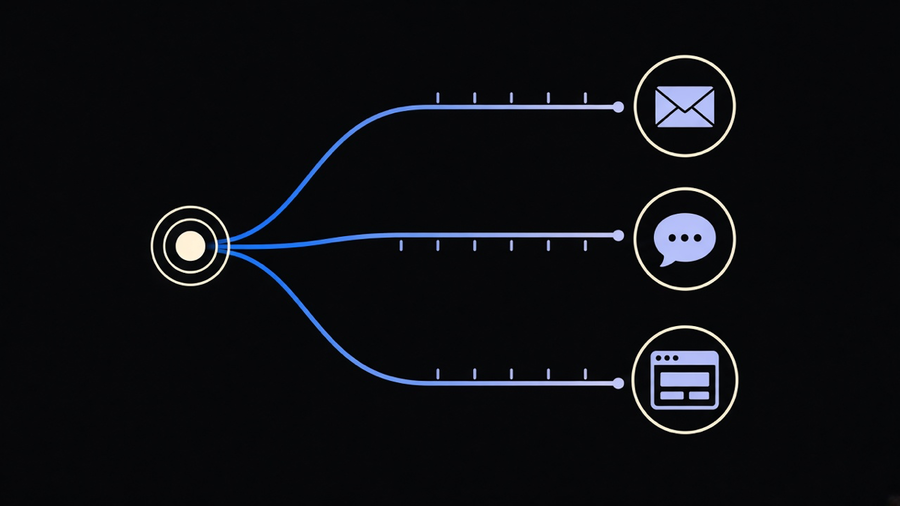
A marketing automation workflow is a chain of four parts: a trigger (a form fill, a cart left mid-checkout, ninety days of silence), a condition that checks who this actually is, an action the system fires in response, and a timing rule for when. Chain enough of those together and you get a program that responds to a customer at 2am the same way it would at 2pm, without anyone on the team clicking send. That trigger-condition-action loop is how marketing automation works underneath every marketing automation software platform on the market, and the workflow examples below are the ones worth building first, in the order they tend to pay off.
Workflows Every Team Should Build First
Start with the welcome series, because it is the only workflow that gets a guaranteed trigger: someone hands you an email address on purpose. A basic version fires a confirmation immediately, follows with brand context on day two, showcases a bestseller with social proof on day five, and sends a last nudge on day eight if the signup incentive never got redeemed. Keep each email to one call to action. Cramming a brand story, a product showcase, and a discount code into a single send is how a welcome series turns into a single ignored email.
Abandoned cart recovery is the workflow with the clearest math behind it. The average cart abandonment rate sits above 70%, with mobile checkout abandonment running even higher, according to workflow benchmarks from Bloomreach. A three-touch sequence, a reminder an hour after abandonment, a follow-up addressing shipping and returns questions at 24 hours, and a small incentive at 48 hours, recovers a real slice of that lost revenue without discounting every single sale up front. Win-back campaigns work the same trigger logic in reverse: no purchase in 90 to 180 days fires a “we miss you” message, followed by a time-sensitive offer, followed by a final expiring-soon nudge. None of these three workflows require sophisticated segmentation. They require picking a trigger and actually building the sequence instead of leaving it as a task on someone’s list.
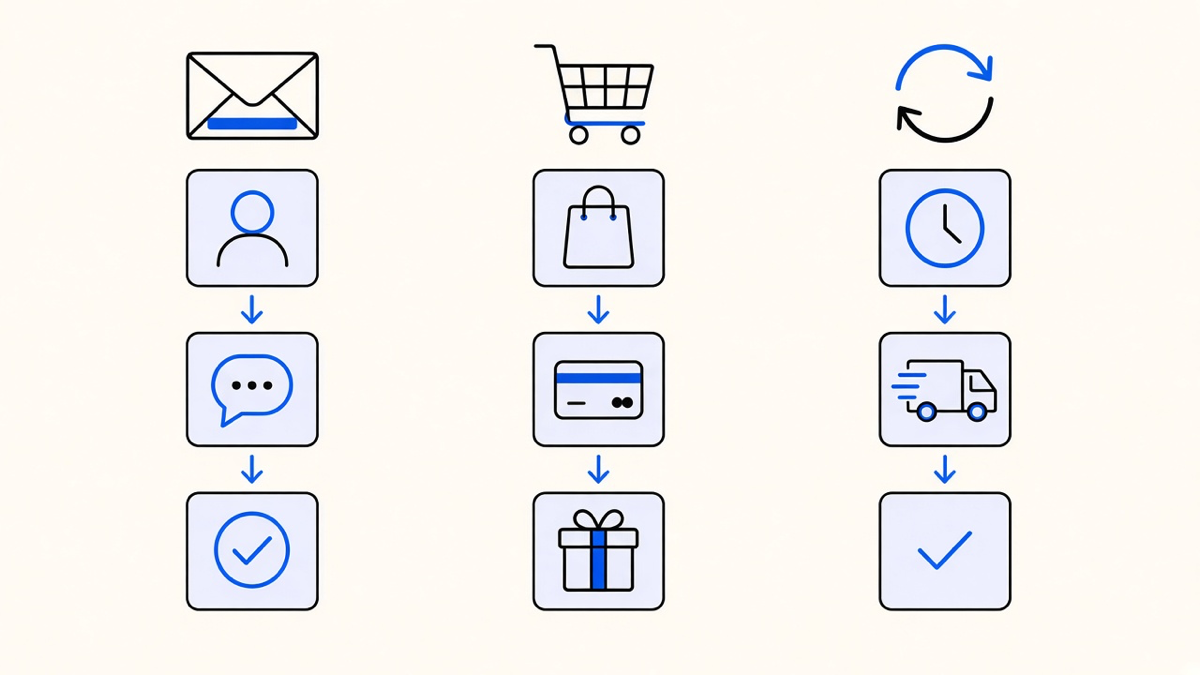
Here is the opinion part: most teams building their first automation program try to launch five workflows at once and end up shipping none of them well. Build the welcome series, ship it, watch it for two weeks, then build the next one. A single working workflow beats three half-configured ones sitting in draft, and the sequencing above, welcome, cart, win-back, is ordered by how fast each one produces evidence that the system works.
Marketing Workflow Examples Beyond the Obvious Three
Lead nurturing is the workflow that earns its keep in B2B pipelines specifically. A staged sequence, an educational resource first, a case study next, then a demo invite, keeps a prospect warm without a rep manually checking in every week. That structure matters because nurtured leads produce a 20% increase in sales opportunities compared to leads that get no structured follow-up, per Braze’s research on lifecycle marketing. That is not a small number for a workflow that runs unattended once it is built.
Behavioral trigger campaigns cover the messier middle ground: a browse-abandonment email when someone views a product two or three times without adding to cart, a re-engagement nudge when a feature goes unused, a follow-up push when someone bounces off a pricing page. These convert well because they respond to a real signal instead of a guessed one. Triggered emails are 59% more likely to be opened than time-based sends, according to Braze’s benchmark data, and the gap makes sense once you notice the difference: a time-based email interrupts, a triggered one answers something the person just did.
Post-purchase nurture is the workflow most teams skip entirely because it does not look like it drives revenue. It does, just on a longer clock. A thank-you message separate from the transactional receipt, a usage tip a week later, a check-in with a cross-sell recommendation at three weeks, all build toward the second purchase instead of chasing the first one twice. Skipping this workflow is how a business ends up buying more ad spend to replace customers it already had and just never followed up with.
Email Automation Examples Worth Copying
Email carries most of these workflows because it is the channel with the fewest platform restrictions and the clearest audit trail, but not every automated email does the same job, and treating them as one job is the fastest way to underperform, a point covered in more depth in Automated Emails Are Three Different Jobs Wearing One Name. A triggered welcome email, a scheduled newsletter, and a mass promotional blast are three different tools even though they all land in the same inbox.
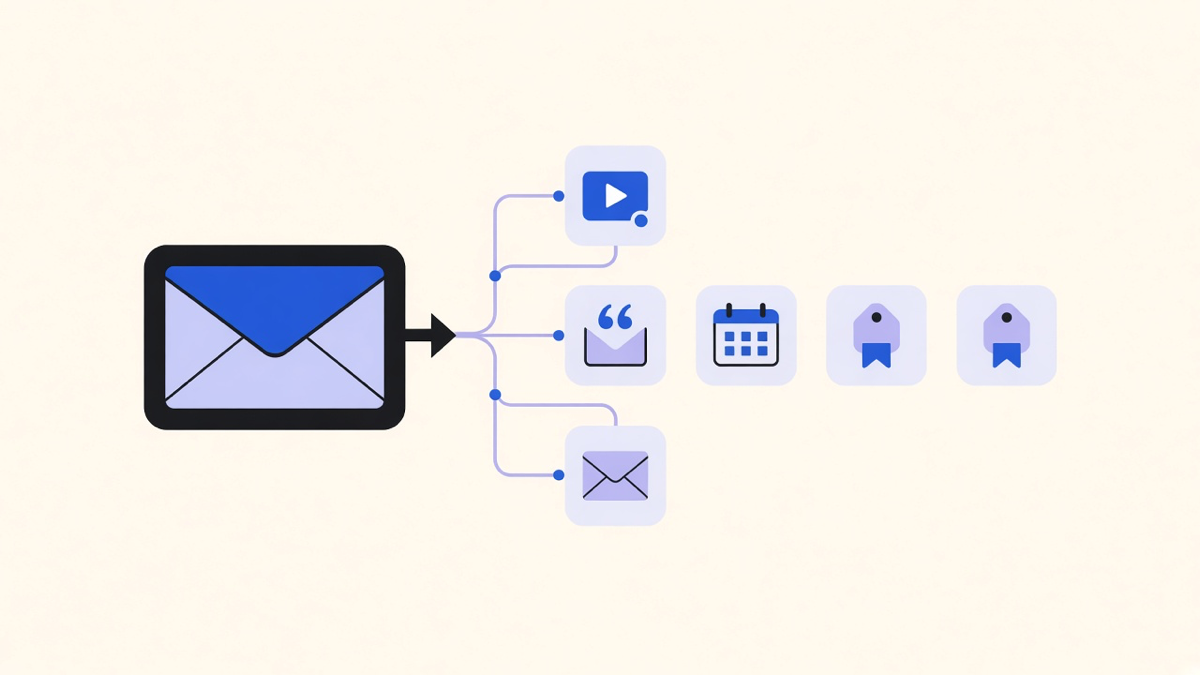
The clearest example worth copying is the drip series that layers formats instead of repeating the same pitch: a welcome email on day one, an explainer video on day three, a case study on day five, a demo invite on day seven, a limited offer on day ten. Each message earns the right to send the next one by delivering something new, not by repeating “don’t forget to sign up” five times in a row.
Price drop and restock alerts are the sleeper example most teams underuse. They require almost no creative work, since the message is the data, but they convert at a rate few other emails match because the trigger is something the customer explicitly cares about. Order confirmation workflows deserve the same attention: a transactional receipt paired with a genuine thank-you message, not a coupon bolted onto the receipt itself, which is a compliance line worth knowing before a legal team finds it first.
Choosing and Implementing Workflows Without Overbuilding
Seventy-six percent of marketers who implement marketing automation report a positive ROI within a year, according to Bloomreach’s workflow research, and the gap between that group and everyone else usually comes down to sequencing, not tooling. Teams that pick one workflow, measure it, and layer the next one on top see the compounding effect. Teams that turn on twelve workflows in their first month inside a new platform usually cannot tell which one is actually working, and half of them quietly break within a quarter because nobody is watching any single one closely enough to notice.
Data is the actual bottleneck, not workflow count. A win-back email firing at someone who already reordered last week, because two systems disagree on what “active” means, is a common failure and it erodes trust in the whole program faster than a missing workflow ever would. Before building the tenth workflow, check whether the first three are still firing on clean data. Most platforms will run a broken trigger forever without flagging it, since that is not a bug the vendor gets paid to fix.
The advantages of marketing automation only show up when a workflow matches a real job a person was already doing by hand, welcome emails, cart follow-up, lead nurture, not when a team buys a platform because a competitor has one. If the workflow list above sounds like more platform than a small team needs, it probably is. Most businesses need three or four of these running well, not all ten built badly, and the best marketing automation companies worth hiring will tell you that before they tell you to buy the enterprise tier.