

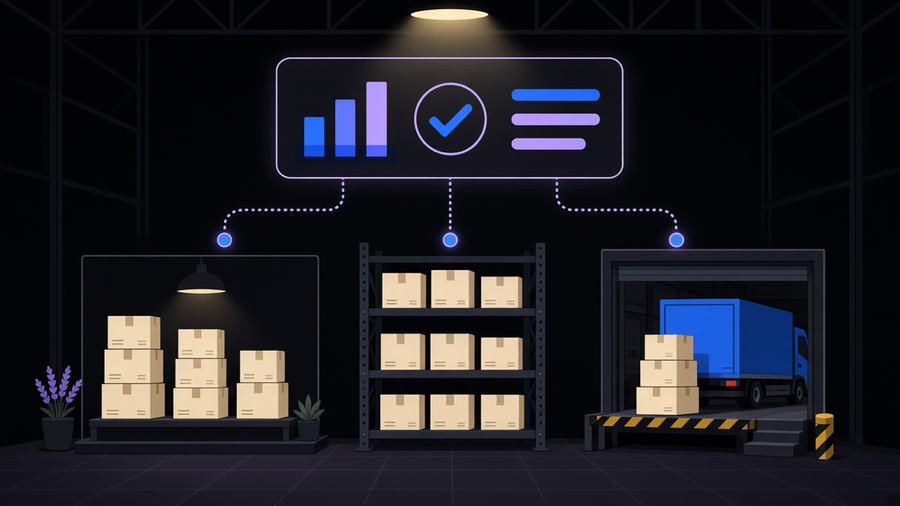
Shopify inventory management is the built-in system for tracking what you have, where it sits, and what state it’s in, whether that’s on hand, committed to an order, reserved, damaged, or incoming from a supplier. It ships free on every plan, covers multiple locations out of the box, and handles purchase orders, transfers, and stock counts without a third-party app. The gap shows up once you sell on more than one channel, run a real warehouse, or need forecasting sharper than “reorder when it looks low,” which is exactly where a dedicated inventory app earns its subscription fee instead of sitting unused in your app list.
What Shopify Inventory Management Covers Natively
Open any product in the Shopify admin and inventory tracking is already there: on hand, committed, and available counts per location, updated the moment an order comes in or a transfer lands. According to Shopify’s own inventory management page, the native system tracks what’s on hand and ready to sell across locations, along with stock that’s damaged, reserved, committed to orders, or incoming, all from one dashboard. Purchase orders and inventory transfers move stock between locations and update counts automatically, so a warehouse restock and a retail store restock both show up in the same ledger without a spreadsheet in between.
Orders across sales types feed the same counts too. In-person POS sales, online orders, and B2B orders all draw from the same inventory pool, which is the detail that makes single-location tracking look deceptively simple until you add a second sales channel to the mix. Shopify POS adds its own layer on top: staff can receive stock transfers and supplier orders directly from the POS interface, use a sales suggestion report to flag stale inventory before it becomes a write-off, and scan barcodes to run physical counts that reconcile against the system instead of a clipboard.
None of that requires an app. It’s the reason a single-location or two-location store selling only through Shopify’s own checkout rarely needs to shop for inventory software at all. The honest read here: most stores buy an inventory app before they’ve hit a limit the native tools actually have, and end up paying monthly for a feature set that duplicates what the admin already does for free.
Where Native Inventory Tracking Runs Into Real Limits
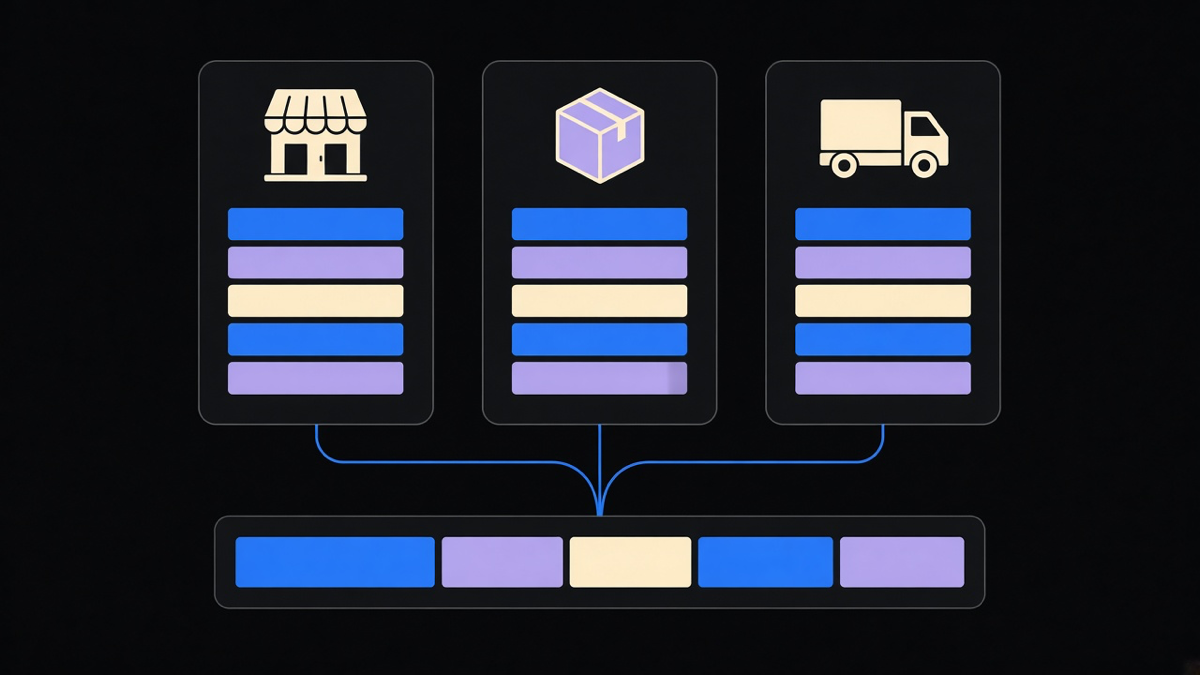
The location count is the first wall, and it’s a pricing wall, not a feature wall. Per Brightpearl’s breakdown of managing inventory on Shopify, Shopify’s plan tiers cap locations directly: Shopify Lite allows up to 3, Basic Shopify up to 4, the standard Shopify plan up to 5, Advanced Shopify up to 8, and Shopify Plus up to 20, with Plus Support handling anything past that. A location isn’t just a warehouse either. Any third-party app or fulfillment partner that physically holds your stock counts as its own location against that limit, so a store running two 3PLs and a retail counter can hit the ceiling faster than the plan tier suggests.
The second wall is native inventory’s silence on the rest of a real supply chain. Shopify doesn’t support product bundles directly, so a bundle sold as one SKU while its components track separately needs either custom setup or outside software to keep both counts honest. Landed cost, the freight, duty, and handling fees that actually determine margin on an imported product, has no native home in Shopify either. Multichannel selling across marketplaces, a second storefront, or wholesale orders creates the same problem in a different shape: native inventory holds the count, but nothing reconciles it against five channels selling the same SKU in real time without help.
That’s the honest boundary. Native Shopify inventory is a ledger, a good one, but a ledger. Once the business needs demand forecasting, warehouse management, or purchasing logic that reacts to supplier lead times, the ledger stops being the bottleneck and the process around it becomes one.
When a Shopify Inventory Management App Is Actually Worth Paying For
An inventory app earns its keep when it’s solving a problem the admin genuinely can’t, not when it’s duplicating a feature already sitting in Settings. Brightpearl’s rundown of must-have features for Shopify inventory software names the short list worth checking before buying anything: multichannel inventory sync across every place you sell, multi-location tracking paired with actual warehouse management, support for bundles and variants as first-class items, demand planning that adjusts reorder points instead of just flagging low stock, and integrated accounting that carries landed cost through to your margin reports.
Returns are the feature most stores forget to check for until the first bad returns season. The same source notes that a well-run returns process keeps customers coming back, and the systems around your Shopify sales need to link sales credits to returned inventory automatically, on both the accounting side and the stock side, or you end up manually reconciling refunds against counts every week.
The decision that actually holds up is matching the app to a named gap, not a feature list. A store running one warehouse and two sales channels needs multichannel sync and nothing else on that list. A wholesale operation moving through a 3PL needs the warehouse management and API throughput to survive a peak sales day without the count going stale mid-checkout. Buying a full inventory platform for the first problem is the same mistake as running Shopify automation tools nobody configured past the default settings: the subscription cost accrues whether or not the feature ever gets used.
Building Inventory Logic Instead of Buying a Platform
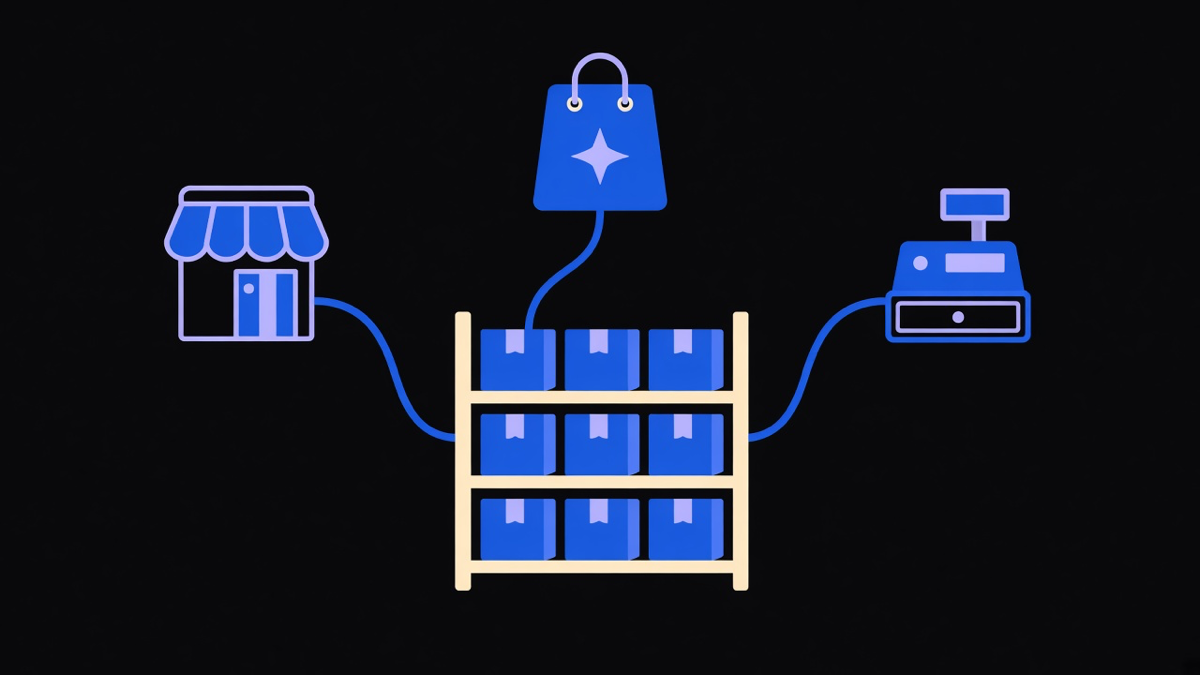
Not every gap needs a subscription. Shopify Flow can already automate a chunk of what stores pay inventory apps to do: trigger a low stock alert, tag a product for reorder, or notify a fulfillment team the moment a count crosses a threshold, all inside the native admin and free on most plans. For a store with one clear rule, like reordering the same three SKUs every month from the same supplier, a Flow workflow does the job a $99-a-month inventory app was built to do for a much broader use case.
The tradeoff is real and worth naming. Flow handles rule-based triggers well but has no purchasing logic, no demand forecasting, and no warehouse management layer, so a business with genuinely complex multi-warehouse or multichannel needs will outgrow it fast. That’s the point where custom Shopify customizations built against the Admin API start making more sense than either the free native tools or a generic inventory platform, because the logic gets built around the specific supply chain instead of the store bending its process to fit a template. Buying the platform makes sense when the problem matches what it already does out of the box. Building the logic makes sense when the store’s actual workflow is the thing that doesn’t fit anyone’s template, and that’s a call worth making before the app subscription, not after a year of paying for features nobody opens.
Track order status alongside stock counts and the same logic that flags a low-inventory SKU can flag a stuck order management queue, since both problems come from the same root cause: a count that’s technically correct in the system but stale by the time a human looks at it. Treating inventory accuracy and order accuracy as the same problem, rather than two separate app purchases, is usually the cheaper fix.