

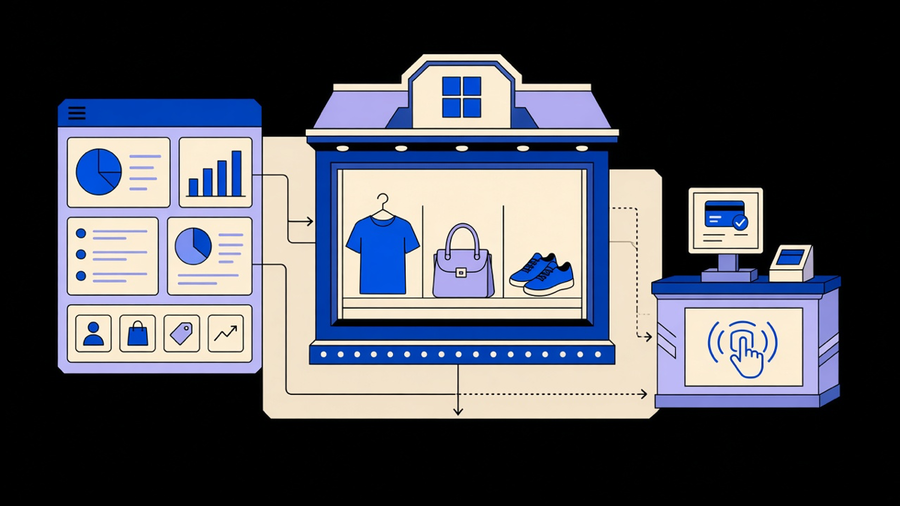
Shopify works by hosting your entire store, admin, storefront, and checkout, on its own servers, so you rent a fully built ecommerce system instead of assembling one from separate hosting, security, and payment pieces. You sign up, pick a plan, and log into an admin dashboard that controls products, orders, themes, and sales channels. Shopify handles the servers, the SSL certificates, and the checkout security; you handle the products and the marketing. That division of labor is the entire pitch, and it is why a first-time seller can go from account creation to a live storefront in about ten minutes without writing code, according to Crazy Egg’s breakdown of the signup flow.
The Platform: Admin, Storefront, and Checkout
Everything in Shopify routes through three connected pieces. The admin is the control room: orders, products, customers, analytics, marketing, and settings all live there, and Tidio’s walkthrough lists the exact dashboard sections a new merchant sees first, Home, Orders, Products, Customers, Analytics, Marketing, Discounts, Apps, Online Store, and Settings. The storefront is the public-facing site, built from a theme, and Shopify’s own blog counts more than 900 pre-built industry themes available to start from. Checkout is the part that actually processes money, and it is the piece Shopify guards most closely because a slow or broken checkout kills a sale that took weeks of marketing to earn.
None of those three pieces work in isolation. A product added in the admin shows up on the storefront instantly. An order placed at checkout drops straight into the Orders tab. The system feels unified because it is one system, not three integrated ones, which is the actual answer to “is Shopify one piece of software or several bolted together.” It is one piece, with an app layer bolted onto the outside of it. Shopify’s App Store lists more than 8,000 apps for everything from dropshipping to AI customer support, per both Crazy Egg and Shopify’s own blog, and that ecosystem is where the platform’s real flexibility lives, not in the core admin itself.
Starting a Shopify Store
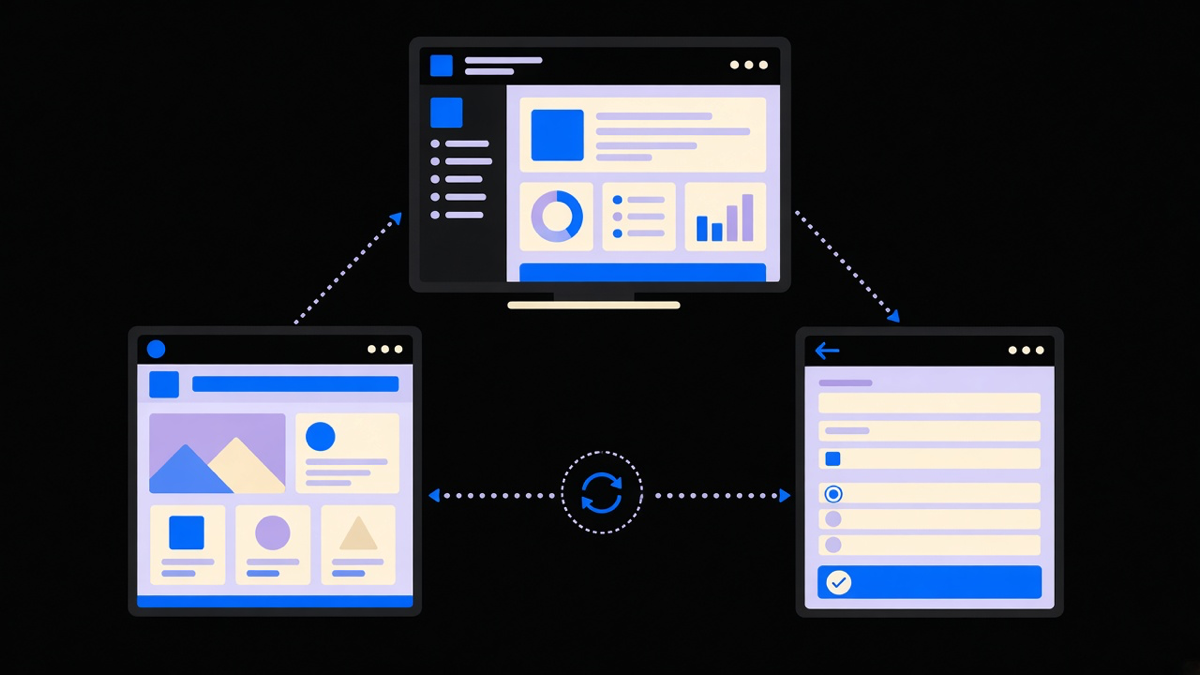
Creating an account takes an email address, a password, and a store name, no credit card required, and Shopify spins up a working admin on a myshopify.com subdomain immediately. From there the setup sequence is short: pick a plan, choose or build a theme, add your first products, and connect a payment method. The default theme works fine for launch day. If you want something closer to a brand identity, you can use a free theme, buy a premium one for a one-time fee, or customize a Shopify store around a specific catalog and layout instead of fighting a template that almost fits.
Most guides make this step sound more technical than it is. It is closer to filling out a form four times in a row. The part that actually takes effort is everything that comes after the storefront goes live, which is where most new merchants underestimate the workload.
Running a Store Day to Day: Orders, Selling, and Channels
Once a store is live, the daily work moves into orders, inventory, and sales channels. The Orders tab tracks every sale from payment to fulfillment, and the admin flags addresses that look wrong before a package ships to the void. Selling on Shopify is not limited to your own domain: the platform connects to social channels like Instagram and TikTok, marketplaces like Amazon and Etsy, and in-person sales through Shopify POS, all reporting back into the same order queue, per Shopify’s own product overview.
This is also where the platform’s limits show up. Shopify’s native automation, called Flow, handles simple rules well, tag a repeat customer, alert a warehouse when stock drops, but it was not built to chase every edge case a busy order queue produces. Heavier order management and inventory management work, multi-warehouse routing, fraud holds, stock syncing across five sales channels, usually needs a connected app or a custom build layered on top of Flow rather than a replacement for it. The same goes for marketing sequences and tagging rules, which is the actual scope of Shopify automation: three separate layers people talk about as if they were one feature.
What Kinds of Stores Run on Shopify
Shopify does not force a single business model, and the platform supports at least five distinct ones side by side: traditional inventory you buy and ship yourself, dropshipping through a supplier, print-on-demand made after the order comes in, digital infoproducts, and wholesale or B2B bulk orders, a breakdown Crazy Egg lays out clearly. A new seller can start with dropshipping to keep upfront costs low, then shift to holding inventory once demand is proven, all without switching platforms.
The brand roster backs up the range: Shopify’s own blog names Mattel, Gymshark, Heinz, Netflix, Kylie Cosmetics, SKIMS, and Supreme as merchants, while a separate source lists Allbirds and Nestlé running on the same core admin a solo dropshipper uses. That spread is worth being honest about. A “big brand runs on Shopify” case study tells you the platform scales, not that scaling is automatic; Mattel’s engineering team and a solo founder’s Saturday-afternoon setup are using the same buttons but very different budgets behind them. If you want a concrete mid-size Shopify store example instead of a household name, look at a case study built for a real operator’s actual order volume, not a hypothetical enterprise account.
How Shopify Makes Money, and Whether It’s Worth It
Shopify’s revenue comes from three places: the monthly subscription, payment processing, and the App Store cut on paid apps. The subscription tiers, per Crazy Egg’s current pricing table, run Basic at $39 a month, Grow at $105, and Advanced at $399, with a $5 Starter plan for social-only sellers and a $2,500-a-month Plus tier for large operations. Every core plan already includes unlimited hosting, unlimited products, fraud analysis, sales tax calculation, SSL certificates, and 24/7 support, features some competitors charge extra for.
Payment processing is where the real math lives. Using Shopify Payments, the built-in processor, online transactions run 2.9% plus 30 cents on Basic, dropping to 2.5% plus 30 cents on Advanced. Skip Shopify Payments for something like Stripe or PayPal and Shopify tacks on an additional 0.6% to 2% transaction fee on top of whatever your outside processor charges, per Crazy Egg’s fee tables, which is the single most common way new merchants get surprised by their first invoice.
Is it worth it? For most stores under a few hundred thousand dollars in annual revenue, yes, because the alternative is paying separately for hosting, security patching, an SSL certificate, and a checkout integration that Shopify already bundles into the Basic plan. The honest caveat: most merchants only touch a fraction of what a given plan includes. You are paying for unlimited products and enterprise-grade fraud tools on a Basic plan whether you list ten SKUs or ten thousand, and that gap between what you pay for and what you actually use is the same story with almost every SaaS platform, not just this one.
Is Shopify Safe
Shopify’s checkout is PCI DSS compliant, meaning it meets the Payment Card Industry Data Security Standard for handling card data, and Shopify Payments does not store raw card numbers on a merchant’s own systems, according to Tidio’s security breakdown. Sellers get PayPal Seller Protection against certain chargebacks when customers pay that way, and Shopify runs a public bug bounty program through HackerOne so security researchers get paid to report holes before they become breaches. SSL certificates ship free on every plan, covering the baseline encryption a storefront needs.
None of that makes an individual store immune to fraud, chargebacks, or a merchant’s own bad password hygiene. The platform secures the pipes; what you sell, how you price it, and who you give admin access to are still on you.
The Short Version
Shopify works because it collapses hosting, security, checkout, and store management into one subscription instead of five separate vendor relationships. The tradeoff is a monthly fee and, if you skip the native processor, an extra transaction cut on every sale. For a first store, that tradeoff is usually a good one. For a store that outgrows the native tools, the admin becomes the foundation you build automation and custom workflows on top of, not the ceiling you’re stuck under.