

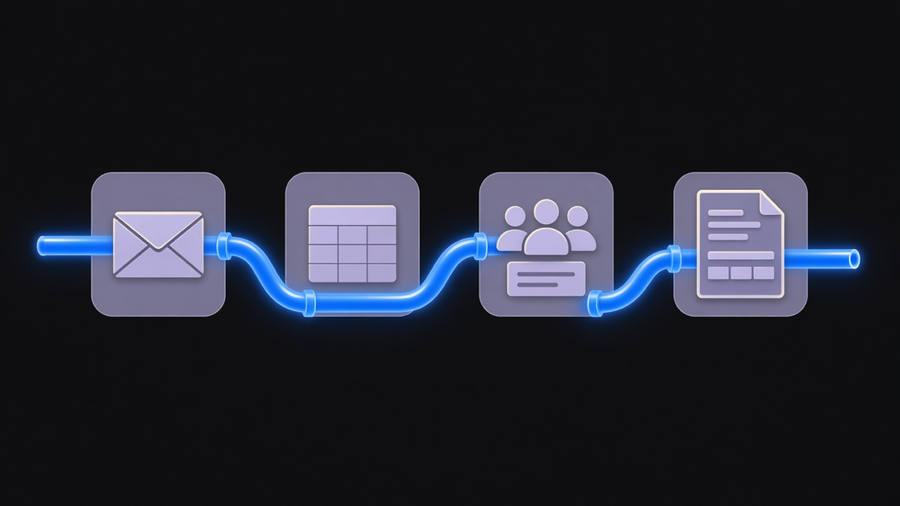
Process automation is software running a defined sequence of business steps without a person clicking through each one, moving a task off a to-do list and into a system that executes it the same way every time. IBM’s own definition ladder is the clearest way to pin this down instead of arguing about labels: task automation is a single action, like sending a confirmation email. Workflow automation strings a few of those tasks together in order. Process automation is the whole thing end to end, every task and every handoff inside one named process, order intake through fulfillment or a support ticket from creation to close. That “end to end” part is the entire point of the term, and it is also the part most vendor glossaries bury under three paragraphs of adjectives before they get to it.
What Process Automation Actually Means
The ladder matters because the three terms above get used as synonyms in search results and they are not synonyms. Task automation is the easy win: one autofill macro, one autoresponder, done in an afternoon. Workflow automation is a step up, a defined sequence like “form submitted, then routed to the right approver, then filed.” Process automation is the whole process automated, and IBM adds two more rungs above it worth knowing: digital process automation, which ties the automated process into a broader digital experience, and intelligent automation, which layers AI on top so the system can make a judgment call instead of only following a rule.
Most companies searching “what is process automation” already have rung one running somewhere, an email autoresponder here, a Slack notification there. What they are actually missing is rung three, the version where every system a process touches gets stitched together so nobody manually re-enters the same order or invoice into a second tool. We cover the fuller business process automation meaning separately, including where RPA and BPM sit relative to this ladder, but the short version is: automate the whole process, not the parts of it that were already easy to automate.
Process Automation Software: Three Categories, Not One Market
Gartner renamed its own coverage of this space to reflect how fractured it has gotten: the analyst firm now tracks the category as the Magic Quadrant for Business Orchestration and Automation Technologies, retiring the older, narrower RPA-only framing. That rename is a tell. Vendors used to sell one kind of bot. Now the market splits into three distinct buyer jobs, and treating them as one shopping decision is how budgets get wasted.
The first category is no-code connectors like Zapier, Make, and n8n, cheap, fast to set up, fine for a single trigger-and-action chain between two apps. The second is enterprise RPA and orchestration platforms, the kind that show up on that renamed Gartner quadrant, built for regulated, high-volume workflows across many systems. The third is low-code development platforms, which IBM notes have a real technical edge over traditional RPA: they call APIs directly instead of mimicking clicks on a screen, which is both faster and less brittle when a vendor changes their UI. Picking the right one of these three for process automation software is a scoping exercise, not a brand preference.
Most customers only need 10 to 20 percent of what a full platform license offers, and end up on the hook paying for the rest anyway. I would rather scope a client into the no-code tier for a single workflow and let them earn their way up to the platform tier than sell the platform on day one and watch three quarters of it sit unused. That costs us a smaller invoice up front. It also means the tool actually gets used.
How to Automate a Business Process, Step by Step
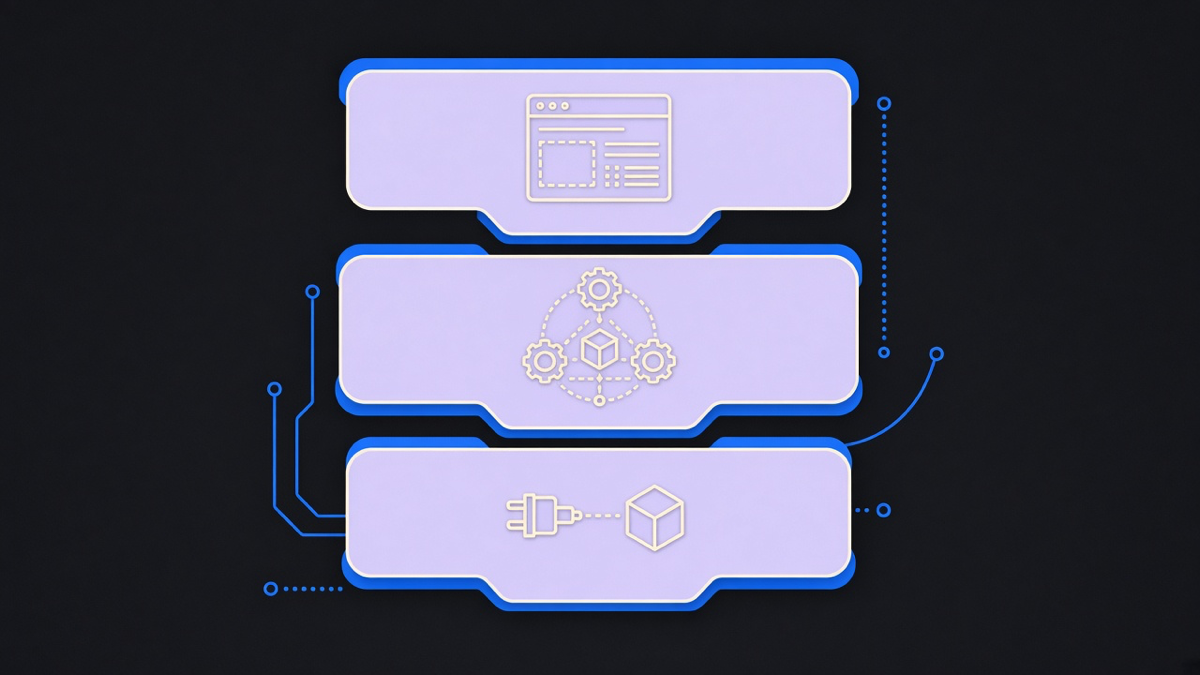
IBM’s implementation guidance for this, stripped of the padding, comes down to five moves. Identify a real candidate first: high volume, repetitive, time-sensitive, and touched by more than one person, not just whatever process is loudest in the room. Document the current steps before automating any of them, because you cannot automate a handoff nobody can describe accurately. Scope the first attempt small enough to finish in weeks, not quarters, so the team gets a working result to point at instead of a slide deck. Set one measurable goal per process, a specific error rate or cycle time, not “make this better.” Then measure the result and adjust, because the first version is a draft, not the finished automation.
Choosing between business process automation tools and a heavier BPM suite comes down to the same scoping question from the software section. If the answer to “what does the tool need to do” is a full lifecycle of modeling, monitoring, and continuous improvement across many processes, that is what BPM software is built for, and it is a different purchase than a workflow connector. Buying the BPM suite to solve a single broken handoff is the same mistake as buying the enterprise RPA platform for one email trigger, just with a bigger invoice attached.
Where This Actually Pays Off
The examples that hold up are the boring ones. IBM names onboarding, accounts payable, contract renewals, and IT service desk ticket routing as the recurring candidates, and they show up in that order for a reason: each one touches more departments than the last, and each one gets worse the longer it stays manual. We saw the same pattern with an HR startup client whose inbound and outbound activity was running through manual triage. Building a trigger-and-response system that handled routing automatically, including handoffs to outside parties, did not replace the HR team. It removed the part of their day that was retyping the same information into a second system.
A marketplace platform we partnered with had the opposite problem: the process worked, but nobody could see it working. Most of their product and user intelligence was pulled manually, so the team could not answer basic questions about what was actually converting. Adding event tracking at the points that mattered gave them ninety days of real data before they had to guess again. Neither of those is a glamorous process automation examples story. Both delivered more than a chatbot demo does, which is usually the opposite of what gets filmed for a vendor’s homepage.
Where Process Automation Falls Apart
IBM’s own list of BPA obstacles is honest about this in a way most vendor content is not: synchronization between humans and automated systems is genuinely hard, and insufficient process documentation stalls more rollouts than any technology limitation does. Automating an undocumented process does not fix it. It just moves the mess through the system faster, which is a more expensive way to discover the invoice approval chain was broken the whole time.
The AI layer on top makes this worse before it makes it better if the ownership question was never answered. AI and large language models are genuinely useful for the pattern-matching and judgment calls that rules-based automation cannot handle, but nobody has reached true autopilot yet, and the best results still need someone who understands the process and has the technical ability to wire the model into it correctly. Automating a process nobody owns just gives you a faster, less accountable version of the same mess. Fix who owns the process, document what it actually does today, then decide whether a no-code connector, an RPA platform, or a BPM suite closes the gap.