

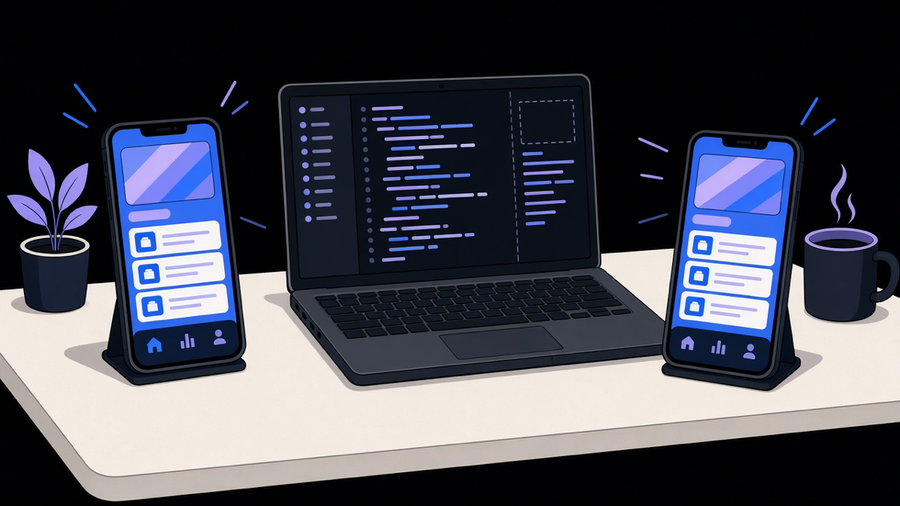
Mobile app development is the work of building software that runs on a phone or tablet, backed by a server doing the parts the device can’t, and getting it through a store review process before anyone can use it. That’s the whole job description, whether you’re asking how to make a mobile app for the first time or scoping the fifth one for a client. AWS’s own definition of the category includes three pieces most people count as one: the installable bundle on the device, the backend services it talks to over an API, and testing across real hardware before launch. Skip any of the three and you have a prototype, not an app.
What counts as mobile app development, and what doesn’t
IBM describes it as building software for smartphones, tablets, and digital assistants, delivered preinstalled, through a store, or inside a mobile browser. OWASP’s taxonomy splits that further into native, cross-platform framework, web, hybrid, and progressive web apps, and notes that Android and iOS together make up more than 99% of mobile OS market share. That last number is worth sitting with: there is effectively no third platform to plan for anymore, which simplifies the decision tree a lot compared to five years ago when BlackBerry and Windows Phone still took up a line item in the budget.
Marketing copy tends to use “mobile app” to mean a binary you download from a store. The official definitions don’t agree. A mobile website that behaves like an app in the browser counts too, under AWS and Wikipedia’s framing. Keep those separate anyway. A browser experience and an installed app share a screen size and not much else: different distribution, different device access, different maintenance burden. If someone pitches a “mobile app” that’s actually a responsive site with an icon, ask what it can’t do that a real app can (push notifications while closed, offline storage, camera and biometric access) before signing off on the word “app” in the contract.
On the Android side specifically, Android Studio is the official IDE, and Google has pushed Kotlin as the default language since I/O 2019. Google’s own page claims apps with Kotlin code are 20% less likely to crash, and 67% of professional Kotlin users say it improved their productivity. Android app development today means Kotlin and Android Studio unless you have a specific legacy reason not to, and most of the Java holdouts I’ve seen are legacy reasons, not technical ones.
Native, cross platform, and the hybrid label everyone misuses
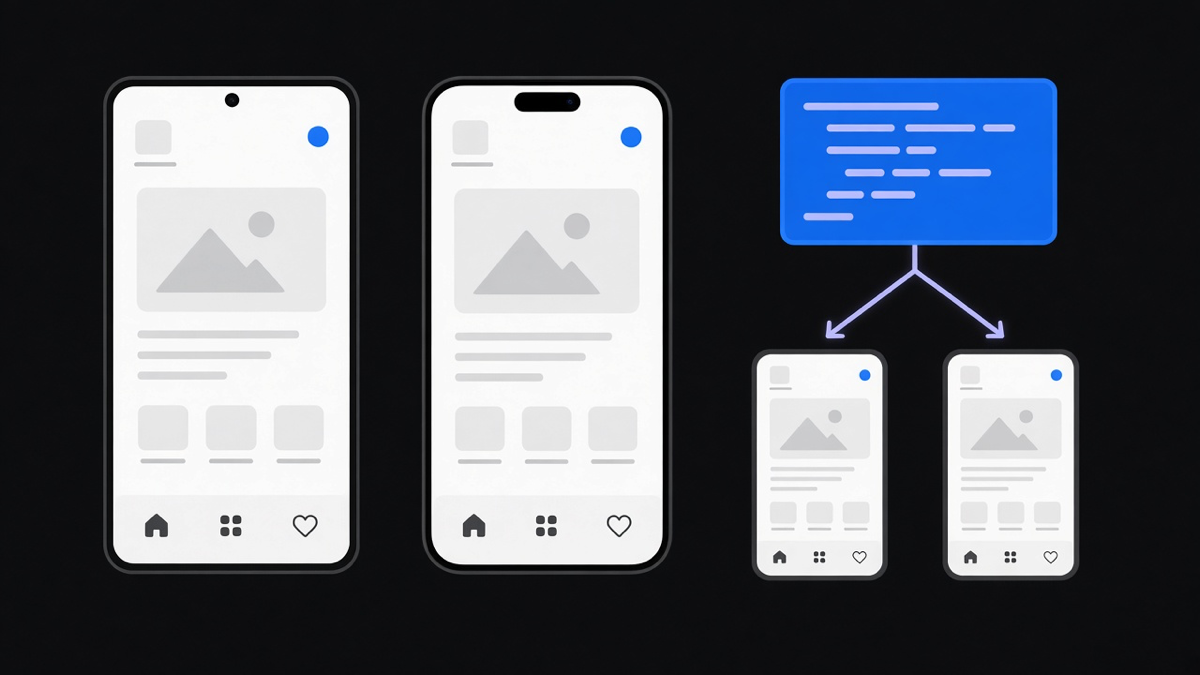
This is where most explainer content gets sloppy, including some official vendor pages. Native means built with the platform’s own SDK: Swift or Objective-C on iOS, Kotlin or Java on Android, with direct access to nearly every device component. Hybrid, per OWASP, means the app runs mostly inside an embedded WebView and reaches native features through a bridge, with Cordova and Ionic as standard examples. Cross-platform frameworks are a third category OWASP refuses to call “native” even though they compile down to real native views: .NET MAUI, Flutter, React Native, and Unity all fall here.
React Native app development is the clearest case of why that distinction matters. React Native doesn’t wrap a webpage. It takes a JavaScript description of your UI and maps it to actual platform views at runtime: a View becomes a ViewGroup on Android and a UIView on iOS, a Text component becomes the native text view on each platform. That’s a compiled bridge to native components, not a browser pretending to be an app. IBM’s explainer blurs this by describing hybrid as “write once, run anywhere” with limited native API access, which is a fair description of a WebView hybrid app and a bad description of React Native. If you’ve been told React Native is “just a wrapper,” that’s the Cordova-era definition talking, and it’s a decade out of date.
So where does that leave cross platform mobile app development as a decision? AWS names the real trade-offs: desired user experience, which native features you need, budget, timeline, and who maintains the thing after launch. Here’s where I’ll take a side instead of listing pros and cons forever: most teams building a business app with a normal feature set (forms, auth, a feed, some notifications) should default to a shared cross-platform codebase, because paying to build and maintain two native codebases for feature parity is money spent defending a choice nobody asked for. The exception is real: if your app is leaning hard on camera processing, AR, background audio, or anything squeezing the last bit of device performance, go native and accept the two-codebase cost up front rather than discovering it at month six.
What the process actually looks like, start to ongoing
Here’s a gap in most official documentation: AWS and IBM both describe mobile app development like a straight line that ends at submission. It doesn’t end there. Android’s own architecture guide assumes you’ll be dealing with process death, out-of-order component launches, and a dozen screen sizes as an ongoing concern, not a one-time QA pass. The core principles it recommends (separation of concerns, a single source of truth for your data, unidirectional data flow) exist because mobile apps get killed and restarted by the OS constantly, in ways a web app never experiences.
This is also why agile mobile app development fits the category better than a waterfall plan. The Scrum Guide’s structure, fixed-length sprints of a month or less, a backlog ordered by the product owner, inspection and adjustment after every increment, matches how mobile ships in practice: build, submit to Google Play’s open or closed testing tracks or Apple’s TestFlight (which can invite up to 10,000 external testers), get feedback from real devices you don’t own, then adjust. A plan that assumes one clean build-then-launch pass is planning for a version of mobile development that doesn’t exist once app store review and OS fragmentation enter the picture. Apple’s own guidance even tells you when you don’t need this process: if you just want to show something to family and friends, skip the App Store and install it with Xcode or Ad Hoc distribution instead.
One more wrinkle worth knowing before you start: Apple reviews every submission against five guideline categories (safety, performance, business, design, legal), and that review happens every time you ship a meaningful update, not once. Budget the week it can take, not the hour it feels like it should take.
How to make a mobile app without guessing at cost
Every official source I found (Apple, Google, AWS, IBM, OWASP) names cost drivers without ever publishing a build-price range, and that’s not an oversight. A shared React Native codebase and a backend-heavy fintech app with biometric auth and live payments do not belong in the same estimate, so nobody credible gives one number. What they do publish are the fixed fees: Apple’s Developer Program runs $99 a year (or $299 for the Enterprise tier), Google Play registration is a $25 one-time fee, and once you’re selling digital goods, Google takes 15% of the first $1M in yearly earnings and 30% after that. Apple’s Small Business Program matches that 15% rate for developers under $1M in annual proceeds. Those numbers are small next to engineering cost, which is the actual answer to how to make a mobile app on budget: treat the store fees as a rounding error and put real planning hours into platform count, backend complexity, device testing scope, and ongoing maintenance, because that’s where five- and six-figure agency quotes actually come from, not from any number a vendor publishes.
That’s also the honest answer to build versus hire. AWS states plainly that native development demand outstrips the supply of in-house talent, which is part of why outside shops exist at all. My take: hire out when you need store-grade native UX, you’re shipping both platforms at once, or the skill is scarce enough that hiring full-time doesn’t pencil out for one app. Build it yourself when the app is private, single-platform, or a shared-code app your team already knows how to maintain. The cost either way is real. In-house, you trade a specialist’s speed for a painful ramp-up. Outsourced, you trade direct control for someone else’s calendar. Pick the weak spot you can live with, not the one that sounds better in a pitch deck.
Not every agency earns that hire. Only a fraction are genuinely good at the work, reachable in your time zone, and honest about what a feature requires, and the rest sell a platform you’ll use 15% of while paying for 100%. Ask any agency pitching a mobile build what they’d cut from their own proposal, and watch how fast the answer comes. A slow answer there is the same week you’ll wait on every bug fix after launch.