

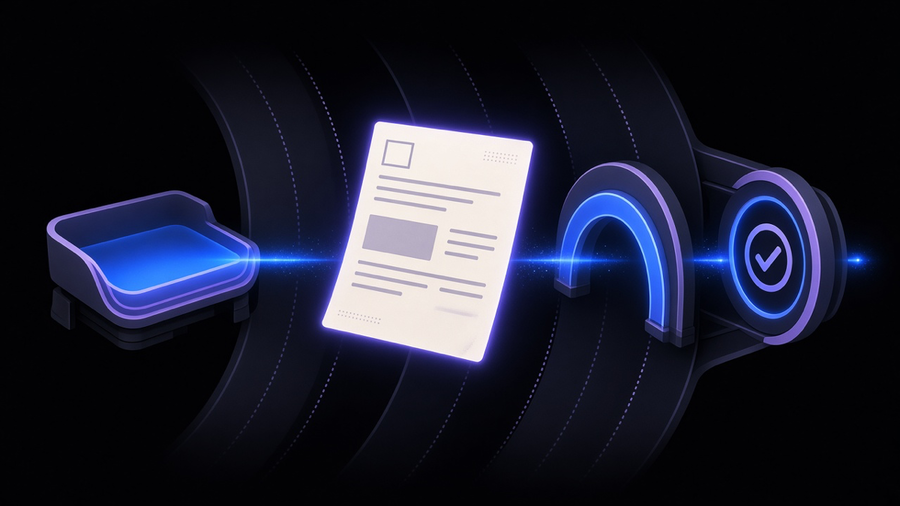
The accounts payable process is the sequence an invoice travels through from the moment it lands in an inbox to the moment it gets paid: capture, code, match against a purchase order, route for approval, and release payment. Most small businesses already run every one of those steps. What they don’t have is anyone connecting them, so a bookkeeper retypes the same vendor name three times across email, spreadsheet, and accounting software before a single dollar moves. Invoice processing automation exists to close those gaps, and it earns its keep at the handoffs, not by typing faster than a human.
What Actually Breaks in a Manual Accounts Payable Process
Accounts payable shows up on almost every list of business process automation examples, right alongside onboarding and contract renewals, for the same reason each of those made the cut: more than one system touches it. A manual AP process fails less often because someone mistyped an invoice number and more often because nobody owns the handoff between systems. The invoice sits in a shared inbox until someone remembers to check it. The PO lives in a different tool than the invoice. The approver is traveling and the invoice waits in a folder named “to review,” which is corporate for “forgotten.”
Manual data entry is the visible symptom, not the disease. A bookkeeper keying vendor, amount, and GL code by hand is slow, but the actual cost shows up downstream: duplicate payments because nobody flagged the second copy of the same invoice, missed early-payment terms because the invoice sat for two weeks, and vendors calling to ask where their money is. We run into this pattern constantly when we scope business process automation work for clients: the request always starts as “automate our invoices” and ends as a conversation about who is supposed to catch a stuck approval before it becomes a vendor complaint.
Invoice Capture Software and OCR: Getting the Data Off the Page
Invoice capture software is not the same thing as a scanner, even though a lot of AP teams treat them as interchangeable. Scanning turns paper into a picture. Capture software reads that picture (or a PDF, or an emailed attachment) and pulls out the fields that matter: vendor name, invoice number, date, line items, tax, total. That extraction step is invoice OCR, and it is the part that lets automate data entry become a real phrase instead of a slide in a sales deck.
The honest version of this story includes the parts vendors leave out of the demo. OCR reads characters well on a clean, printed invoice. It reads far worse on a photo of a crumpled receipt, a handwritten note in the margin, or a supplier who redesigns their invoice template every eighteen months for no reason anyone can explain. A capture tool that nails the header fields can still choke on a multi-page line-item table, which is exactly the part AP actually needs coded correctly. Naturally, that’s the part every case study conveniently skips. We build this kind of data entry automation into client workflows specifically because getting a field extracted is only half the job; getting it validated against what the business actually expects is the other half, and it’s the half that decides whether the tool earns trust.
Intelligent Document Processing and the Data Extraction Tool Question
Intelligent document processing is what a data extraction tool becomes once it stops depending on a fixed template. Classic OCR-plus-template setups work until a vendor changes their invoice layout, at which point the template breaks and someone has to rebuild it. IDP uses machine learning to recognize a field by what it is (an invoice date, a line-item quantity) rather than by where it sits on the page, so a layout change doesn’t take the whole pipeline down with it.
That said, IDP is not autopilot, and treating it that way is how a company ends up with garbage in its GL. AI is genuinely useful here for handling the common patterns: a recognizable invoice shape, a standard tax line, a familiar vendor, the same kind of narrow, well-scoped win we cover in AI automation examples. It is far weaker at anything genuinely novel, and low-confidence extractions still need a human to glance at them before they hit the ledger. The AP teams that get real value from a data extraction tool are the ones that keep a person reviewing the exceptions the software flags, not the ones that turn the confidence threshold down to make the exception queue disappear.
Three-Way Matching: Where Automation Either Pays Off or Falls Apart
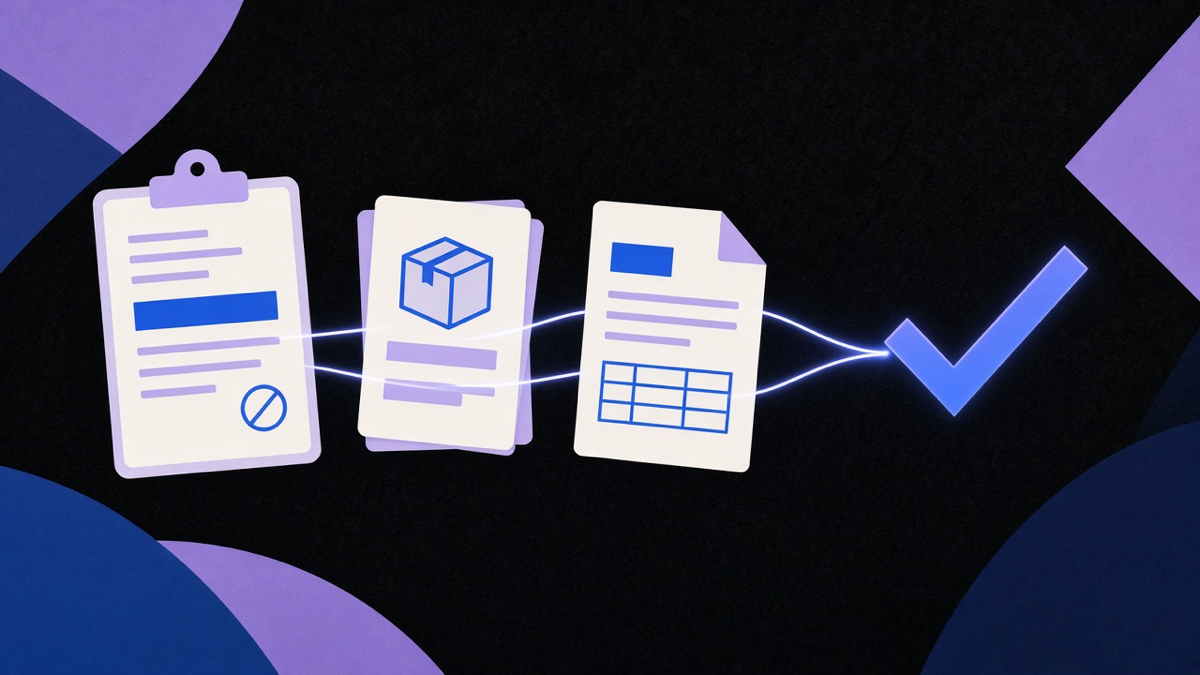
Three-way matching checks an invoice against two other documents before payment goes out: the purchase order (what was agreed) and the receiving record (what actually showed up). If all three agree on quantity, price, and item, the invoice clears. If they don’t, it stops and someone has to explain why the invoice says 500 units when the loading dock only signed for 480.
This is where automation either proves itself or gets exposed as decoration. A tool that just checks a total dollar amount against a PO isn’t really matching anything; it’s rounding. Real three-way matching software has to pull the PO from a procurement system, the receipt from a warehouse or a spreadsheet doing the warehouse’s job, and the invoice from the capture step, then reconcile all three without a human relaying data between tools by hand. That’s precisely the kind of connective work we mean when we help a client automate the manual work between them: three separate systems that each work fine on their own and produce chaos the moment they need to agree.
The failure mode nobody markets against is timing, not math. If receiving is late, or nobody logs it at all, the match fails regardless of how good the software is, because the software has nothing to compare the invoice to. Automation can enforce the rule. It cannot make a warehouse log a delivery that never got entered.
Choosing Accounts Payable Automation Software (What Invoice Processing Automation Actually Delivers)
Accounts payable automation software ranges from a capture add-on bolted onto whatever accounting platform a company already runs, up to a dedicated AP suite with its own approval chains, vendor portal, and payment rails. Most SMBs searching this term don’t need the second kind, and I’d rather tell a client that before they sign an annual contract than after. A business with a low invoice volume and one or two approvers gets most of the value from a capture tool feeding directly into the accounting software they already pay for. A company juggling multiple approval layers, several cost centers, and real purchase-order discipline is the one that actually needs a standalone platform, because that’s where a spreadsheet-and-email process genuinely falls over.
We see the same pattern across every tooling decision we make with clients, not just AP: most customers only ever use a slice of what a platform can do, while paying for the whole thing. The fix isn’t avoiding automation. It’s scoping the automation to the actual invoice volume, approval structure, and exception rate a business has today, then building or buying to that, instead of to a vendor’s enterprise pricing tier. Invoice processing automation that matches the size of the problem gets used. Invoice processing automation bought to match a sales pitch gets half-configured and quietly ignored, which is the AP equivalent of paying gym dues for a treadmill now holding laundry.
The accounts payable process was never really about typing faster. It’s about making sure the invoice, the PO, and the receipt agree with each other without a person carrying that information between three different screens, and building software that fits the volume of invoices actually coming through the door.