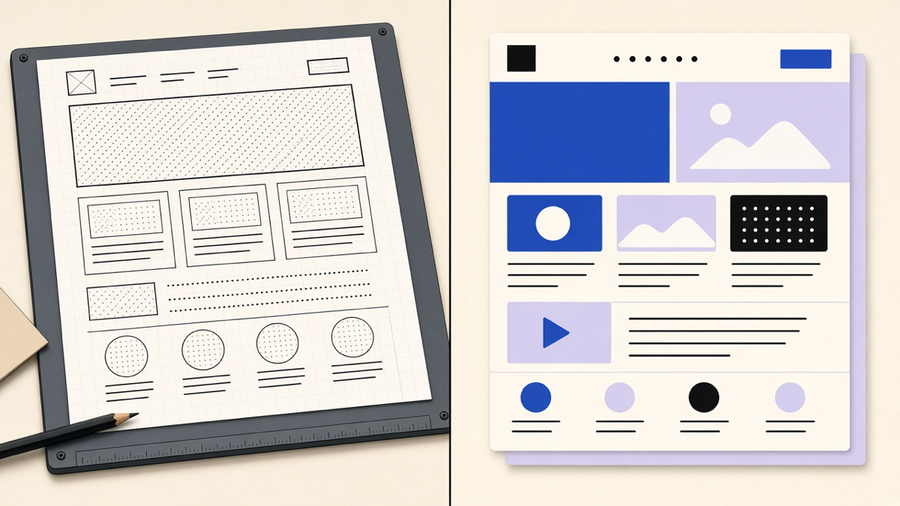
A website redesign is not one thing. Figma’s own definition splits it from a refresh: a refresh touches color, images, and layout polish while the foundation stays put, a redesign changes the content, information architecture, navigation, and visual design to match new business goals. ID Studio goes further and names a third tier most quotes quietly skip: a rebuild, where the CMS, the code, and the architecture all change and only the brand survives. Ask three agencies for a “website redesign” and you can get three different amounts of actual development inside the same label. Know which of the three you need before you ask for a price.
What a redesign includes versus a visual refresh
The confusion starts because all three tiers look similar in a pitch deck. ID Studio’s taxonomy is the clean version: a refresh updates content, imagery, and styling while the CMS, structure, and functionality stay exactly where they were. A redesign changes the visual design, the navigation, the layouts, and the UX, but the CMS and integrations can often survive. A rebuild replaces the CMS, the code, and the architecture, and the only thing guaranteed to carry over is the brand and maybe the content. Boston Web Group’s warning fits here too: order a visual refresh on a site that is slow or structurally wrong and you get a prettier site that performs exactly the same as before, because the thing that was broken never got touched.
This is also where the website redesign services market gets slippery. The AI-generated redesign tools (Shuffle, Macaly) that scrape your URL and spit out a new layout in minutes are selling something closer to a reskin than Figma’s five-phase, foundation-changing redesign. That is not a knock on the tools. It is a reason to ask any vendor, AI or agency, exactly which tier they are quoting before you compare two numbers that describe different jobs. Most customers only need a slice of what a platform or a full redesign offers, and paying rebuild money for a refresh problem is the single most common way this budget goes sideways.
When a rebuild is worth it
A rebuild is a diagnosis, not a calendar event. ID Studio’s trigger list: the CMS or framework is outdated or unsupported, the old code makes every change expensive, editors cannot publish a page without a developer, or the features the business now needs (bookings, accounts, a CRM feed) cannot sit on the current architecture. Boston Web Group adds platform end-of-life and technical debt so deep that every fix breaks something else. None of these triggers are “it has been two years.” GoDaddy’s FAQ recommends a redesign cadence of two to three years, sooner if performance or required features change, but boredom with the color scheme is not on that list and should not be the thing that greenlights a six-figure rebuild.
Price ranges here are a mess, and worth naming honestly. GoDaddy’s own FAQ bands sit at $2,000 to $10,000 for a simple small-business redesign and $15,000 to $50,000 and up for anything custom, ecommerce, or integration-heavy. A HubSpot compilation citing WebFX puts the range at $3,000 to $65,000, sourced from 2022, so treat it as a vendor estimate, not a 2026 survey. Timelines split the same way: GoDaddy quotes 4 to 6 weeks for a small site built by an agency, while the AI tools promise minutes. Those are not competing numbers, they are different products. If you are a small marketing site you will self-manage, the AI builder tier is a reasonable bet. If you are B2B, SaaS, or anything with custom logic, that same tool is the wrong website redesign cost comparison to be making.
The phases of the work
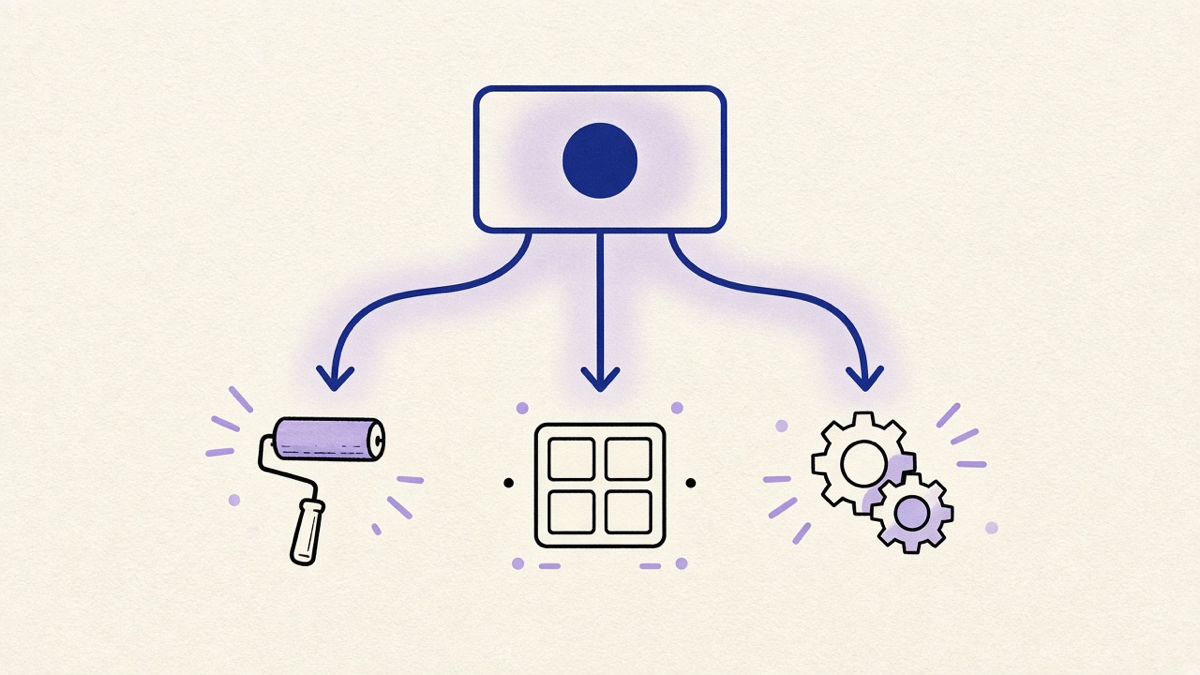
Figma’s five-phase structure is the clearest public version of what a real redesign covers: discovery (technical audit, competitor review, user research), planning (SMART goals, scope, budget, personas), design (sitemap, wireframes, visual, accessibility), development and testing, and launch with post-launch monitoring. UX Studio’s version adds a step most teams skip on paper but do anyway: deciding staffing up front, in-house versus freelancer versus agency, because that decision changes the design phase’s pace more than the tool stack does.
This is also the shape a real website redesign proposal should take. GoDaddy’s guidance is specific: document goals, scope, deliverables, timeline, budget, and named owners, and turn vague goals into measurable targets (their example: reduce bounce 15 percent, double form submissions) so the same document works as both the roadmap and the post-launch scorecard. An RFP for a website redesign that skips the measurable-target step is asking vendors to guess what success means, and vendors who guess wrong are not the ones who pay for it.
Google’s own migration guidance adds a rule most agency timelines ignore on purpose: change one thing at a time. If a project bundles a rebrand, a CMS swap, and a URL restructure into one cutover, you lose the ability to tell which change caused which result. Google does say small and medium sites should move all their URLs at once rather than staggering the move, but that is about the URL cutover itself, not a license to also swap the platform and the brand in the same weekend.
What usually breaks
Nobody plans the launch-night failure, which is exactly why it is the same one every time. Google’s migration documentation is blunt about the mechanics: build an old-to-new URL map covering every important page from your sitemaps, analytics, and Search Console, 301-redirect them, keep redirect chains under three hops, and leave the old staging noindex tag off production (a one-line checkbox that has killed more launches than any design decision ever will).
Tatvic’s audit of post-redesign analytics failures names the quieter version of this problem: conversion events break because form IDs or the tag manager still points at old selectors, cross-domain tracking disconnects so checkout traffic looks like it came from nowhere, and ecommerce data layers go silent so revenue reporting shows zero without anyone noticing for weeks. The report still populates. The numbers are wrong, which is worse than the dashboard being down, because a down dashboard gets fixed.
This is the real argument for treating SEO website redesign work as launch-critical rather than a cleanup pass after the fact. ID Studio’s framing is right: a layout-only change with stable URLs carries limited SEO risk, but any redesign that touches URL structure or consolidates pages needs a page inventory, a redirect map, and a metadata review before launch, not after rankings drop and someone asks what happened. A rebuild does not automatically raise rankings either. It can flatten rankings instead, if the content audit quietly deleted a page that was ranking.
How to judge whether it worked
“It looks modern” is not a KPI, and neither is a vague sense that the new site feels faster. Figma’s own process sets current-state benchmarks before design starts and agrees on SMART goals (load time, mobile scores, conversion rate, bounce) so there is something to compare against after launch. Wingify’s framework is more concrete still: pick a measurable value tied to a goal, like empty carts versus completed checkouts, set a target and a review date, and decide in advance who gets told the result.
Here is the part most launch teams skip: wait before you judge. A HubSpot compilation citing Databox found over 40 percent of marketers say it takes weeks to see redesign results, which lines up with Google’s own note that new URLs typically take a few weeks or more to fully replace old ones in search results for a medium-sized site. Calling a redesign a failure in week one is usually a measurement error, not a design one.
Tatvic’s advice ties the measurement and SEO threads together: reset your analytics anomaly baselines after launch, because bounce rate and session duration can genuinely shift from real UX changes, and if you do not separate that from a broken tracking event, leadership blames the redesign for a problem the tag manager caused. Run old and new tracking in parallel for a few weeks if you can. It is the only clean way to tell a real UX dip from a dashboard that stopped counting.
My take: skip the vanity debate over whether the new homepage “feels right” and argue about the three numbers in the proposal instead. A business that cannot name its current bounce rate before a redesign has no way to know if the six-figure rebuild did anything beyond change the color of the button. That costs you the satisfying gut-check moment of liking the new site on sight. It buys you an answer when someone asks if the project worked.