

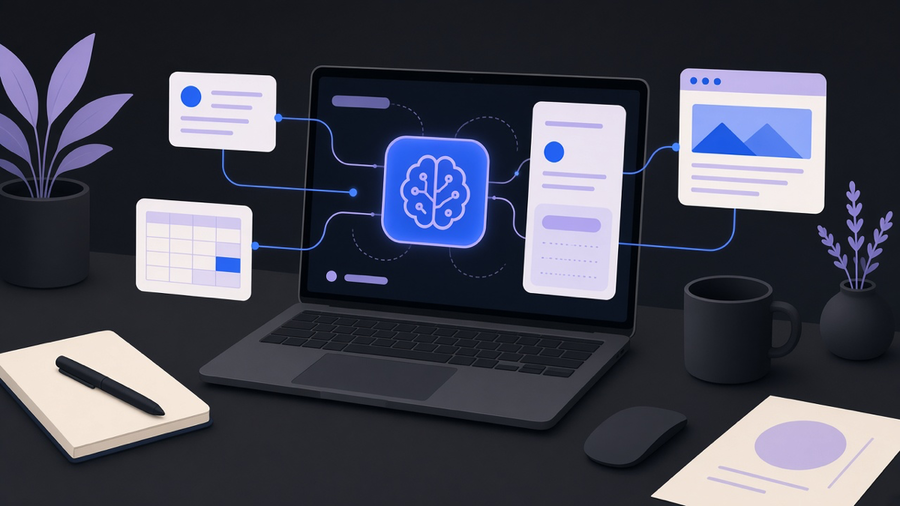
If you want this built rather than explained, that work is AI agent development. Building an AI agent means giving a language model three things a chatbot never gets: a memory it can write to, tools it can call on its own, and permission to try, fail, and retry without you approving every step. That is the whole definition, whether you’re learning how to create an ai agent from a tutorial or hiring someone to build one. Strip out the marketing language around “agentic AI” and what is left is a model with a loop, a toolbox, and a place to store what it learned. The rest of this post covers which pieces to build first and where beginners waste a week.
What an AI agent actually is
A chatbot answers the question in front of it and forgets everything the moment you close the tab. A plain automation follows a fixed path: if X happens, do Y, and if Y fails, stop. Neither one decides anything.
An agent does four things a chatbot and a flowchart automation don’t: it holds a model for reasoning, it keeps memory that persists between sessions, it calls real tools (a CRM, a scraper, a spreadsheet API), and it chooses its own next step when the first one fails. Consultant Matt Kenyon described this well in a widely shared writeup on building his first agent in Claude Code: he asked it to research a prospect, it hit a blocked scraper, and instead of stopping it found a different tool and kept going without being told to. That improvisation, not the chat interface, is the line between an agent and everything that came before it.
This distinction matters because most teams that think they want automation actually want the cheaper thing: a fixed workflow with no branching logic and no memory. That is fine. It is also not an agent, and building agent infrastructure for a job a simple trigger could do is how projects get expensive for no reason. It is also the fastest way to answer how to use ai agents a vendor already sold you: check whether the tool loops, remembers, and picks its own next step, or just chains prompts and calls it agentic.
The build path: no-code, low-code, or actual code
Once you have decided you need real autonomy, the fork in the road is tooling. IBM’s own build guide (last updated mid-2026) organizes this exact decision around three tracks: agent protocols, agent frameworks, and custom development, which roughly maps to how much code you are willing to write.
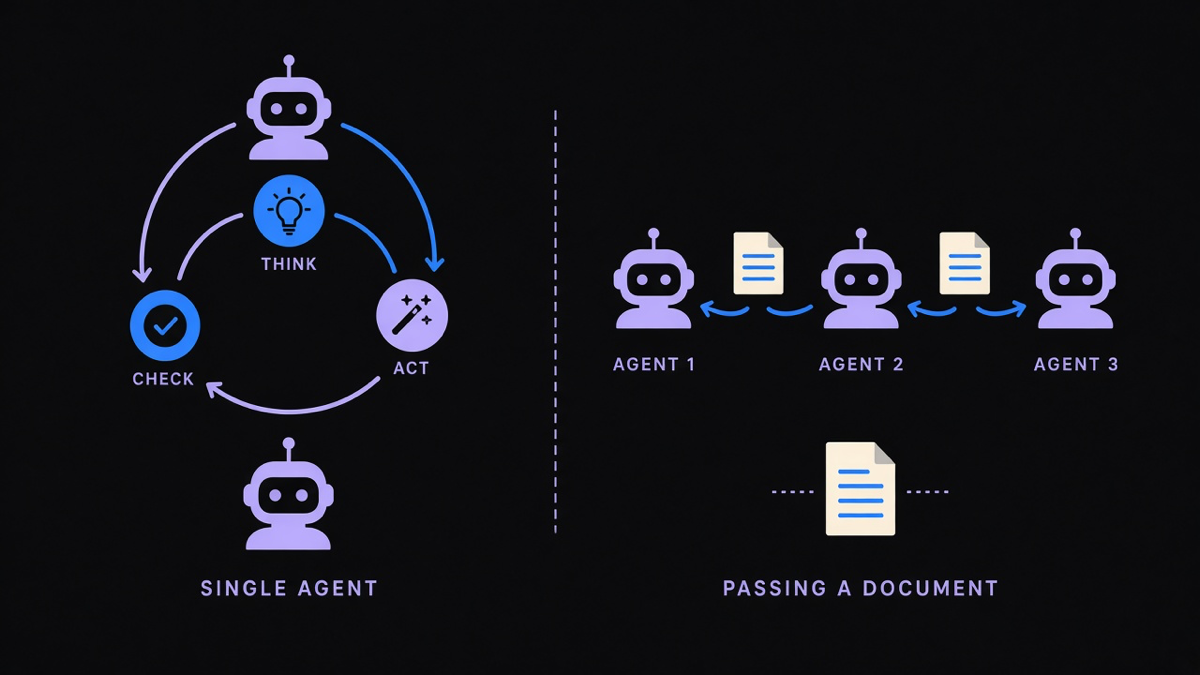
On the framework side, LangChain remains the default reference point for custom agent development in Python, with 146,000+ GitHub stars as of this writing, mostly because it was early and its ecosystem of connectors is enormous. CrewAI, built specifically for multi-agent orchestration where several specialized agents hand off work to each other, has grown to 58,000+ stars on a much younger repo, which tells you where a lot of new agent projects are actually headed: not one generalist agent, but a small crew of specialists. Whether you want to create ai agents for internal ops or make an ai agent that faces customers, the fork is the same tooling decision, not a different one for each use case.
Here is the opinion part. Most teams building their first agent should not start with a multi-agent framework at all. Pick the single-agent path, ship it, and only reach for CrewAI-style orchestration once you have a concrete case where one agent genuinely cannot hold the whole task in its context or tool list. The cost of starting with orchestration you don’t need is real: more moving parts to debug, more prompts to maintain, and a failure mode where two agents disagree about who owns a step. Ground truth from the pack we lean on with clients: most customers only use 10 to 20 percent of a platform’s actual features, and multi-agent frameworks are exactly the kind of platform that rewards restraint.
Building with ChatGPT versus building from scratch
If you want to know how to build an ai agent with ChatGPT specifically, the honest answer changed this year. OpenAI’s Assistants API, which used to be the standard way to give a custom GPT persistent tools and memory, was officially sunset on August 26, 2026. Anyone building today is pointed to the Responses API and the newer Agents SDK instead, which fold memory, tool calls, and multi-turn state into one interface rather than a separate assistants object.
Practically, the fastest way to create an ai agent right now, no code required, is a custom GPT with connected tools and a defined instruction set, good enough for scoped jobs like drafting replies or summarizing documents against a fixed knowledge base. The moment you need the agent to remember specifics across weeks, call more than a couple of tools, or run unattended, you are building an ai agent from scratch against the Responses API or a framework like LangChain that wraps it. There is no code-free version of that tier. Vendors sell “no-code agent builders” that promise otherwise, and buyer beware: much of that is templated automation wearing agent branding, not the tool-calling, self-correcting loop the term describes.
Our own experience backs this up. AI and LLMs are powerful, but they are nowhere near true autopilot, and the agents that hold up in production still need someone who understands the underlying tools well enough to debug a bad tool call at 2am.
Deploying it: workflow, guardrails, and evals
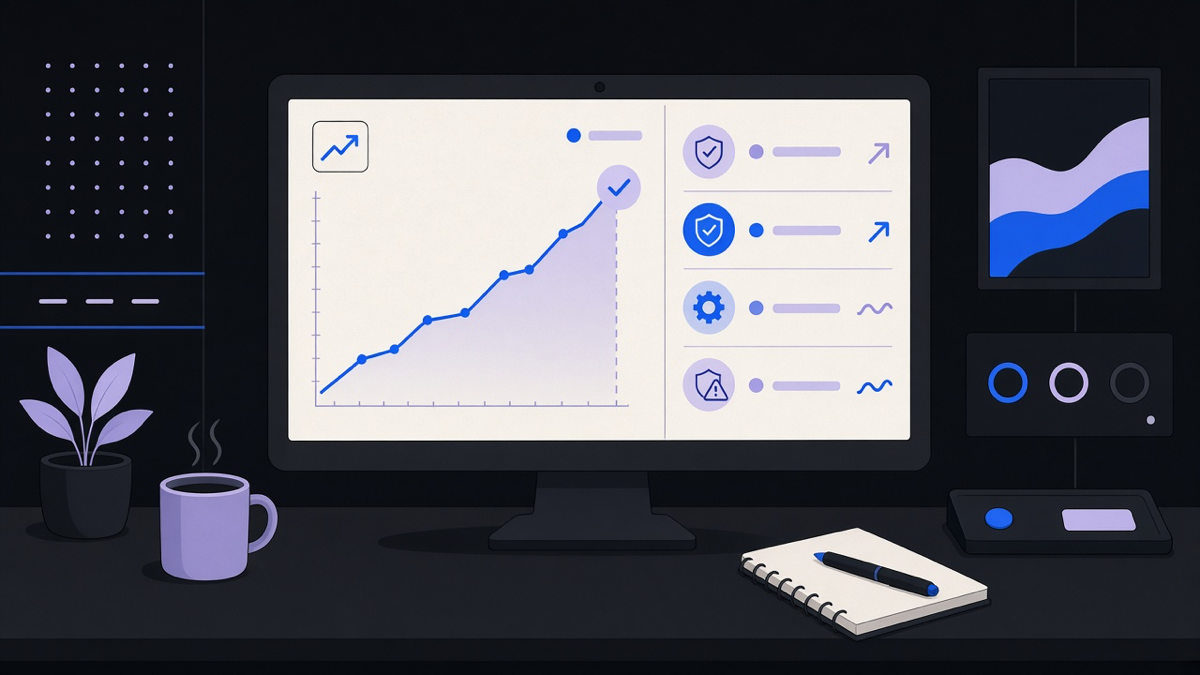
An agent that works in a demo and an agent that works in your actual workflow are two different projects. Deployment means answering three questions before you flip it on: what happens when the agent is wrong, how do you know it was wrong, and who gets paged.
Guardrails are the first answer. Scope the agent’s tool access tightly (read-only where possible, write access gated behind a confirmation step for anything irreversible like sending an email or issuing a refund), and set a hard limit on how many tool calls or retries it can burn on one task before it stops and asks a human. Evals are the second answer: a small, boring test set of real past cases you run the agent against before every prompt or tool change, so a “small tweak” doesn’t quietly break the one workflow that mattered.
We built exactly this shape of system for an operator who needed AI agents and telephony handling customer calls around the clock. The goal was never to replace the front desk, it was to triage the first touchpoint reliably, so we built custom guardrails, logging, and routing around the agent rather than trusting the model’s judgment alone. That routing layer, not the model, is what made the deployment boring in the good way, the way you want production infrastructure to be boring.
Where beginners go wrong
The most common mistake in any ai agent tutorial is skipping straight to tools and skipping memory. An agent with five connected tools and no persistent context about your business is just a chatbot with more buttons, and it will ask you the same clarifying questions every single session. Spend the first real session writing down, in plain language, what the agent needs to know about your goals, your recurring pain points, and how you like output formatted. That document becomes its memory, and every answer it gives afterward gets measured against it.
The second mistake is scope. A first agent should do one job end to end, not five jobs partway. If your instinct is to build something that handles inbox triage, calendar scheduling, and report generation all at once, cut it down to inbox triage, ship it, and watch it for a week before adding the next job. One narrow, well-tested workflow beats three half-working ones, even though three feels more impressive on a slide.
The third mistake is assuming the framework matters more than the task definition. Teams debate LangChain versus CrewAI for weeks and then write a two-sentence prompt for what the agent is supposed to accomplish. The framework is plumbing. The task definition, the guardrails, and the eval set are the actual product. If you want that built, start with AI agent development.
Pick one job, write down what the agent needs to know before it starts, connect the smallest tool set that does that job, and put a human checkpoint on anything that can’t be undone. That is the whole build. Everything past that is a framework choice, and frameworks are easier to swap than a bad first scope decision.